Introduction
Finding the right docking station can revolutionize your interaction with an HP laptop. A superior docking station extends connectivity options and boosts productivity, making it indispensable, especially for professionals managing multiple screens or peripherals. The proliferation of remote and hybrid work settings has turned docking stations into vital tools for creating efficient, clutter-free workspaces.
Why You Need a Docking Station for Your HP Laptop
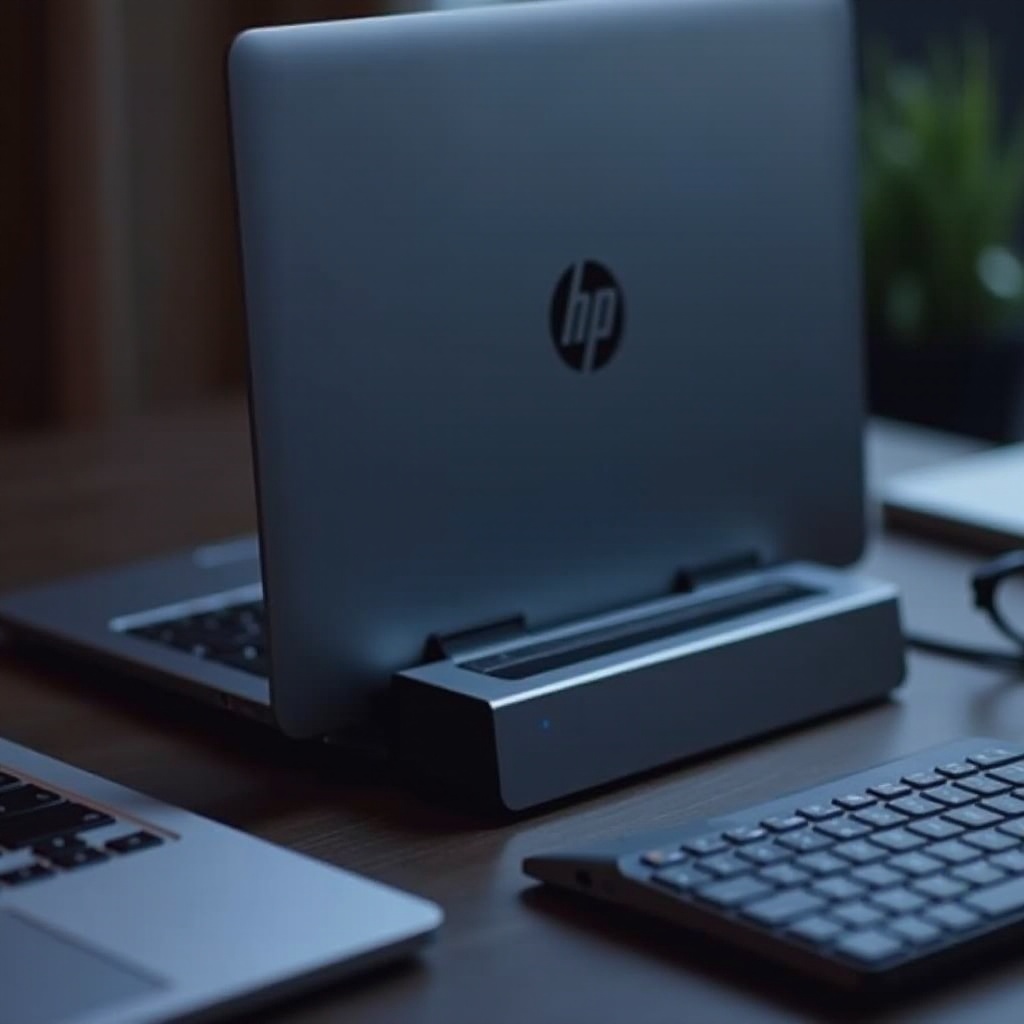
A docking station transforms your work experience, enabling multitasking on multiple monitors and integrating seamless connectivity. As more professionals rely on laptops, the necessity for comprehensive connectivity solutions has magnified.
Docking stations centralize connections, eliminating cable clutter and enhancing workspace organization. With the trend towards thinner laptops, available ports have decreased, making docking stations vital for peripheral connectivity. Using a docking station ensures you won’t compromise functionality for a streamlined setup.
Key Features to Consider in an HP Docking Station
When choosing the best HP docking station, focus on several essential features:
-
Compatibility with HP Laptop Models: Verify that the docking station is compatible with your HP device. Manufacturers typically provide compatibility lists. Selecting the right docking station hinges on your specific model.
-
Port Availability and Types: Different models offer various ports. Determine your regular connection needs, such as HDMI for displays and USB ports for devices, and select a docking station that accommodates them.
-
Power Delivery and Charging Capabilities: If reducing cable clutter is a priority, consider a docking station with power delivery. This feature integrates the laptop’s power needs into a single setup, enhancing workspace efficiency and aesthetics.
Understanding these features maximizes your laptop-docking station synergy, combining desktop functionalities with portable convenience.
Top HP Docking Stations of 2024
Navigating the crowded market to find a suitable docking station can be challenging. Here are the top HP docking stations available in 2024:
-
HP Thunderbolt Dock 120W G4: This model offers state-of-the-art Thunderbolt connection speeds and versatility, catering to users needing high performance. It boasts multiple USB-C/Thunderbolt 4 ports and powerful charging capabilities, making it ideal for demanding applications.
-
HP USB-C/A Universal Dock G3: Known for its versatility, this docking station supports both USB-C and USB-A devices. It’s a reliable choice for users transitioning technology, providing essential connectivity for modern setups.
-
HP Travel Dock G2: Defined by its portability and compact design, this option is perfect for frequent travelers requiring connectivity on the go without cumbersome gear.
Each of these options addresses distinct needs, benefiting diverse workflows. Understanding setup helps fully leverage these devices.
How to Set Up Your HP Docking Station
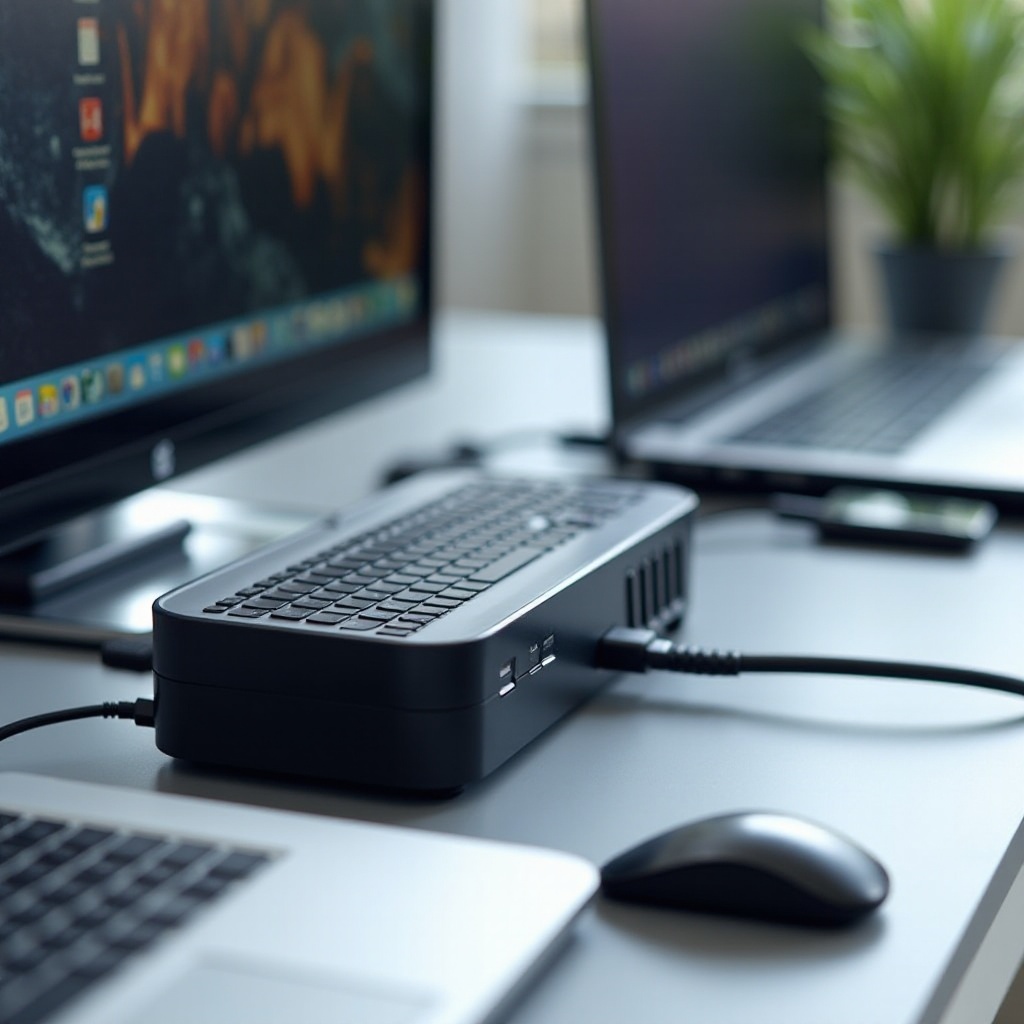
Setting up your HP docking station is a straightforward process, allowing immediate use of enhanced connectivity features:
- Connect the docking station to a power source.
- Link the docking station to the HP laptop, using the supplied cable, typically USB-C or Thunderbolt.
- Attach peripherals like monitors, keyboards, and mice.
- Configure display settings in your OS as needed, arranging screens and extending displays.
Post-setup, verify the functionality of each connection. Configuring system preferences optimizes the setup experience.

Conclusion
Selecting the ideal HP docking station significantly elevates your workstation’s effectiveness, enhancing productivity and convenience. Assessing your specific needs and weighing your options guides you to the appropriate docking solution that aligns with your workflow. Whether needing extensive connectivity or portable solutions, docking stations provide remarkable utility.
Frequently Asked Questions
How do I know if a docking station is compatible with my HP laptop?
Check the manufacturer’s compatibility lists and ensure the docking station’s ports match your laptop’s requirements.
Can HP docking stations support dual monitors?
Yes, many HP docking stations are capable of supporting dual and even triple monitor setups with the appropriate ports, like HDMI or DisplayPort.
Are HP docking stations suitable for gaming laptops?
While primarily for office use, some high-performance docking stations can support gaming laptops, especially those with strong power delivery and connectivity features.