Introduction
Achieving reliable navigation starts with a well-calibrated compass, especially with your iPhone guiding the way. Whether you are wandering through city streets or exploring the wilderness, the iPhone’s compass ensures you’re always pointed in the right direction. Software updates and various environmental factors can affect its accuracy, making it essential to understand the calibration process to maintain dependable navigation.
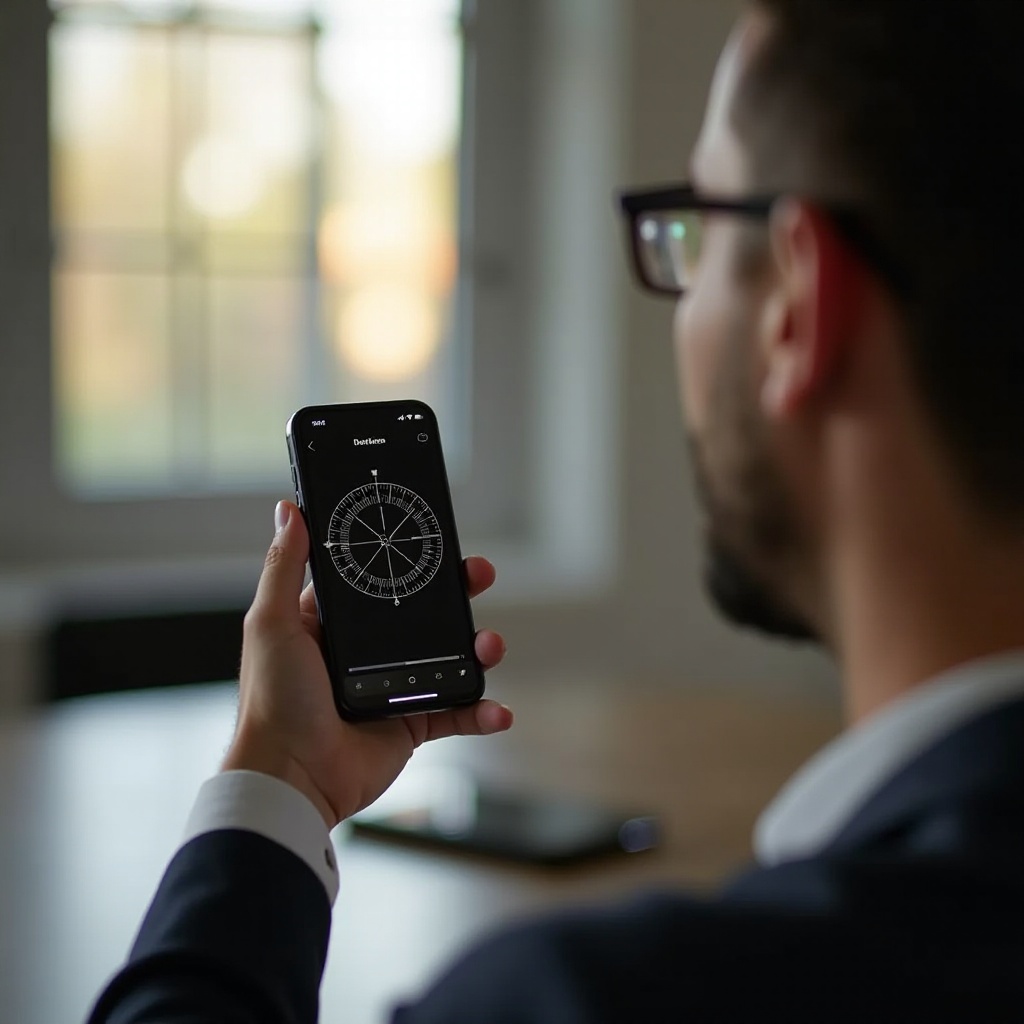
Understanding the Importance of Compass Calibration
A precise compass is crucial for accurate navigation. Calibration corrects discrepancies introduced by electromagnetic interference and software updates, ensuring the compass reads correctly. Without proper calibration, the compass can mislead you, especially in unfamiliar areas. Regular recalibration ensures the compass adjusts to its environment, maintaining its accuracy and reliability.
Having grasped the significance of calibration, let us delve into the mechanics of the iPhone compass. This section will explain how it functions, setting the stage for effective calibration.
How the iPhone Compass Works
The iPhone compass utilizes a built-in magnetometer that measures Earth’s magnetic fields to determine direction. Together with satellite and GPS data, this technology provides precise directions. However, variations in nearby magnetic fields from electronics or metal objects can cause inaccuracies.
Appreciating these potential inaccuracies allows you to take corrective measures. Common issues like null readings or erratic directions are often due to electromagnetic interference. Recognizing these can help you anticipate calibration needs and maintain accuracy.
With an understanding of the compass’s function, we can now explore practical steps to ensure its precision through proper calibration.
Step-by-Step Guide to Calibrating Your iPhone Compass
- Preparing Your Device for Calibration
- Make sure your iPhone’s iOS is updated to the latest version.
-
Keep your device away from magnetic sources.
-
Manual Calibration Using the Compass App
- Open the ‘Compass’ app on your iPhone.
-
Perform the figure-eight motion as prompted to recalibrate the compass.
-
Automatic Calibration via Location Services
- Navigate to ‘Settings’ and open ‘Privacy.
- Turn on ‘Location Services’ and scroll to ‘System Services.
- Activate ‘Compass Calibration.
Successfully calibrating your compass restores its accuracy and enhances navigation trustworthiness. If challenges persist, identifying their underlying cause and resolving them is paramount.
Troubleshooting Compass Calibration Problems
When issues remain unresolved, understanding whether they stem from software or hardware is key. Begin by observing if the problem is consistent across different environments.
- Diagnosing Inaccuracy Issues
- Test your compass in varied settings to see if issues are location-dependent.
-
Reset all settings via ‘General’ then ‘Reset’ if problems persist.
-
Resolving Software vs. Hardware Problems
- Software issues might be fixed with a reboot or software update.
- Hardware problems may require professional inspection, especially after physical damage.
Identifying and addressing these problems effectively enhances compass performance. Now, let us look at preventing these issues through ongoing maintenance.

Tips for Maintaining Optimal Compass Accuracy
Maintaining your compass requires continual effort and attention to disruptive factors.
- Environmental Factors to Consider
- Avoid magnets and electronics that emit magnetic fields.
-
Consider temperature changes that could temporarily affect readings.
-
Regular Software Updates and Checks
- Keep your iOS updated for improved calibration features.
- Periodically recalibrate to adjust to changing environments and maintain accuracy.
By following these tips, your compass remains a reliable tool, ensuring flawless navigation. As we conclude, let’s summarize the critical aspects of maintaining compass accuracy.

Conclusion
To ensure precise navigation, maintaining a well-calibrated iPhone compass is essential. By following these straightforward calibration steps, you safeguard your compass’s reliability. Regularly updating and avoiding magnetic interference help sustain its accuracy, assuring safe and confident navigation.
Frequently Asked Questions
Why does my iPhone compass need frequent calibration?
Environmental changes and device updates can affect compass sensors, requiring regular recalibration for accuracy.
How do magnets affect my iPhone compass?
Magnets and electromagnetic fields can disrupt the iPhone’s magnetometer, causing inaccurate compass readings.
Can third-party apps help in improving compass accuracy?
Yes, some third-party navigation apps use algorithms to enhance compass accuracy and provide recalibration guidance.