Introduction
A multi-display gaming setup can significantly enhance your gameplay, delivering an immersive environment for your favorite titles. With multiple monitors, players gain a broader field of view, increase their ability to multitask, and enhance overall gaming satisfaction. Whether you’re setting up for the first time or looking to refine an existing configuration, understanding essential components is key. This guide covers monitor selection, necessary accessories, and performance optimization techniques to elevate your gaming experience.
Understanding Multi-Display Gaming
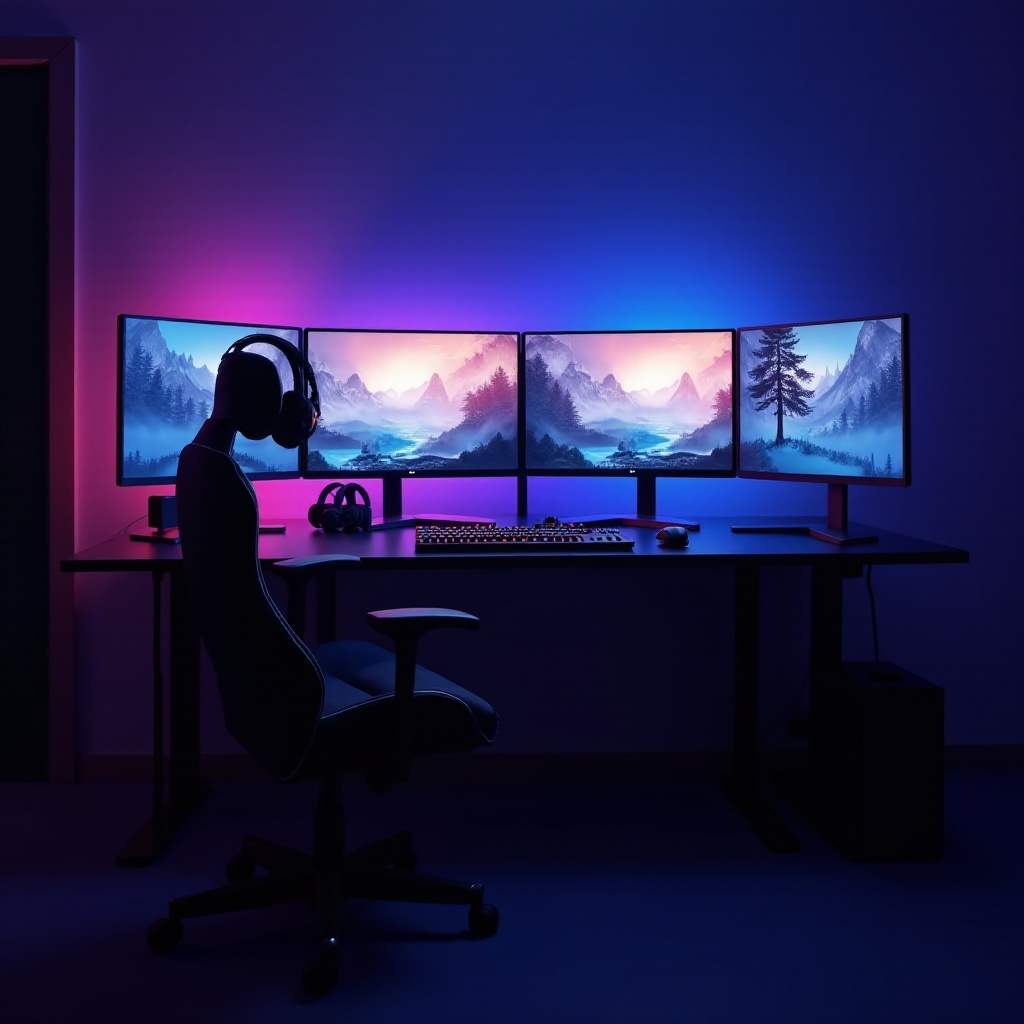
Grasping the concept and benefits of multi-display gaming is fundamental to creating an effective setup. Multi-display gaming uses multiple monitors to create a panoramic view, enveloping you in the game. Popular among those seeking more engagement and professionals needing more screen real estate, this setup offers unique advantages.
- Defining Multi-Display Gaming: At the core, a multi-display setup expands your visual field, extending gameplay across multiple screens for greater immersion.
- Advantages of Multi-Monitor Setups: Enjoy a broader view and increased situational awareness, particularly beneficial for first-person shooters, racing simulators, and strategy games. It also facilitates multitasking, allowing activities such as browsing or streaming without interrupting gameplay.
Choosing the Right Monitors for Your Setup
Selecting ideal monitors is crucial for building a functional multi-display gaming setup. Here’s how to make the right choices:
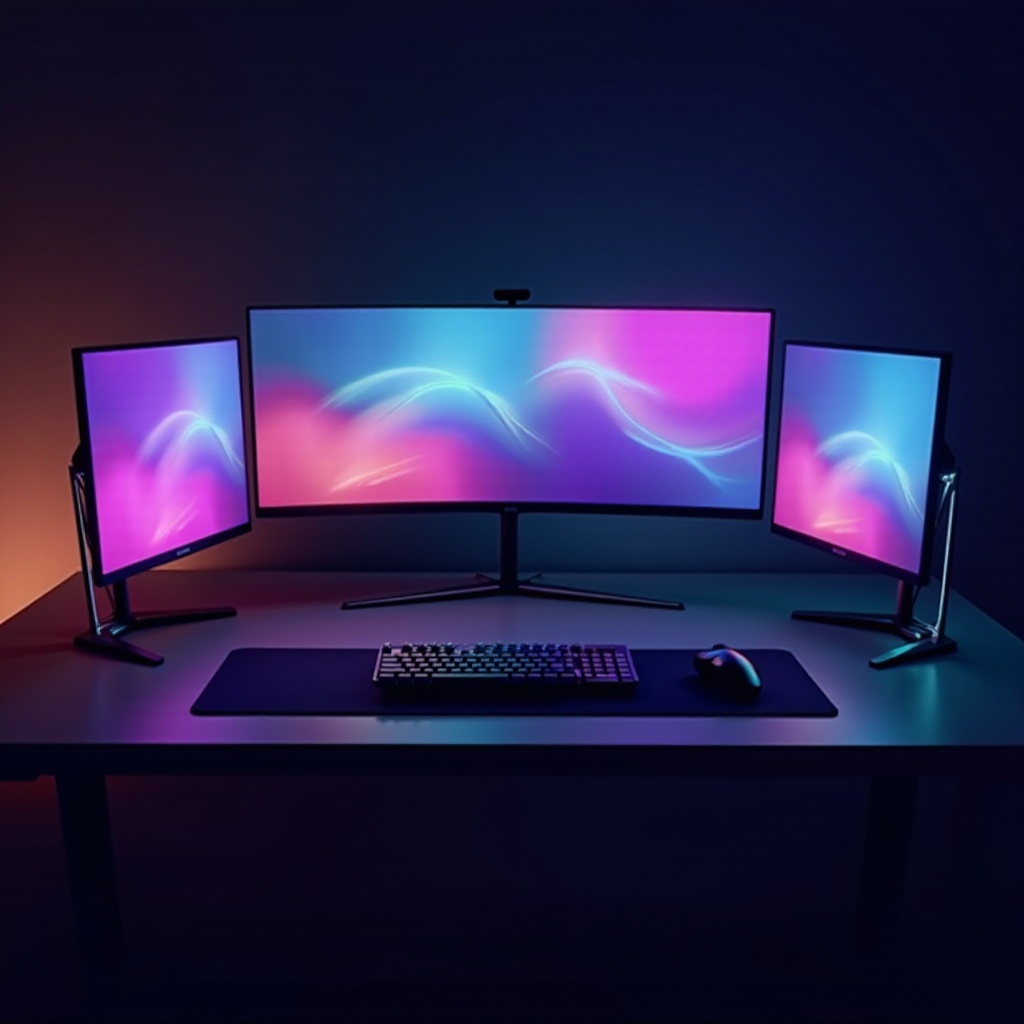
- Monitor Size and Resolution: Choose screens that fit your space while offering high resolution for detailed viewing. Ideal choices are large screens (27 inches or more) with resolutions of 1440p or 4K.
- Refresh Rate and Response Time: Opt for monitors with at least a 144Hz refresh rate and low response time (1ms to 5ms) to ensure fluid gameplay and reduce motion blur.
- Flat vs. Curved Screens: Curved screens offer immersive experiences by wrapping your field of view, but can be challenging to align. Flat screens are easier to configure, making them practical for multi-monitor setups.
With your monitor choices in place, attention turns to tools and accessories that enhance the setup’s functionality and aesthetics.
Essential Tools and Accessories
Complementing your monitors with the right tools and accessories will maximize both utility and appearance:
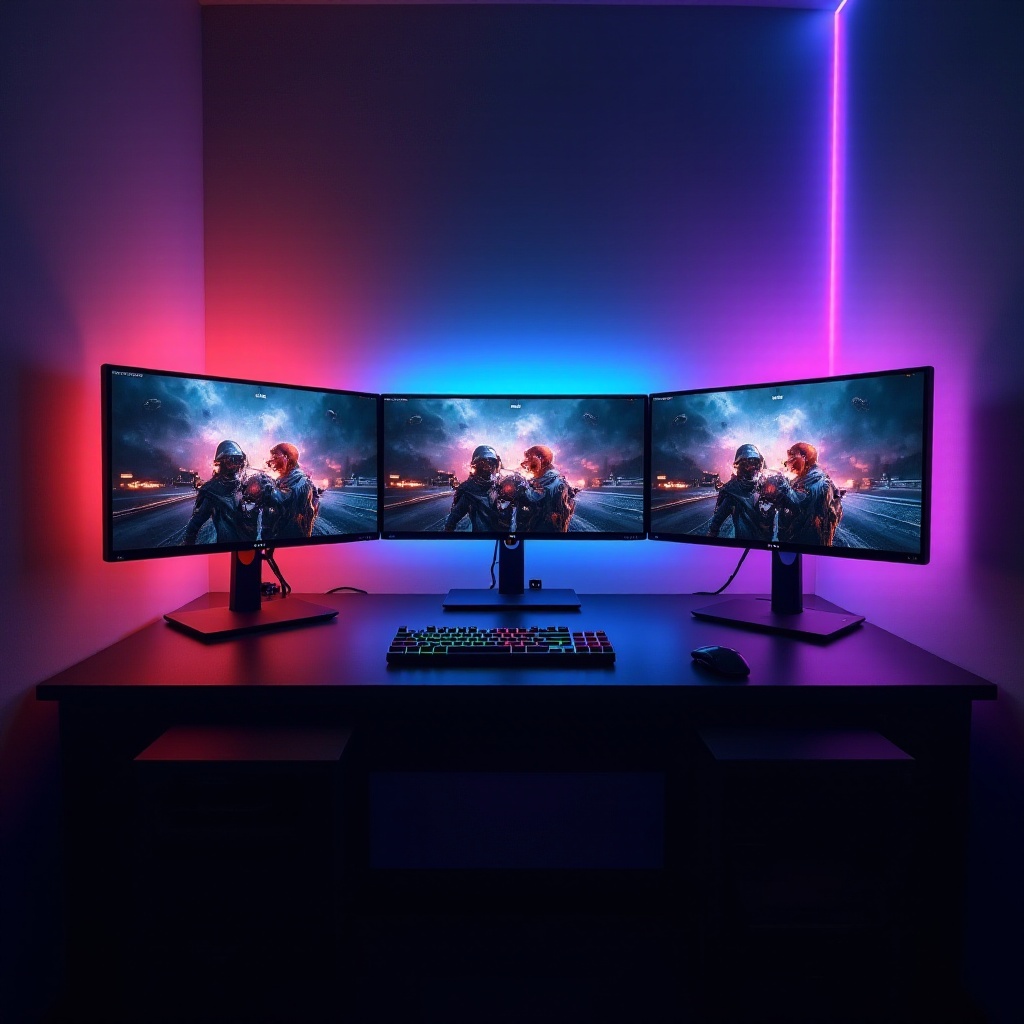
- Monitor Arms and Stands: Adjustable arms provide positioning flexibility, ensuring ergonomic viewing that saves desk space and reduces strain.
- Cable Management Essentials: A tidy setup enhances performance and aesthetics. Use cable ties and organizers to manage cords efficiently.
- Graphics Cards and Compatibility: Ensure your graphics card supports multiple displays with ample HDMI/DisplayPort outputs. A robust graphics card is essential for seamless, lag-free gameplay across all monitors.
Now that your hardware is sorted, organizing your environment for optimal performance is the next step.
Setting Up Your Multi-Display Gaming Environment
A well-organized gaming environment provides comfort and functionality. Here’s how to organize your monitors and peripherals:
- Monitor Positioning and Ergonomics: Position monitors to form a slight inward angle, enhancing visibility and preventing neck strain. This setup promotes both health and comfort during extended gaming sessions.
- Calibration and Display Settings: Proper calibration ensures uniform brightness and color across all monitors. Invest time in adjusting these settings to prevent eye strain and maintain a seamless visual experience.
- Connectivity: Use reliable HDMI or DisplayPort cables to maintain picture quality. Organize cables for easy access and troubleshooting.
With your environment established, focusing on performance optimization can ensure your setup runs smoothly.
Performance Optimization Tips
Optimizing performance is key to making the most of your multi-display setup. Here are some tips to enhance your system’s efficiency:
- Software Tools for Enhanced Gaming: Utilize tools like MSI Afterburner to monitor performance and tweak settings for optimal gameplay. These tools often include game-specific profiles to maximize efficiency.
- Graphics Settings and Synchronization: Enable AMD Eyefinity or NVIDIA Surround for seamless gaming across multiple displays. These settings ensure a cohesive visual stretch and fluid performance.
- Power Consumption and Efficiency: Configure energy-saving settings to manage power use. Set monitors to sleep mode during inactivity to conserve energy without sacrificing performance.
Conclusion
Creating a multi-display gaming setup is a rewarding journey. By choosing the right monitors, incorporating essential accessories, and optimizing your settings, your gaming experience can be transformed. A well-designed setup not only enhances immersion but also increases satisfaction every time you play.
Frequently Asked Questions
What are the benefits of a multi-display setup in gaming?
Multiple displays expand your gaming view, increase immersion, and enable multitasking without interrupting gameplay.
How many monitors are ideal for gaming?
While two monitors can suffice for many, three often provide the optimal surround experience, with one central and two flanking displays.
Are there any disadvantages to using multiple screens?
Besides increased costs, multi-display setups can require higher maintenance, more desk space, and a more powerful hardware setup.