Introduction
Samsung phone users often encounter a troubling issue: battery swelling. It poses safety risks and can damage your phone, making it inoperable. Understanding the reasons behind battery swelling and knowing how to address it can protect both your device and personal safety. Let’s explore the causes of swelling, identify warning signs, and consider effective solutions to maintain your phone’s longevity and safety.
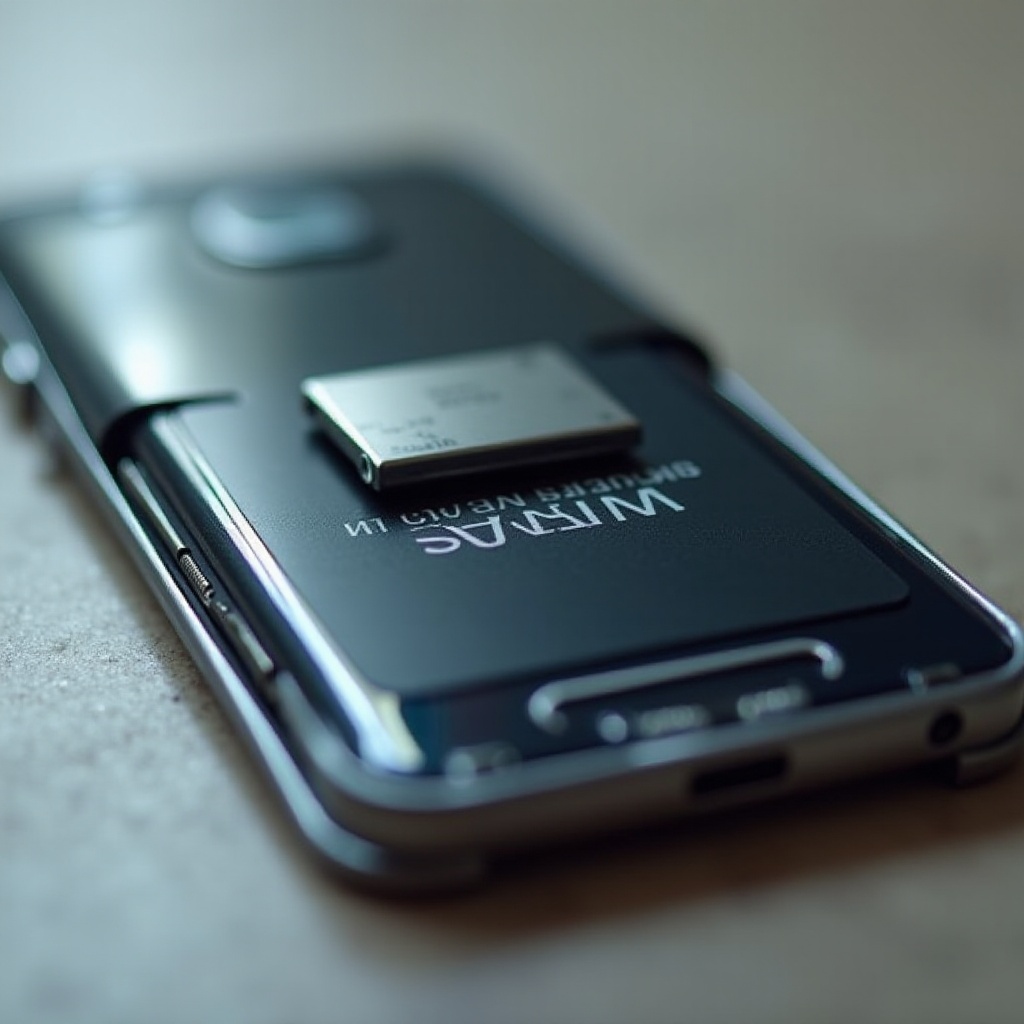
The Science Behind Samsung Phone Battery Swelling
High-energy lithium-ion batteries power modern smartphones, favored for their efficiency but susceptible to swelling under certain conditions.
How Lithium-Ion Batteries Work
These batteries store energy via lithium ions shuttling between electrodes. This process thrives under stability but can be disrupted by various elements.
Factors Leading to Battery Swelling
Some key contributors to battery swelling include:
1. Overcharging: Charging beyond full capacity can cause overheating, leading to swelling.
2. Manufacturing Defects: Sometimes design or production flaws result in long-term swelling.
3. Physical Damage: Drops or impacts can harm the battery’s structure, potentially triggering swelling.
4. High Temperatures: Excessive heat impacts battery structure, causing it to bloat.
By understanding these factors, users can take preventive measures and identify swelling early.
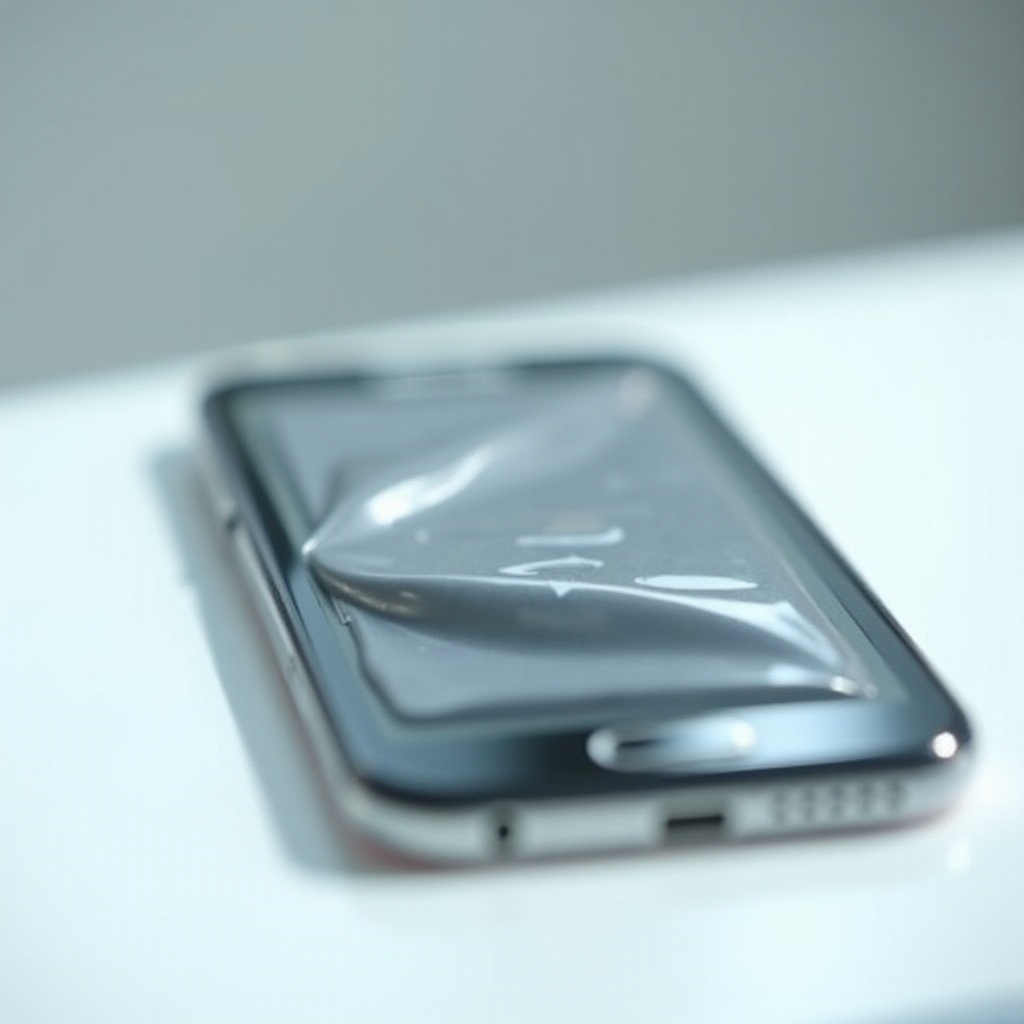
Identifying a Swollen Samsung Phone Battery
Recognizing signs of a swollen battery promptly can prevent further device damage or safety hazards.
Visual Indicators of Swelling
Check for physical changes, like a bulging case or the phone struggling to lie flat.
Performance Symptoms
Look for faster battery drainage, overheating, or screen detachments. These early indicators allow timely intervention and prevent potential dangers.
Once you recognize these signs, understanding the risks becomes vital.
Risks and Safety Concerns of Using a Swollen Battery
Continuing to use a phone with a swollen battery introduces several dangers. These include leakage of harmful substances, fire hazards, and in extreme cases, explosions. Such risks highlight the necessity of addressing battery swelling without delay.
Having recognized the urgency, let’s explore Samsung’s role in handling this issue.
Samsung’s Response to Battery Swelling Issues
Samsung prioritizes consumer safety and addresses swelling battery concerns through multiple approaches.
Official Statements and Warranties
Samsung acknowledges and manages battery-related issues through public communication and warranty offers. Customers are encouraged to obtain professional repairs for any suspected defects.
Relevant Recalls or Safety Advisories
In severe cases, Samsung has conducted recalls as a precautionary step to protect users. Keeping track of such advisories helps Samsung phone owners take immediate corrective action.
Understanding Samsung’s efforts in this area empowers users. Next, we discuss how you can prevent battery swelling personally.
Preventative Measures for Samsung Phone Users
By adopting certain habits, users can prolong their devices’ battery life and avert swelling.
Proper Charging Practices
- Avoid charging overnight.
- Use only certified chargers.
- Keep charge levels between 20% and 80% for battery health.
Maintenance Tips to Prevent Swelling
- Store the phone in cool, dry conditions.
- Avoid using substandard accessories.
- Update software regularly to counteract potential battery or performance issues.
Consistently applying these practices significantly cuts down the risk of battery swelling. Let’s address what actions to take if swelling is already evident.

When to Replace Your Swollen Samsung Phone Battery
Prompt replacement of a swollen battery is essential for safety.
Recognizing the Right Time
Once swelling, overheating, or reduced performance are apparent, it’s time to replace the battery.
Options for Replacement: DIY vs Professional Service
Seek professional services to ensure safe battery removal and new replacements. DIY approaches risk further damage and may void warranties.
With a clearer understanding of resolving current and future battery issues, users can confidently manage their devices.
Conclusion
Tackling the issue of swollen Samsung phone batteries is pivotal for device safety and performance. By understanding the battery’s functionality, recognizing symptoms, and adopting preventative measures, users can safeguard themselves. Staying informed of manufacturer advisories and acting promptly when swelling is detected is crucial. Prioritizing safety ensures prolonged and safer use of Samsung smart devices.
Frequently Asked Questions
Can a swollen battery be fixed?
No, a swollen battery cannot be fixed. It should be replaced immediately by professionals.
Is it safe to continue using a phone with a swollen battery?
No, it is not safe. A swollen battery can pose risks, including potential leaks, fire, or explosion.
How often should I replace my Samsung phone battery to avoid swelling?
Batteries typically last 2-3 years. Replacing within this period helps maintain performance and prevent swelling.