Introduction
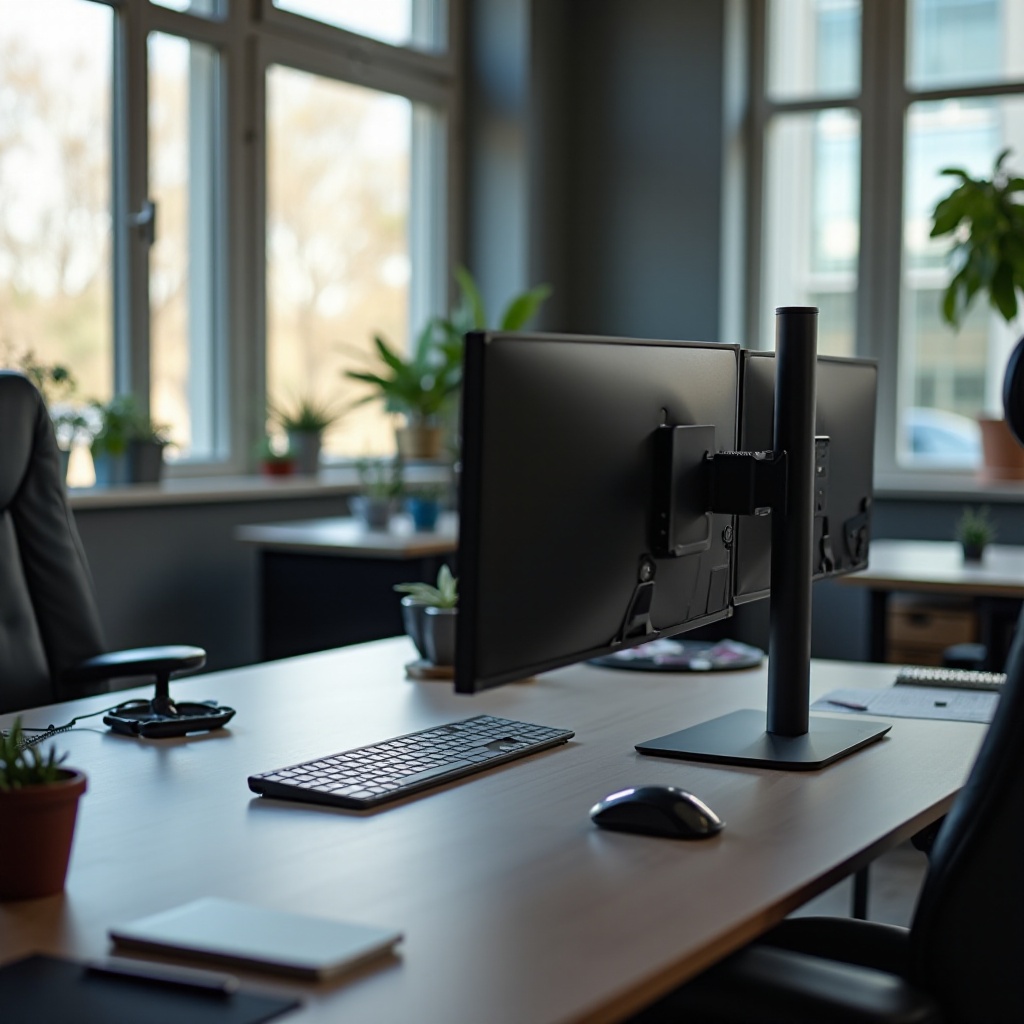
The vertical stack monitor setup offers a modern solution for professionals aiming to enhance both productivity and ergonomics. This configuration maximizes the use of vertical space, providing an efficient way to display more information with minimal physical demand. By stacking monitors vertically, you can view multiple screens simultaneously, reducing the need for constant head movement, which is ideal for designers, developers, and data analysts who require extensive screen real estate.
Understanding Vertical Stack Configurations
A vertical stack monitor setup involves positioning monitors one above the other rather than side-by-side, optimizing limited desk area. Common configurations include dual vertical stacks, which place two monitors on top of each other, and triple-stack setups, suitable for even more intensive display needs. Each configuration allows customization based on specific professional requirements, enabling a tailored workspace.
This layout facilitates easy access to information through natural vertical eye movements, minimizing disruptions. As you explore configurations, you’ll find that the choice between dual and triple setups largely depends on the available space and task demands. Transitioning to selecting the appropriate equipment ensures that these benefits are fully realized.
Benefits of Vertical Stack Monitor Setups
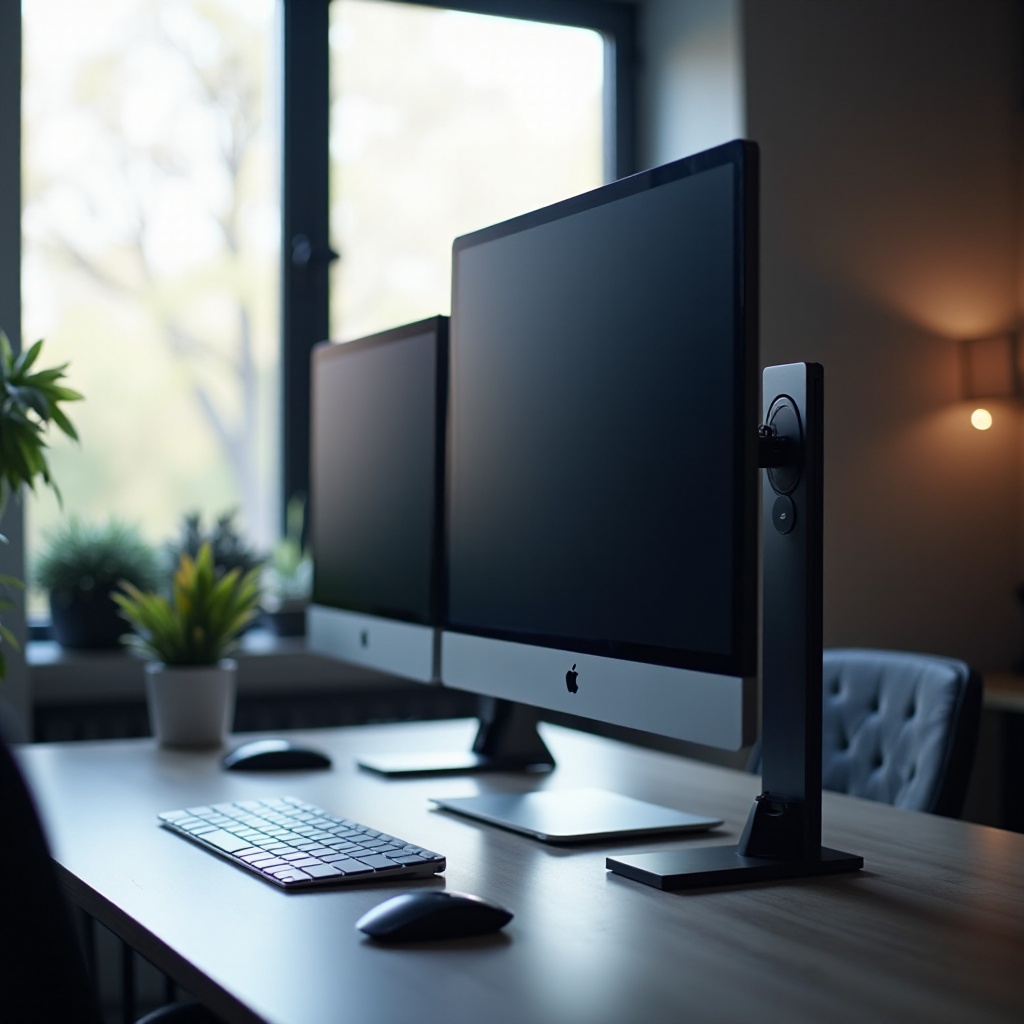
The advantages of a vertical stack monitor setup are numerous:
-
Enhanced Ergonomics: Aligning monitors vertically promotes a natural posture, significantly reducing neck strain and enhancing long-term comfort.
-
Boosted Productivity: With more screens in view, multitasking becomes seamless. Coders can see more lines of code, designers can layout extensive projects, and analysts can compare large datasets effortlessly.
-
Space Optimization: Vertical configurations make efficient use of limited desk space, freeing up room for other essential items.
These benefits highlight the integration of ergonomics and productivity enhancements, providing a segue into selecting the right monitors and supporting equipment tailored for your setup needs.
Choosing the Right Monitors and Equipment
Choosing suitable monitors is crucial for maximizing the capabilities of your vertical stack setup. Take into account:
-
Monitor Size and Resolution: Larger monitors with high resolutions deliver clarity and precision. Sizes between 24 to 27 inches offer an ideal balance for clear visuals.
-
Refresh Rate: High refresh rates are beneficial, especially for video or graphics-heavy tasks, ensuring smooth transitions and reducing eye strain.
-
Mounts and Stands: Ensure compatibility with VESA mounts for secure installation. Adjustable stands enhance ergonomic benefits, allowing for precise monitor alignment.
-
Cable Management: Implement cable organizers to manage wires neatly, reducing clutter and maintaining a clean desk aesthetic.
With the equipment selected, the next step involves assembling and installing your vertical stack setup effectively.
Step-by-Step Installation Guide
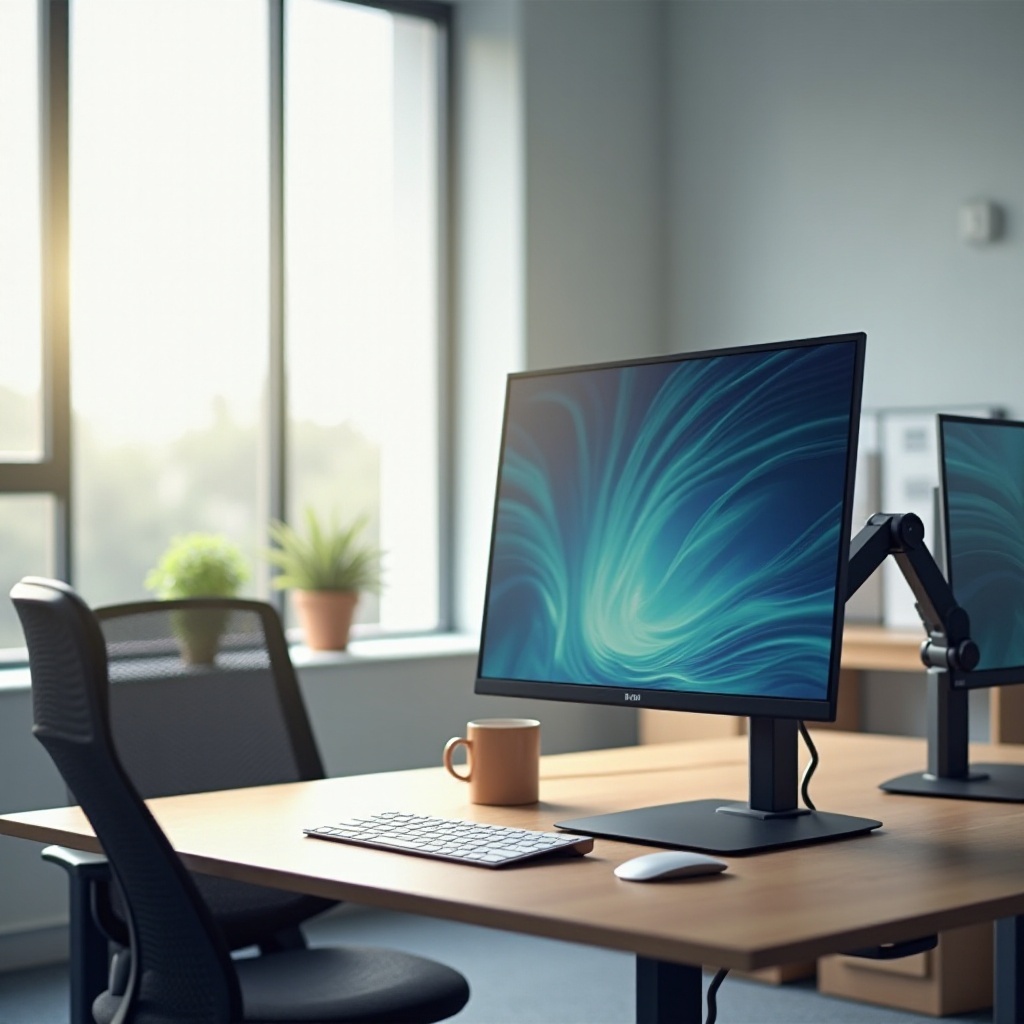
Follow these steps to set up your vertical stack monitor arrangement:
-
Gather Tools: Acquire a screwdriver, VESA mounts, and a leveler for accuracy.
-
Install Mounts: Securely attach mounts to your desk or wall following the manufacturer’s directions. Confirm stability to prevent any accidents.
-
Position Monitors: Start with the bottom screen; its center should align with your eye level for optimal posture. Position subsequent monitors with slight gaps to ensure proper ventilation.
-
Check for Stability: Confirm that all monitors remain stable after assembly. Adjust mounts if any instability is detected.
-
Organize Cables: Neatly arrange cables using ties and channels to minimize clutter and maintain a tidy workspace.
Once assembled, the setup needs software customization to fully utilize its advantages.
Software Optimization for Vertical Monitor Stack
Proper software optimization is key to maximizing the benefits of a vertical stack monitor setup:
-
Screen Management Tools: Applications like DisplayFusion or Windows native settings help synchronize displays. Set primary and secondary screens to match your workflow demands.
-
Orientation Configuration: Ensure each screen’s orientation is correctly recognized by the operating system. Adjust these settings through ‘Display Settings’ in Windows or ‘Displays’ in macOS.
-
Productivity Software: Utilize apps such as Divvy or Spectacle to streamline window management across your vertical displays efficiently.
After software optimization, handling troubleshooting issues ensures the longevity and effectiveness of your setup.
Troubleshooting Common Issues
Common challenges with new setups can include:
-
Neck and Eye Discomfort: Adjust monitor heights to align better with your line of sight. Implement the 20-20-20 rule to relieve eye strain.
-
Connectivity Issues: Verify all cable connections and ensure graphics cards support the number of monitors used.
-
Display Misalignments: Double-check alignment settings within your operating system to ensure seamless transitions between screens.
With these troubleshooting tips, your monitor setup will facilitate an efficient, comfortable workspace.
Conclusion
Embracing a vertical stack monitor setup offers significant ergonomic, productivity, and space-saving advantages. With well-chosen equipment and a strategic installation, your workspace transformation can increase your efficiency and comfort. Whether for personal use or professional environments, the vertical stack setup provides a superior workstation experience, paving the way for improved workflow dynamics.
Frequently Asked Questions
What are the best monitors for a vertical stack setup in 2024?
Top choices include Dell’s UltraSharp series and LG’s UltraFine series, known for high resolution and color accuracy.
How does a vertical stack monitor setup benefit programmers?
Programmers can see more code at once, reducing scrolling and increasing efficiency, vital for debugging and development tasks.
Can I set up a vertical stack with different sized monitors?
Yes, different sizes can be used, but ensure proper positioning and software adjustments to maintain a cohesive display experience.