Introduction
Steam is at the forefront of digital gaming platforms, providing a gateway to thousands of games and fostering a vibrant community. If you’ve spotted Steam on your computer, you’re stepping into a universe designed for gaming enthusiasts. Created by Valve Corporation, this platform is not just about games; it’s a social hub and a marketplace combined. This comprehensive guide will walk you through understanding what Steam is and how it functions on your device.

Understanding Steam
What is Steam?
Steam is a robust software client built to download, manage, and update games directly on your computer. Launched by Valve Corporation in 2003, it began as a means to keep Valve’s games updated but quickly expanded to include thousands of third-party titles. Today, it’s a digital distribution juggernaut and a social community platform for developers and gamers alike.
The Evolution of Steam in the Gaming Industry
Originally focused on Valve’s popular games like ‘Counter-Strike,’ Steam has evolved into a comprehensive platform hosting over 30,000 games. By allowing third-party developers and publishers to use the platform, Steam has redefined the PC gaming landscape, becoming a synonymous term with online gaming communities and showcasing innovative indie games alongside major titles.
How to Install Steam on Your Computer
System Requirements for Steam
Before you download Steam, confirm that your computer meets its system requirements. Windows users should have at least a 64-bit processor with 4GB of RAM, while Mac users need macOS 10.13 or newer. For Linux users, a compatible distribution is essential. An active internet connection is crucial for downloading games and accessing community features.
Step-by-Step Installation Guide
To integrate Steam into your gaming routine, follow these simple instructions:
1. Navigate to the official Steam website.
2. Click the ‘Install Steam’ button to download the installer.
3. Run the installer and adhere to the on-screen instructions.
4. Launch Steam upon installation and create a new account or sign in to an existing one.
5. Tailor your account settings and start exploring the expansive game library.
Installing Steam is a straightforward process that opens the doors to an interactive and engaging gaming platform.
Navigating the Steam Platform
Creating and Managing Your Steam Account
Once installed, set up your Steam account using a valid email address. It’s vital to secure your account with a strong password. Your account not only manages your games but also represents your profile within the platform’s community. Track your achievements, view your gaming stats, and connect with friends seamlessly within Steam’s user interface.
Exploring the Steam Interface
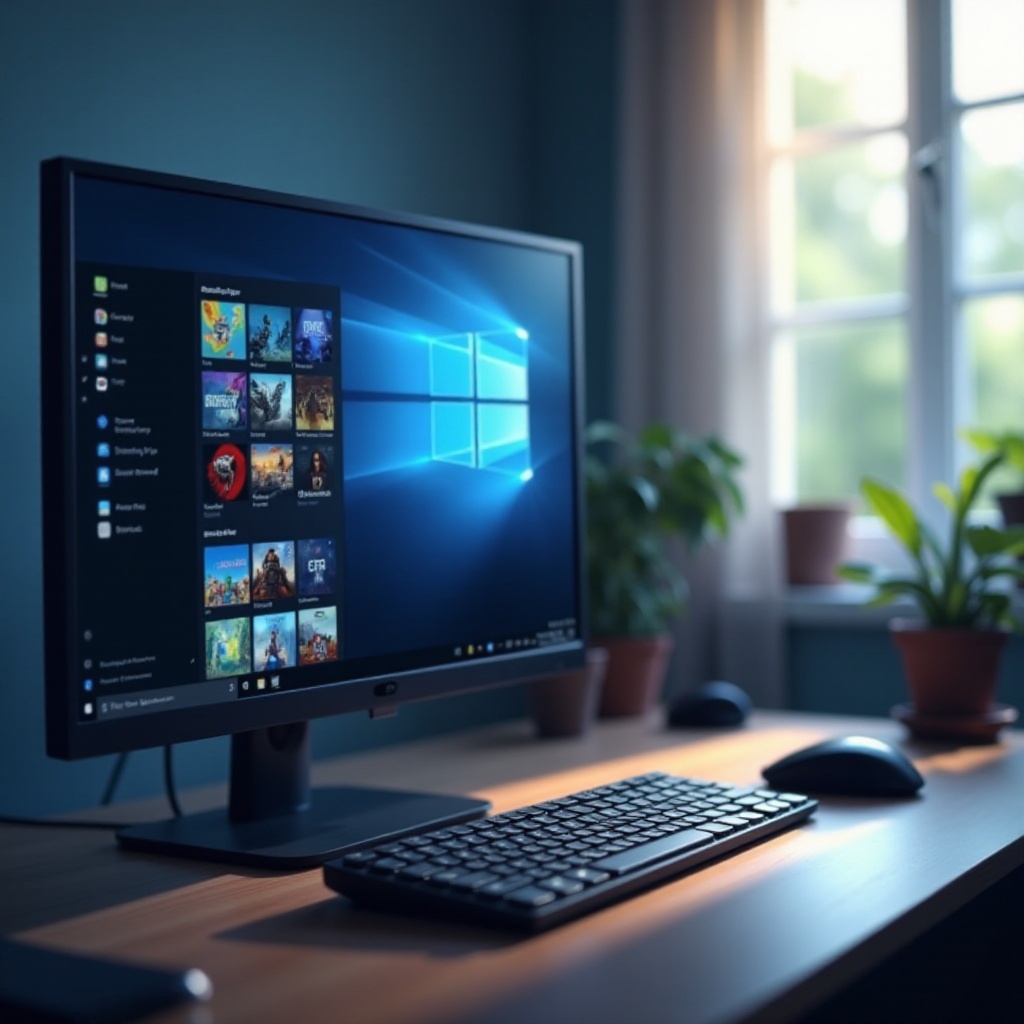
The Steam client might seem intricate at first glance, but its design is user-friendly. The Library tab displays your purchased games, while the Store allows browsing through a vast catalog of titles and current sales. Social features like friends and group chats are easily accessible. Grasping the layout early will ensure an enriching experience on the platform.
Key Features and Benefits of Steam
Extensive Game Library and Purchasing Options
Steam’s game library is one of its main attractions, offering everything from indie games to top-tier titles. Games can be purchased directly on the platform, with frequent sales providing deep discounts. Additionally, Steam’s refund policy adds a layer of security for buyers, making sure your purchases meet expectations or allowing returns under specific conditions.
Social and Community Features
Beyond a digital store, Steam is a community space where players can add friends, join groups, and participate in detailed forums. These social features foster interaction and enable users to discover new titles and gaming strategies. Such community engagement enriches the platform’s overall atmosphere and contributes to a dynamic gaming culture.
Exploring Steam Workshop and Mods
A standout feature of Steam is the Steam Workshop, which gives players the power to create and share mods, adding new content and dimensions to games. Mods range from graphical enhancements to entirely new gameplay elements, offering users ways to customize their gaming experiences. Engaging with the Workshop can transform how users interact with their favorite titles.
Troubleshooting Common Steam Issues
Common Installation and Performance Problems
Users may encounter issues occasionally, such as installation glitches or game performance problems. Common solutions include verifying the integrity of game files, updating drivers, and clearing the download cache. These simple steps can often resolve most technical issues.
How to Access Steam Support
If problems persist, Steam Support provides extensive resources for troubleshooting. The Community Forum is another excellent platform for seeking advice from seasoned users and experts. Leveraging these resources can help maintain a smooth and enjoyable Steam experience.

Conclusion
Steam stands as a pivotal component of digital gaming, providing both an expansive library and a thriving community hub. By understanding its features and installation process, users can unleash the full potential of their gaming experiences. With Steam, users are never far from their next great gaming adventure.
Frequently Asked Questions
Can I run Steam on all operating systems?
Steam supports Windows, macOS, and Linux, though game availability might differ slightly across systems.
How do I find my Steam ID?
Your Steam ID is a unique identifier found in your account settings or via your profile URL.
Is Steam free to use?
Yes, Steam’s core features are free, allowing access to both free and purchasable games after account creation.