Introduction
Heat controls performance, noise, and lifespan. Pick the wrong cooler and your CPU throttles while fans drone. Pick well and your system holds higher boost, stays stable, and sounds quiet. This guide helps you choose the best cooling system for PC builds by comparing air coolers, AIO liquid coolers, and custom water loops. You get clear use case picks, practical airflow tips, and noise tuning steps that work.
You will learn how power draw, case space, and noise targets shape your decision. We will show where each cooling type shines and where it struggles. You will also see key installation and maintenance habits that protect your parts and keep performance consistent. With the basics set, let us define the factors that decide which cooling path fits your hardware and goals. Then we will move to quick recommendations you can act on.
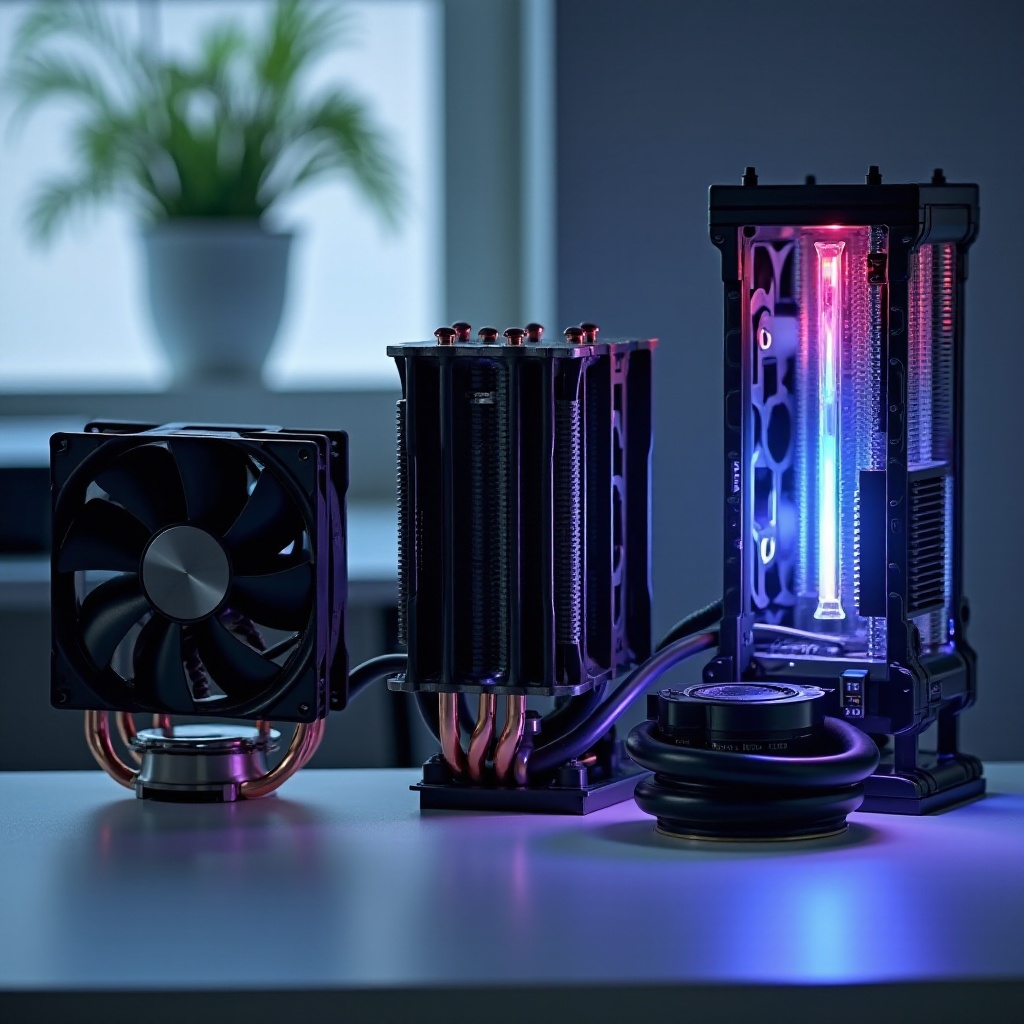
Which Cooling System Is Best for Your PC in 2026? Key Factors
Start by matching your cooling choice to heat, space, and sound. Focus on these factors:
– CPU and GPU heat behavior: Modern chips hit short spikes and hold high sustained power. Check package power and hotspot temps rather than only TDP. Strong coolers keep boost clocks stable.
– Case space and support: Confirm cooler height, radiator length and thickness, and top or front mounting options. Small cases often favor short towers or 240 mm AIOs.
– Noise goals: Pick a target noise level at your seat. Lower targets need more fin area, bigger radiators, or slower fans. That often means a larger air cooler or a 280 to 420 mm AIO.
– Budget and value: Air coolers tend to win price to performance. AIOs cost more but shift heat to case edges, which can simplify airflow and reduce internal temps.
– Aesthetics and layout: Air coolers can crowd RAM and VRM zones. AIOs clear the socket area and can look clean. Custom loops offer the most visual polish at the highest effort.
– Maintenance and risk: Air coolers need dusting and fan swaps over time. AIOs are low care but depend on pump health. Custom loops need fluid care and careful assembly.
With your constraints in mind, you can scan common scenarios and jump to a solid first choice. Next, use these quick recommendations to narrow the field fast.
Quick Recommendations by Use Case (Gaming, Workstation, SFF, Budget, Silence)
Use these starting points, then refine with the sections that follow:
– Mid range gaming builds: Choose a quality dual tower air cooler or a 240 mm AIO. Both hold stable clocks and fit most mid towers.
– High end gaming and creator rigs: Pick a 280 or 360 mm AIO for lower fan RPMs under bursty and sustained loads. A premium dual tower air cooler can work too if your case breathes well.
– Flagship workstations: Go with a 360 or 420 mm AIO or a custom loop with ample radiator area. You want low fan speed during long renders or AVX workloads.
– Small form factor PCs: Use the tallest low profile air cooler your case allows, or a slim 240 mm AIO if supported. Prioritize strong intake quality and short airflow paths.
– Budget builds: Select a value tower air cooler with 4 to 6 heatpipes. Skip very cheap 120 mm AIOs unless your case forces that layout.
– Silence focused systems: Favor larger heat sinks and radiators. Run gentle fan curves. A quiet 280 or 360 mm AIO or a premium dual tower air cooler can meet strict noise targets.
These picks give you a path. Before buying, learn how to judge products in a consistent way. The next section shows the criteria we use to compare coolers and cases.
How We Evaluate Coolers (Thermals, Noise, Compatibility, Reliability)
A fair comparison covers heat, sound, fit, and service. Here is how we test:
– Thermals: We measure CPU package and hotspot under sustained all core, bursty compile, and mixed gaming. We value stable clocks and low throttling.
– Acoustics: We log dBA at a fixed distance and listen for tone. Smooth broadband noise beats tonal peaks even at the same level.
– Compatibility: We check AM5 and LGA1700 mounts, RAM and VRM clearance, case cooler height, and radiator locations. We value firm, easy mounts.
– Reliability and service: For AIOs we weigh pump design, tubing quality, and warranty. For air we weigh fan life, bearing type, and spare availability.
With a method in place, we can dive into specific cooling types. Let us start with air coolers, the value leaders that remain hard to beat.
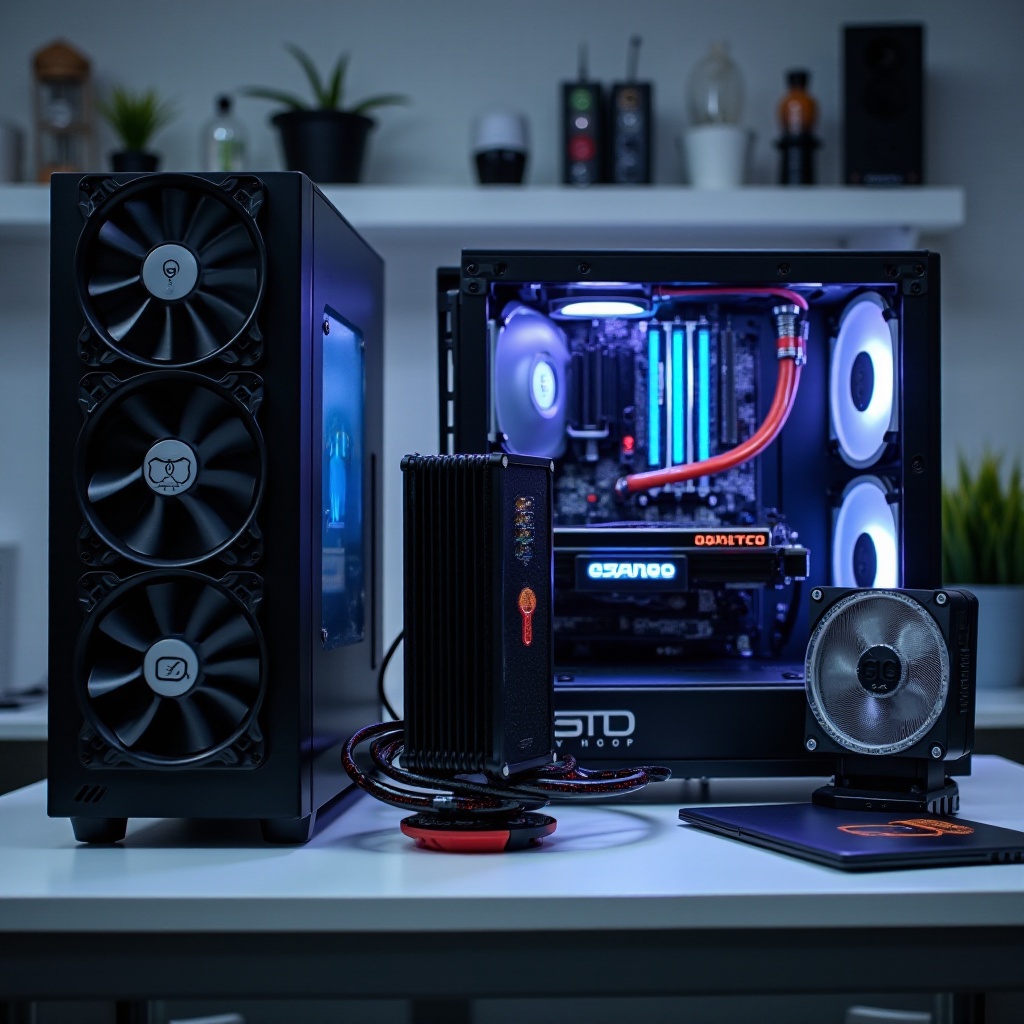
Best Air Coolers for PCs (2026)
Air coolers pair simple mechanics with high reliability. They scale from compact towers to heavy dual stacks that rival mid size AIOs. Many users will find their best performance per dollar here.
Top Premium Air Coolers
Premium dual towers shine when you want low noise and strong boost:
– 6 to 8 heatpipes and dense fin stacks for high surface area.
– Two quiet 120 or 140 mm fans with smooth bearings and low motor whine.
– Rigid mounts that hold even pressure across AM5 and LGA1700.
– Cutaway fins or offset designs to clear tall RAM.
Expect near silent operation at moderate loads and excellent control over transient spikes. In well ventilated cases, these coolers can match many 280 mm AIOs at equal noise levels. If you crave silence without liquid, start here.
Best Mid Range Air Coolers
Mid range towers hit the sweet spot for cost and ease:
– 4 to 6 heatpipes and a single or dual 120 mm fan.
– Strong results on 65 to 125 W sustained loads.
– Simple installation, lighter weight, and broad case fit.
For 6 to 12 core CPUs, they hold boost in games and creative bursts. If your case has a mesh front and two or more intakes, mid range towers deliver great value.
Best Low Profile/SFF Air Coolers
Compact builds demand discipline:
– Use the tallest cooler your case allows to expand fin area.
– Prefer 92 to 120 mm fans over 80 mm when possible.
– Confirm motherboard keep out zones near VRM and RAM.
Paired with clean intakes and a clear exhaust path, low profile towers can keep efficient CPUs cool. If you need more headroom, a 240 mm AIO may serve small cases better. That brings us to liquid options.
Best AIO Liquid Coolers (240mm/280mm/360–420mm)
AIOs move heat straight to the case edge. This reduces heat buildup around the socket and frees space near RAM and VRM. Choose radiator size based on load, space, and noise goals.
240mm Picks
A 240 mm AIO fits most mid towers and many ITX cases:
– Works well for mainstream 6 to 12 core CPUs.
– Offers easy top or front mounting and a balanced footprint.
– Gains from thicker radiators or higher quality fans at lower RPMs.
If your case supports only 240 mm, focus on intake quality and fan curves. Keep the pump below the top of the loop to reduce air noise. If you seek quieter headroom, the next size up often helps.
280mm Picks
A 280 mm AIO improves efficiency with 140 mm fans:
– More surface area and lower fan speeds at the same cooling level.
– Great for high end gaming and creator loads inside roomy mid towers.
– Watch top mount clearance near RAM, EPS cables, and VRM heatsinks.
This size often offers the best noise to thermal ratio for powerful desktop CPUs. If your case supports it, a 280 mm can be the sweet middle ground.
360mm/420mm Picks
Large radiators deliver maximum headroom:
– Ideal for flagship CPUs or strict silence goals.
– Best in full towers or mid towers with solid front mesh and deep space.
– Confirm length, thickness, hose reach, and GPU clearance before purchase.
Go big only if your case can feed the radiator with cool intake air. If airflow is poor, a large radiator will not perform to spec. For total control and style, some builders step up to custom loops.
When to Choose a Custom Water-Cooling Loop
Custom loops give unmatched flexibility, stunning looks, and very low noise under heavy loads. They also add cost, time, and care. Decide with clear eyes.
Pros and Cons
Pros:
– You size radiator area to match CPU and GPU heat for quiet fans.
– You can cool CPU, GPU, and sometimes VRM or memory in one system.
– You control layout and visuals with blocks, fittings, and tube choices.
Cons:
– Higher price and planning overhead.
– Assembly risk if rushed and poor maintenance demands.
– More steps when swapping parts.
Parts Checklist and Radiator Sizing
Core parts include a CPU block, optional GPU block, pump and reservoir combo, radiators, fans, soft or hard tubing, fittings, and coolant. Start with 240 to 360 mm of radiator per high power component. Add 120 to 240 mm more for low noise targets. Favor lower fin density when you plan to run fans at gentle speeds.
Maintenance and Safety
Use a careful routine to protect your gear. Leak test with only the pump powered for 12 to 24 hours. Plan a drain port for easy fluid changes. Inspect fittings quarterly and top up fluid if levels drop. A patient approach returns silence and thermal stability that lasts. Of course, all cooling types benefit from strong case airflow.
Case Airflow and Compatibility Checklist
Your case sets the stage for every cooler. Good airflow drops CPU and GPU temps and lets you run slower, quieter fan curves. Before buying, validate fit and plan a clean air path.
Fan Placement and Pressure
Set front and bottom as intake and top and rear as exhaust. Aim for slight positive pressure so intake fans exceed exhaust. This reduces dust and maintains steady temps. Align front intakes with the GPU and the CPU cooler for direct cool air.
Clearance and Mounting
Measure twice and avoid surprises. Check air cooler height against side panel space. Confirm radiator length and thickness and ensure hose reach for top or front placement. Verify RAM height, VRM heatsinks, and motherboard I O shrouds do not block fans or tubes.
Dust Filtering and Mesh
Pick high flow mesh fronts with removable filters. Clean filters often to keep intake resistance low. If filters are dense, use stronger intake fans to maintain pressure. With airflow handled, you can chase quiet operation through smart tuning.
Noise Tuning: Fan Curves, Pump Speeds, and Vibration Control
Quiet builds come from more than low RPM. Curves, tone, and vibration all matter. A few small changes can remove harsh notes and reduce fan swings.
BIOS and Software Fan Control
Build a smooth curve that reacts slowly to short spikes. Tie CPU cooler fans to CPU or coolant temperature and case fans to motherboard sensors near hotspots. Allow brief temperature rises to prevent constant ramping. One stable curve beats frequent micro adjustments.
Acoustic Targets and Testing
Pick a noise target you can tolerate at your seat. Test with your real workloads, not just synthetic tools. Use noise normal comparisons when swapping fans to see real gains. Track temps and clock speeds to confirm that lower noise does not harm performance.
Isolation and Damping
Stop vibration at the source. Use soft mounts and pads under pumps and fans. Tighten screws evenly to avoid resonance. Ensure tubes and cables do not touch panels. Small isolation steps can deliver a smooth, low frequency sound profile.
Installation and Maintenance Best Practices
A careful install pays off for years. Good contact pressure, clean air paths, and routine dust control protect performance and cut noise.
Thermal Paste and Mounting Pressure
Clean mating surfaces with isopropyl alcohol. Apply a small dot or thin spread of paste. Tighten screws in a cross pattern so the pressure stays even. Check for paste squeeze and adjust if needed.
Cable Management and Air Paths
Route big cables behind the tray to keep intakes and cooler fans clear. Avoid blocking the path from front intake to CPU and GPU zones. Use short runs and soft bends for AIO tubes so they do not kink or press against panels.
Cleaning Intervals and Coolant Care
Dust filters monthly and deep clean fans and fin stacks every 3 to 6 months. For AIOs, avoid mounting that makes the pump the highest point and tilt the case slightly to bleed air if you hear gurgle. For custom loops, inspect fluid clarity, top off as needed, and flush annually.
Conclusion
The best cooling system for PC builds depends on your heat load, space, budget, and noise goals. Air coolers offer top value and low risk. AIOs relocate heat and open space around the socket while delivering strong performance in a compact footprint. Custom loops grant control and quiet at higher effort and cost. Set your noise target, confirm case support, and match cooler size to sustained power rather than paper TDP. Tune curves, maintain clean airflow, and care for your fans, radiators, and filters. Do these simple things and your PC will run cooler, quieter, and faster for years.
Frequently Asked Questions
Is air cooling or AIO liquid cooling better for gaming PCs in 2026?
Both can work well. A quality dual tower air cooler often matches a 240 mm AIO at similar noise. AIOs shine when case airflow is tight or you want RAM clearance. For high power chips or strict silence, a 280 or 360 mm AIO usually runs quieter.
How many case fans do I need for the best cooling system for my PC?
Most mid towers do well with three intakes and one or two exhaust fans. If you mount a front radiator, count its fans as intake and add at least one top exhaust. Aim for slight positive pressure to reduce dust and keep temps steady.
Do I need a custom loop for high end CPUs and GPUs in 2026?
Not required, but helpful if you want the quietest sustained performance. A 360 or 420 mm AIO on the CPU in a well ventilated case often suffices. A custom loop adds radiator area and cools CPU and GPU together, lowering noise if you accept maintenance.