Introduction
Choosing the best gaming PC specification starts with clear goals. Do you aim for maximum frames in esports at 1080p, smooth 1440p in new AAA titles, or 4K with ray tracing and rich detail. Once you set the target, the right parts fall into place. This guide gives practical recommendations for 2025 so you can build or buy with confidence and avoid expensive bottlenecks. You will find part by part guidance, budget based picks, and complete spec templates.
I keep language clear and advice direct. You will see how to match a CPU and GPU, why DDR5 speed and latency matter, and when to spend more on storage, airflow, or a power supply. I also cover Windows 11 features that help games load faster and feel smoother. Start with performance targets, then move through each component. At the end, you can copy full build templates and tweak them for your budget and display.
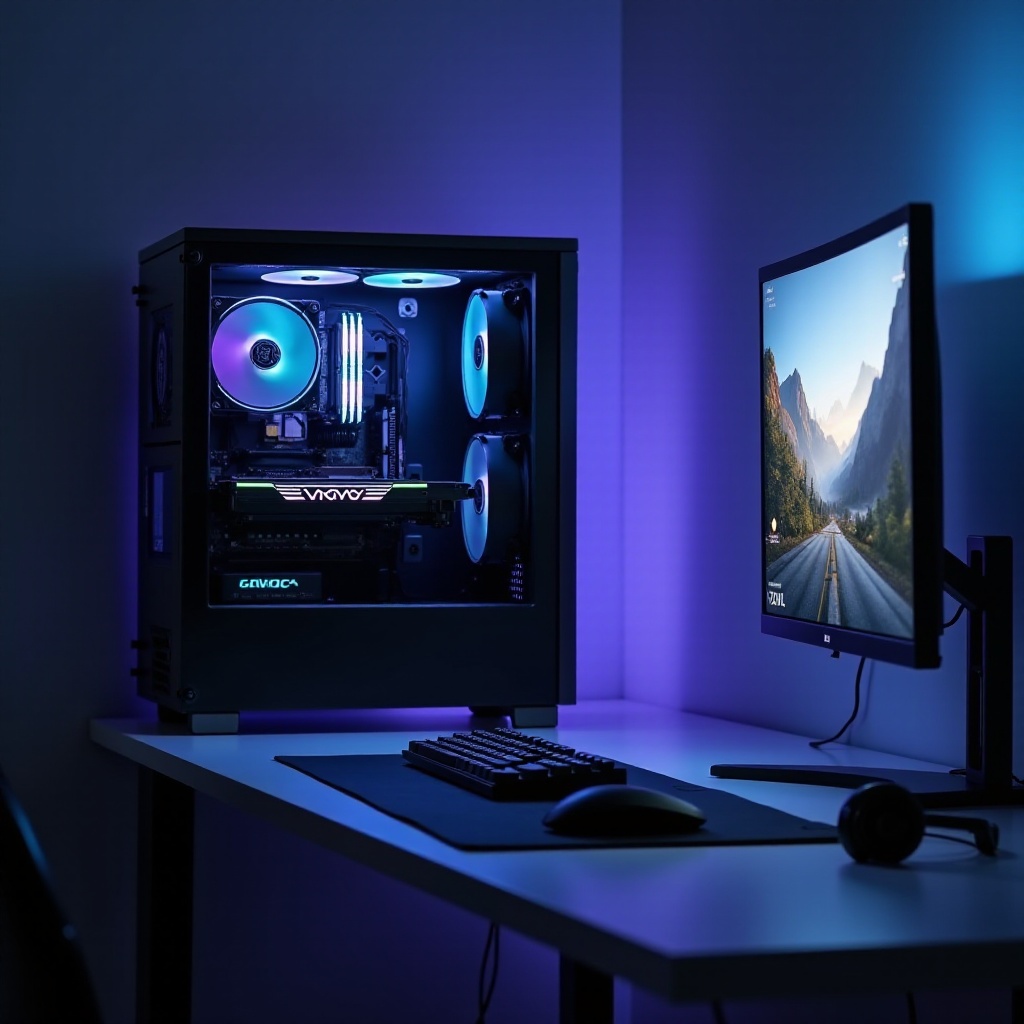
What Best Means in 2025: Performance Targets, Use Cases, and Budgets
Best depends on what you play, how you play, and what you spend. Frame rate targets define the spec:
- 1080p competitive: 200 to 300 plus fps in esports, low latency, fast response
- 1440p AAA: 100 to 165 fps with high or ultra settings, balanced CPU and GPU
- 4K fidelity: 60 to 120 fps with ultra settings and ray tracing where possible
Tie those goals to budgets:
- Entry value: Strong 1080p or light 1440p with the best price per frame
- Mid range: Great 1440p high refresh, some ray tracing with upscaling
- High end: 4K capable, heavy settings, consistent frame times
- Enthusiast: 4K high refresh or ultrawide, maxed visuals, frame generation
With these targets set, the next step is to map each budget to the right CPU, GPU, and supporting parts so every dollar does real work. That sets up the quick picks before we go deeper.
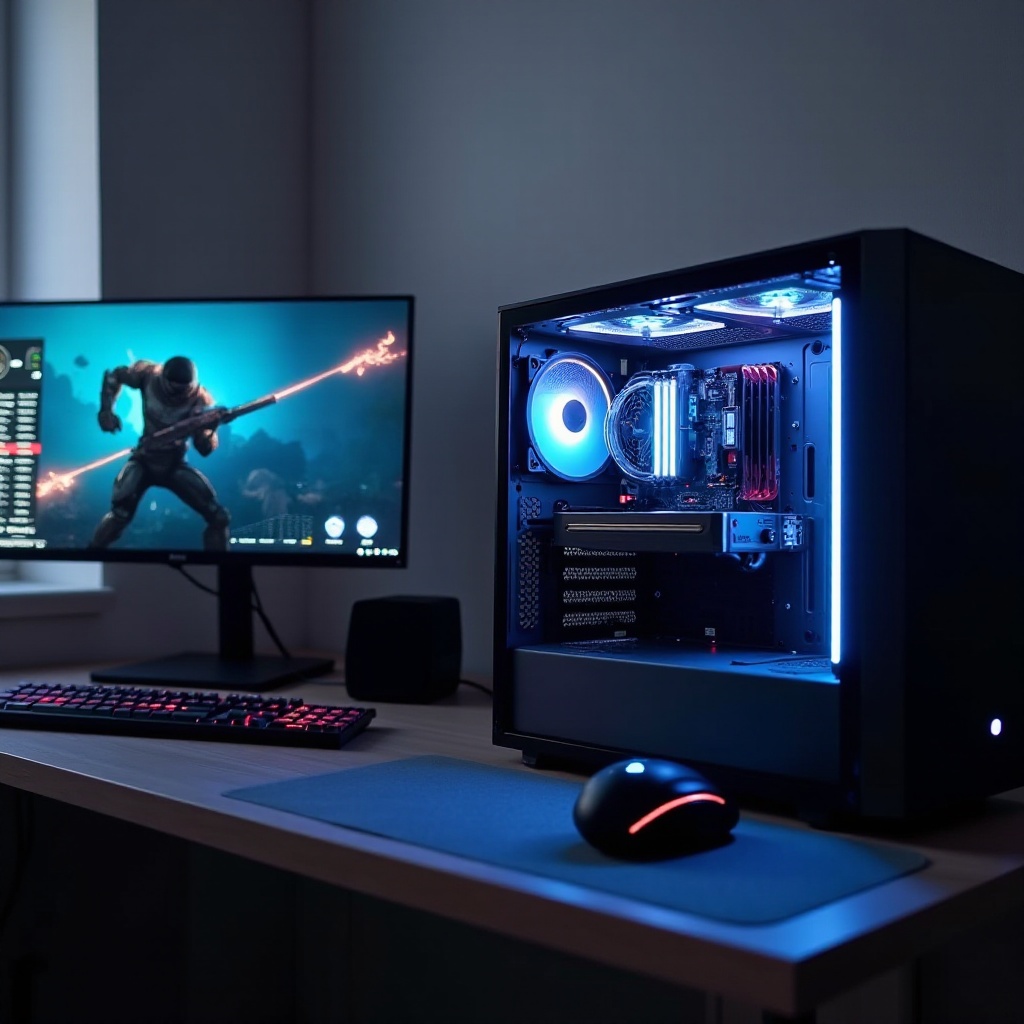
Quick Picks: Best Gaming PC Specification by Budget 2025
Use these fast picks as a compass before you dive into details:
- Entry 1080p: Ryzen 5 7600 or Core i5 13600K or 14600K; Radeon RX 7600 XT or GeForce RTX 4060; 16 to 32 GB DDR5 6000; 1 TB PCIe 4.0 NVMe SSD; 650W ATX 3.0 PSU; airflow focused mid tower
- Mid 1440p high refresh: Ryzen 7 7700 or 7800X3D or Core i5 14600K; RTX 4070 or 4070 Super or RX 7800 XT; 32 GB DDR5 6000; 1 to 2 TB Gen4 NVMe; 750W ATX 3.0; quality AIO or top air cooler
- High 4K entry plus RT: Core i7 14700K or Ryzen 7 7800X3D; RTX 4080 Super or RX 7900 XTX; 32 GB DDR5 6000; 2 TB Gen4 NVMe; 850W ATX 3.0 or 3.1; premium case airflow
- Enthusiast 4K high refresh: Core i9 14900K or KS or Ryzen 9 7950X3D or 9950X where available; RTX 4090; 64 GB DDR5 6400 or 6000 low latency; 2 to 4 TB Gen4 or Gen5 NVMe; 1000 to 1200W ATX 3.0 or 3.1
These snapshots show balance by tier. Next, we break down each component so you know why these choices work and when to upgrade or save.
CPU Choices for the Best Gaming PC Specification Intel 14th Gen vs AMD Ryzen 7000 or 9000
Games love fast cores, large cache, and high clocks. In 2025, the short list is clear:
- Best all round gaming value: AMD Ryzen 7 7800X3D. Its 3D V Cache keeps minimums high and frame times smooth in many modern titles
- Great mid range: Ryzen 5 7600 or Intel Core i5 13600K or 14600K. Both hit high fps at 1080p and 1440p with strong multi core for streaming and background tasks
- High end mixed use: Intel Core i7 14700K. Extra cores help creation and heavy multitasking while gaming
- Top tier for 4K with creation: Core i9 14900K or KS or Ryzen 9 7950X3D or 9950X. Choose these if you pair gaming with heavy productivity
Guidelines:
- Avoid overspending on CPU for 4K. The GPU limits frames at that resolution
- For esports at 240 to 360 Hz, prefer 7800X3D or a high clock Intel i7 or i9
- Keep cooling in mind. K or KS and Ryzen 9 chips need robust coolers and airflow
With CPU sorted, the GPU becomes the main driver of your frame rate. Let us pick a card that fits your monitor and goals.
GPU Tiers and VRAM Needs for 1080p, 1440p, 4K, Ray Tracing, and Frame Generation
The GPU is your frame engine. Pick it to match your resolution and refresh:
- 1080p high refresh: GeForce RTX 4060 or 4060 Ti or Radeon RX 7600 XT or 7700 XT. Plenty for esports at high fps. Use DLSS or FSR to push even higher
- 1440p all round: RTX 4070 or 4070 Super or RX 7800 XT. These hit 100 to 165 fps in many titles at high or ultra with upscaling
- 4K entry to high: RTX 4080 Super or RX 7900 XTX. Strong 4K performance with ray tracing using DLSS or FSR Quality or Performance modes
- 4K high refresh with heavy RT: RTX 4090. Frame Generation and DLSS 3 help push beyond 120 fps in many titles
VRAM guidance:
- 8 GB: Fine for esports and lighter AAA at 1080p
- 12 GB: Safer for 1440p high settings
- 16 GB or more: Recommended for 4K textures, heavy ray tracing, and large mod packs
Latency and features:
- NVIDIA: DLSS, Frame Generation, and Reflex reduce latency and boost frames
- AMD: FSR 3 with Frame Generation and Anti Lag Plus improve performance and feel
Balance the GPU with your CPU to avoid bottlenecks. Now, lock in memory so your GPU does not starve in demanding scenes.
Memory RAM: Capacity, Speed, and Latency for Modern Games
DDR5 is the standard now. Aim for stable, fast kits that fit your use:
- Capacity: 32 GB is the sweet spot for 1440p and 4K and for background tasks like chat, browser tabs, and capture. 16 GB can work for entry builds but limits heavy AAA and multitasking. 64 GB fits creation and extreme modding
- Speed and latency: DDR5 6000 CL30 to CL36 on AMD AM5 and Intel LGA1700 offers a strong balance of speed and stability. Faster kits can help, but stability and controller limits matter most
- Configuration: Use 2 by 16 GB for fewer compatibility issues. Enable XMP on Intel or EXPO on AMD in BIOS so the kit runs at rated speed
With memory set, you need fast storage to cut load times and avoid stutter when games stream new assets.
Storage Strategy: NVMe, PCIe 4.0 vs 5.0, OS and Game Drive Planning
Games stream textures and geometry constantly. Fast NVMe keeps frame times stable and reduces pop in:
- Interface: PCIe 4.0 NVMe delivers excellent real world game loads. PCIe 5.0 is faster in benchmarks but rarely changes gameplay today
- Capacity: Start with 1 TB minimum. Most gamers benefit from 2 TB for larger libraries and DLC
- Layout: Use one fast NVMe for OS plus your top titles and add a second NVMe or SATA SSD for the rest. Keep 15 to 20 percent free space to sustain peak speed
- NAND type: Prefer TLC for better sustained writes and endurance; QLC is fine for secondary or archival storage
Storage done, pick a motherboard that powers your CPU and connects your drives and devices without hassle.
Motherboards and Chipsets: Features, VRMs, BIOS, and Connectivity
The motherboard defines platform features and stability:
- AMD AM5 B650 or B650E or X670E: Strong long term upgrade path. Look for good VRMs, at least two M.2 slots, Wi Fi 6E or Wi Fi 7, and debug features such as Q LED or POST code
- Intel LGA1700 B760 or Z790: Mature ecosystem. For K series overclocking, choose Z790 with strong VRMs and good heatsinks
- Must have features: 2.5G LAN or Wi Fi 6E, PCIe 4.0 or 5.0 M.2 support, plentiful USB including rear Type C, BIOS Flashback for easy recovery
Once the board is set, you need clean and reliable power that meets modern GPU demands and protects your build.
Power Supply PSU: Wattage Headroom, ATX 3.0 or 3.1, and 12VHPWR Cables
A quality PSU protects your parts and improves stability while cutting noise:
- Wattage targets: Entry 650W, mid 750W, high 850W, enthusiast 1000 to 1200W. Leave 20 to 30 percent headroom for transient spikes and future upgrades
- Standards: Choose ATX 3.0 or 3.1 for native 12VHPWR or updated 12V 2×6 connectors. This improves compatibility with modern GPUs
- Efficiency: 80 Plus Gold is the value sweet spot; Platinum or Titanium can reduce heat and fan noise under load
- Cabling: Use the native single 12VHPWR or 12V 2×6 cable from the PSU, not adapters when possible. Seat the cable fully and avoid sharp bends
With power squared away, manage heat so the system stays quiet and fast even during long sessions.
Cooling and Thermals: Air vs AIO, Fan Curves, and Thermal Targets
Stable clocks need stable temps. Build cooling to match your heat load:
- CPU cooling:
- Air: Twin tower coolers handle Ryzen 5 or 7 and Intel i5 or i7 well
- AIO: 240 to 360 mm for high end i7 or i9 and Ryzen 9 to sustain boost clocks
- GPU cooling: Prefer triple fan models with robust heatsinks. Check case clearance and ensure fresh intake air reaches the card
- Case airflow: Aim for 2 to 3 intake and 1 to 2 exhaust fans. Positive pressure helps dust control
- Fan curves: Set a gentle ramp. Keep CPU under about 85 C and GPU under about 80 C in stress tests. Re check curves with seasonal changes
Good thermals feed into case choice. Next, match your cooler and GPU to a case that breathes and stays clean.
Case Size and Airflow: GPU Clearance, Radiators, Noise, and Dust
Your case affects temperatures, noise, and build ease more than many expect:
- Size: Mid towers fit most builds. Large towers help silence and cooling for top GPUs and large AIOs
- Front panel: Mesh fronts bring in more air than solid panels and cut fan speeds for the same temps
- Clearance: Check GPU length, radiator thickness, and cooler height. Leave space for cable routing and avoid packed front bays that choke air
- Filters: Removable dust filters keep fins clean and sustain performance. Plan filter cleaning every few months
With the chassis chosen, round out the platform with fast, low latency connectivity for downloads, updates, and peripherals.
Networking and I O: Wi Fi 6E or 7, 2.5G LAN, USB or Thunderbolt for Peripherals and VR
Low latency and bandwidth matter for smooth play and fast updates:
- Networking: 2.5G Ethernet offers stable latency. Wi Fi 6E or Wi Fi 7 provides strong wireless throughput for game downloads and streaming
- USB: Ensure plenty of rear USB A for peripherals and USB C for storage and VR. Front panel USB C adds convenience for headsets and drives
- Audio: A decent onboard codec is fine for most headsets; consider an external DAC if you use high impedance headphones or studio monitors
With I O set, optimize software so the hardware delivers its full potential without background slowdowns.
OS and Software: Windows 11, Drivers, Resizable BAR, XMP or EXPO, and DirectStorage
Software tuning helps the best specs shine:
- Windows 11 Game Mode and GPU scheduling reduce background noise and latency
- Enable Resizable BAR in BIOS for both NVIDIA and AMD GPUs if supported
- Turn on XMP on Intel or EXPO on AMD for your DDR5 kit to run at rated speed
- Keep GPU drivers current and use clean install options when you change GPUs
- DirectStorage support speeds asset streaming in supported titles; keep NVMe firmware updated
With software tuned, choose a monitor that matches your GPU output and play style.
Monitor Pairing: Refresh Rates, VRR, HDR, HDMI 2.1 or DP 2.1 by GPU Class
The wrong display wastes performance. Match specs to targets:
- 1080p competitive: 240 to 360 Hz IPS or TN with low input lag. Use G SYNC Compatible or FreeSync Premium
- 1440p all round: 144 to 240 Hz IPS or fast VA. VRR keeps frames smooth as settings change
- 4K fidelity: 120 to 144 Hz with HDMI 2.1 or DisplayPort 2.1. Look for strong HDR such as FALD backlight or MLA OLED if you value contrast
- Cables: Use certified HDMI 2.1 or DP 2.1 to avoid dropouts. Update monitor firmware if available
Once your display is set, keep the build balanced to avoid stutters and micro bottlenecks that spoil the experience.
Avoiding Bottlenecks: CPU and GPU Balance, Background Tasks, and Frame Pacing
A balanced build feels faster than a lopsided one. Use these rules of thumb:
- Match by resolution:
- 1080p high fps: 7800X3D or fast Intel i7 with RTX 4070 or 4070 Super or RX 7800 XT
- 1440p: i5 14600K or 7800X3D with RTX 4070 Super to 4080 Super or RX 7800 XT to 7900 XTX
- 4K: CPU matters less; invest in RTX 4080 Super or 4090 or RX 7900 XTX
- Background control: Close overlays and updaters. Pause large downloads during play. Disable unneeded startup apps
- Frame pacing: Use in game caps or RTSS to align with your monitor refresh. Enable Reflex or Anti Lag where supported. Test with frame time graphs, not just averages
With the balance in check, plan upgrades that extend the build life and keep options open.
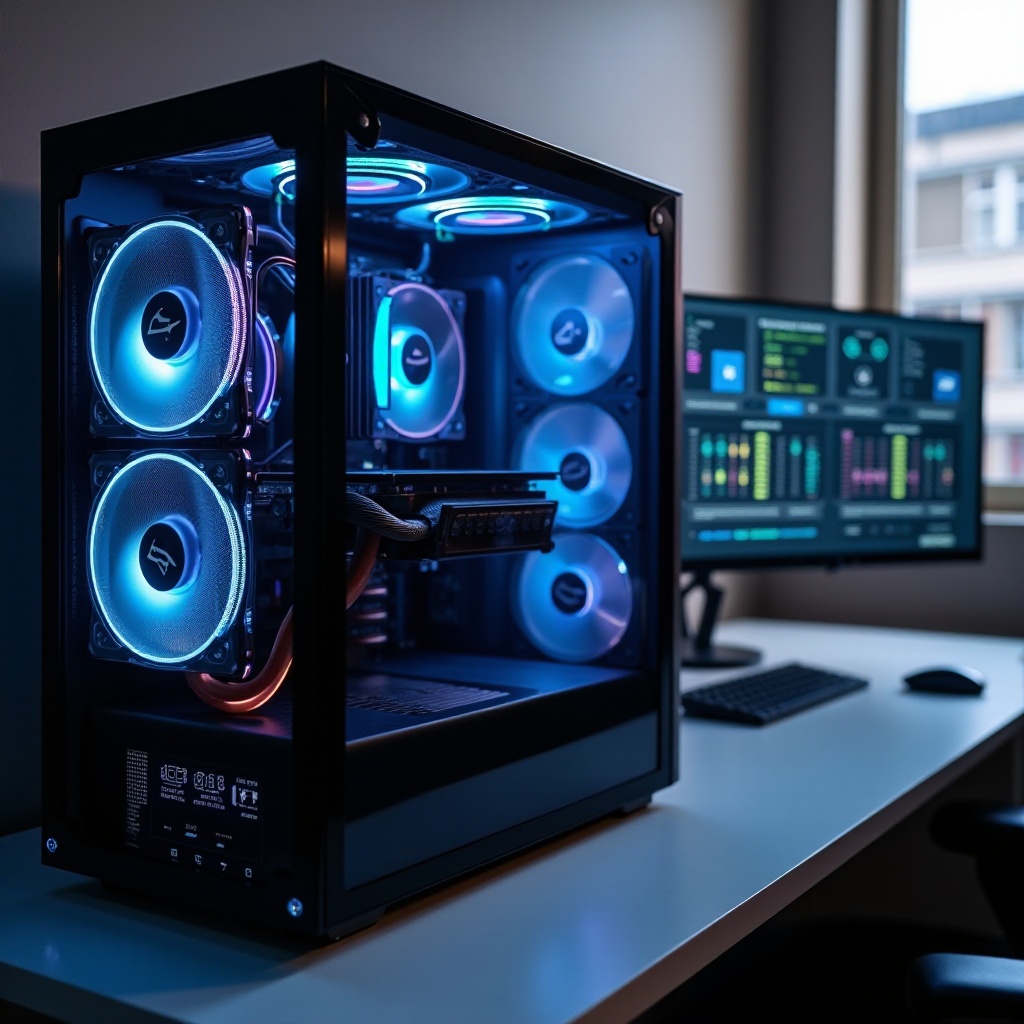
Upgrade Paths and Future Proofing: AM5 Longevity, PCIe Lanes, and RAM Headroom
Make choices that last and ease future upgrades:
- Platform: AMD AM5 offers ongoing CPU support, which helps long term. Intel LGA1700 is mature but near end of line; it still offers great value with the right CPU
- Lanes and slots: Pick boards with at least two M.2 slots one PCIe 4.0 or 5.0 and a reinforced full length PCIe slot
- RAM: Leave two DIMM slots free if you start with 2 by 16 GB so you can add more later without replacing the kit
- PSU headroom: Overspec 100 to 200W to allow a stronger GPU later without replacing the power supply
If you prefer not to build, you can still get excellent specs from a prebuilt if you know what to look for and what to avoid.
Prebuilt vs Custom in 2025: How to Get the Best Specs for Your Money
Both paths can deliver great performance if you verify the details:
- Prebuilt pros: Fast to deploy, includes warranty and support, often bundled OS and Wi Fi. Look for ATX 3.x PSUs, dual channel DDR5, and at least one Gen4 NVMe
- Prebuilt cautions: Check RAM speed and timings, SSD type TLC vs QLC, motherboard quality, and airflow. Avoid locked RAM at low speeds and tiny coolers on hot CPUs
- Custom pros: Full control over parts, airflow, acoustics, and looks. Easier to upgrade later without waste
- Custom cautions: Requires research, time, and careful assembly. Test thermals and stability with stress tools and a few demanding games
Whether you buy or build, the final templates below give you exact specs to copy. Use them as a baseline and adjust for local prices.
Final Best Spec Templates by Budget 2025: Entry, Mid, High, Enthusiast
Use these parts as a starting point and adjust for local pricing and availability.
- Entry 1080p esports focus
- CPU: Ryzen 5 7600 or Core i5 13600K or 14600K
- Cooler: 120 or 240 mm AIO or quality air cooler
- GPU: RX 7600 XT or RTX 4060
- RAM: 16 to 32 GB DDR5 6000 CL30 to CL36, 2 by 8 or 2 by 16 GB
- Storage: 1 TB PCIe 4.0 NVMe TLC
- Motherboard: B650 AM5 or B760 LGA1700 with 2.5G LAN and Wi Fi
- PSU: 650W 80 Plus Gold, ATX 3.0
- Case: Mesh mid tower with 3 or more fans
-
Monitor: 1080p 240 Hz with VRR
-
Mid 1440p high refresh
- CPU: Ryzen 7 7800X3D or Core i5 14600K
- Cooler: 240 to 280 mm AIO or high end air
- GPU: RTX 4070 or 4070 Super or RX 7800 XT
- RAM: 32 GB DDR5 6000 2 by 16 GB
- Storage: 2 TB PCIe 4.0 NVMe TLC
- Motherboard: B650 or X670 or Z790 with strong VRM
- PSU: 750W ATX 3.0
- Case: High airflow mid tower
-
Monitor: 1440p 144 to 240 Hz with VRR
-
High 4K entry plus strong RT
- CPU: Core i7 14700K or Ryzen 7 7800X3D
- Cooler: 280 to 360 mm AIO
- GPU: RTX 4080 Super or RX 7900 XTX
- RAM: 32 GB DDR5 6000 low latency
- Storage: 2 TB Gen4 NVMe plus optional 2 TB SATA SSD
- Motherboard: X670E or Z790 with PCIe 5.0 M.2
- PSU: 850W ATX 3.0 or 3.1
- Case: Spacious tower with top and bottom airflow paths
-
Monitor: 4K 120 to 144 Hz, HDMI 2.1 or DP 2.1
-
Enthusiast 4K high refresh or ultrawide
- CPU: Core i9 14900K or KS or Ryzen 9 7950X3D or 9950X
- Cooler: 360 mm AIO or custom loop
- GPU: RTX 4090
- RAM: 64 GB DDR5 6000 or 6400 2 by 32 GB
- Storage: 2 to 4 TB Gen4 or Gen5 NVMe
- Motherboard: X670E or Z790 premium with robust VRM and debug
- PSU: 1000 to 1200W ATX 3.0 or 3.1 with native 12V 2×6
- Case: Large, noise damped, excellent airflow and cable space
- Monitor: 4K 144 Hz or 3440 by 1440 240 Hz, HDR focus
Next, we wrap up key takeaways so you can move from picking to building with confidence.
Conclusion
The best gaming PC specification in 2025 starts with clear performance targets and a balanced parts list. Set your resolution and refresh goal, then choose a CPU and GPU that match. Add 32 GB of tuned DDR5 for most users, fast NVMe storage, a quality ATX 3.x PSU, and a high airflow case. Keep your software clean and your drivers current. Pair the PC with a monitor that matches its output and use VRR to smooth performance.
Avoid overspending on CPUs for 4K, and do not cut corners on the PSU, motherboard, or cooling. Those parts protect your investment and keep clocks high. Use the templates above to lock in your build, then fine tune with fan curves and frame caps. You will get a fast, stable, and quiet gaming rig that feels great now and leaves room to grow.
Frequently Asked Questions
What is the best gaming PC specification for 1440p at 144–240 Hz in 2025?
Aim for a Ryzen 7 7800X3D or Core i5-14600K, an RTX 4070 or 4070 Super or RX 7800 XT, 32 GB DDR5-6000, a 2 TB Gen4 NVMe SSD, and a 750W ATX 3.0 PSU. Pair with a 1440p 144–240 Hz VRR monitor.
How much VRAM and RAM do I need for modern AAA and esports in 2025?
For 1440p, 12 GB VRAM is a safe target. For 4K or heavy mods, choose 16 GB or more. For system memory, 32 GB DDR5 fits most AAA and multitasking. 16 GB can work for entry esports builds.
Are PCIe 5.0 SSDs and ATX 3.1 PSUs worth it for a gaming build right now?
PCIe 5.0 SSDs rarely improve in-game performance over quality Gen4 drives, but they offer higher peak throughput. ATX 3.1 PSUs add updated cabling and stability. Buy if the price premium is small.