Introduction
Laptops have become essential tools for work, education, and entertainment. Despite their portability, they often fall short in connectivity options due to their minimal design. This is where a USB hub is invaluable. It enhances the usability of a laptop by increasing the number of available ports, allowing users to connect multiple peripherals efficiently. This article dives into why USB hubs are a must-have, outlines key features to consider when purchasing one, and reviews the top choices for 2024.
Why You Need a USB Hub for Your Laptop
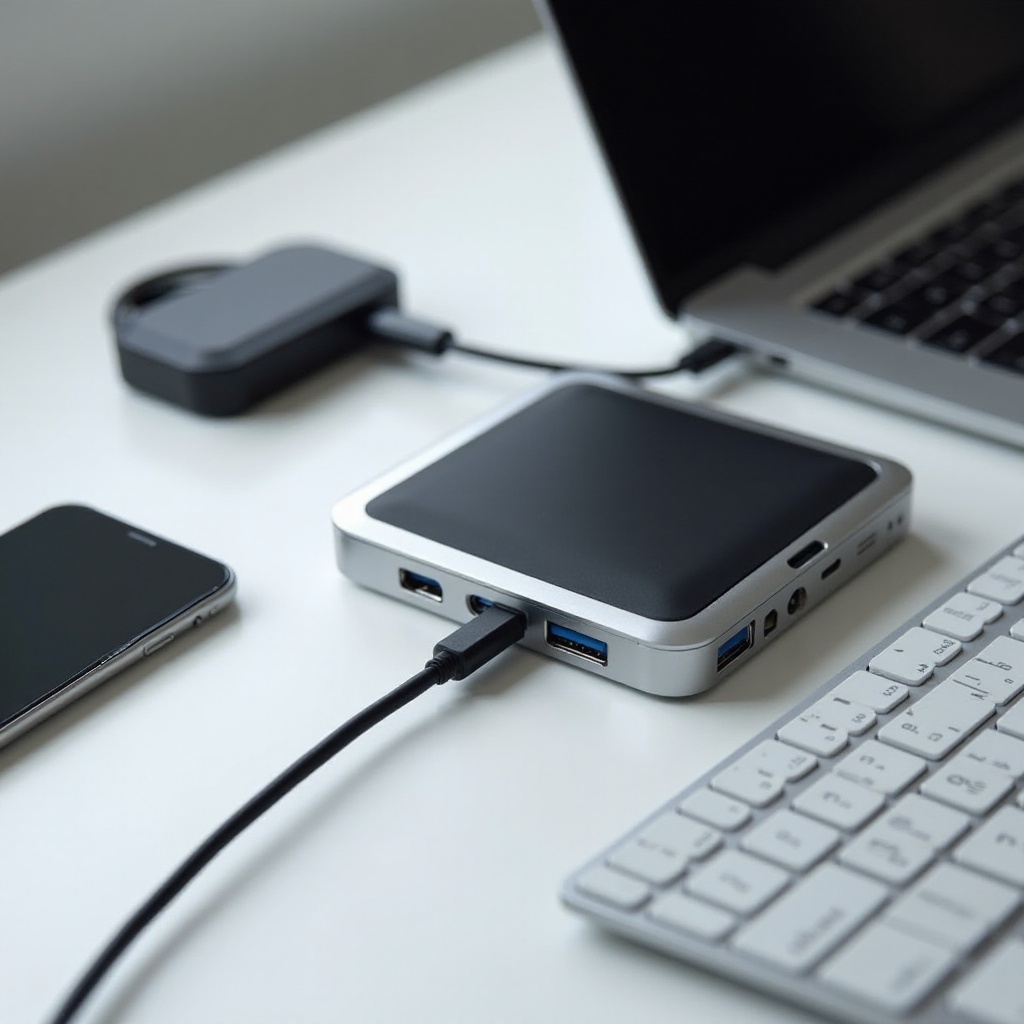
The primary reason for using USB hubs is to expand connectivity. Modern laptops, particularly slim models, often come with limited ports, forcing users to constantly disconnect devices. A USB hub eliminates this issue by providing multiple ports.
Beyond connectivity, USB hubs significantly increase productivity. Consider a scenario where you need to connect a smartphone, mouse, external drive, and printer simultaneously. With a USB hub, you can seamlessly perform various tasks without the hassle of constantly swapping cables.
Laptops with limited ports often need a USB hub to manage devices efficiently. By offering numerous ports, it transforms a laptop into a versatile workstation ready for all kinds of tasks.
Key Features to Consider When Choosing a USB Hub
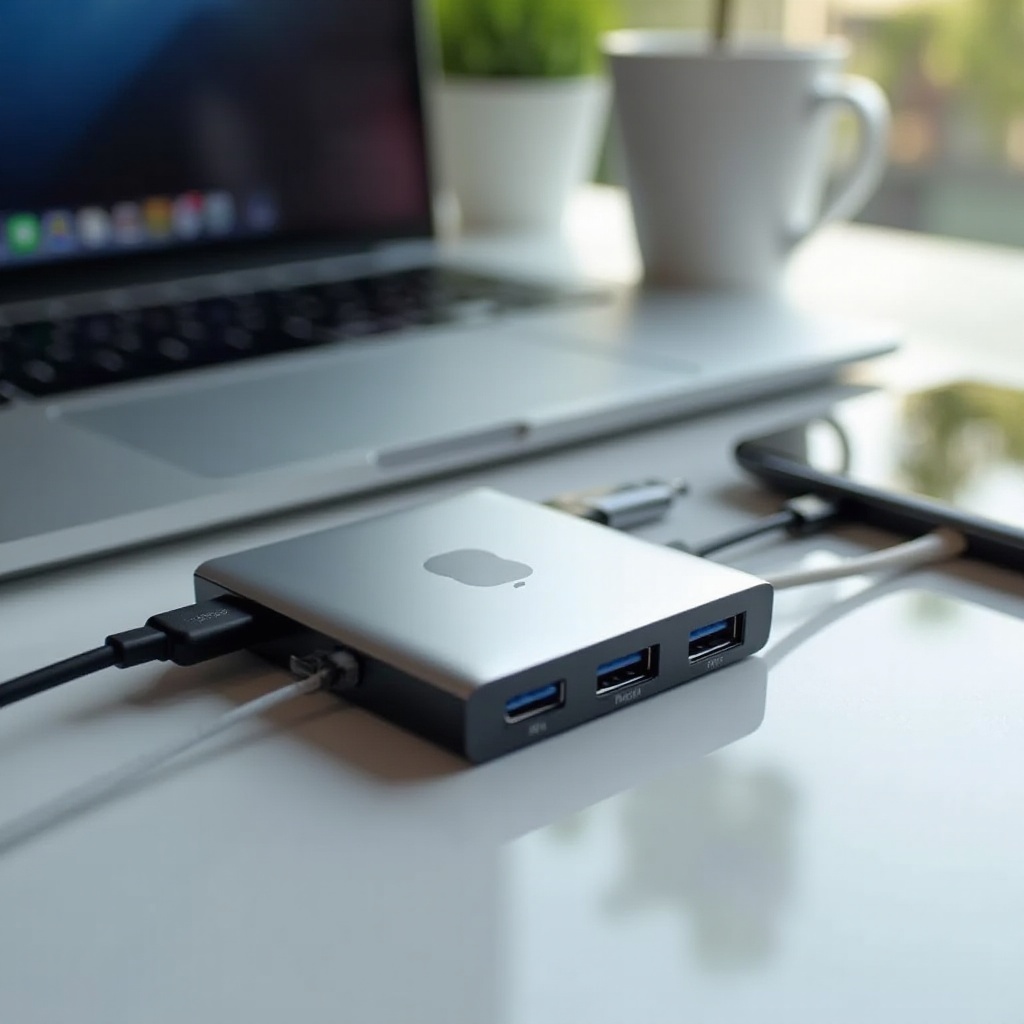
Selecting a suitable USB hub involves a careful evaluation of features that align with your laptop’s needs. Firstly, consider the number and type of ports. If you frequently use multiple USB devices, ensure the hub has sufficient USB-A and USB-C ports. Some hubs also offer HDMI and Ethernet ports, which can be beneficial.
Power delivery and charging capabilities are crucial. Many USB hubs can charge your laptop while in use, negating the need for an additional power supply. Make sure the hub supports adequate power delivery to manage all connected devices efficiently.
Consider compatibility with your laptop model. Ensure the hub fits the specific USB-C or USB-A ports used by your device. Often, hubs are optimized for certain systems, which helps in reducing the need for extra adapters.
Lastly, do not overlook build quality and design. A sturdy USB hub made of high-quality materials offers durability, while an aesthetic design enhances your laptop’s look.
Our Top 5 USB Hubs for Laptops in 2024
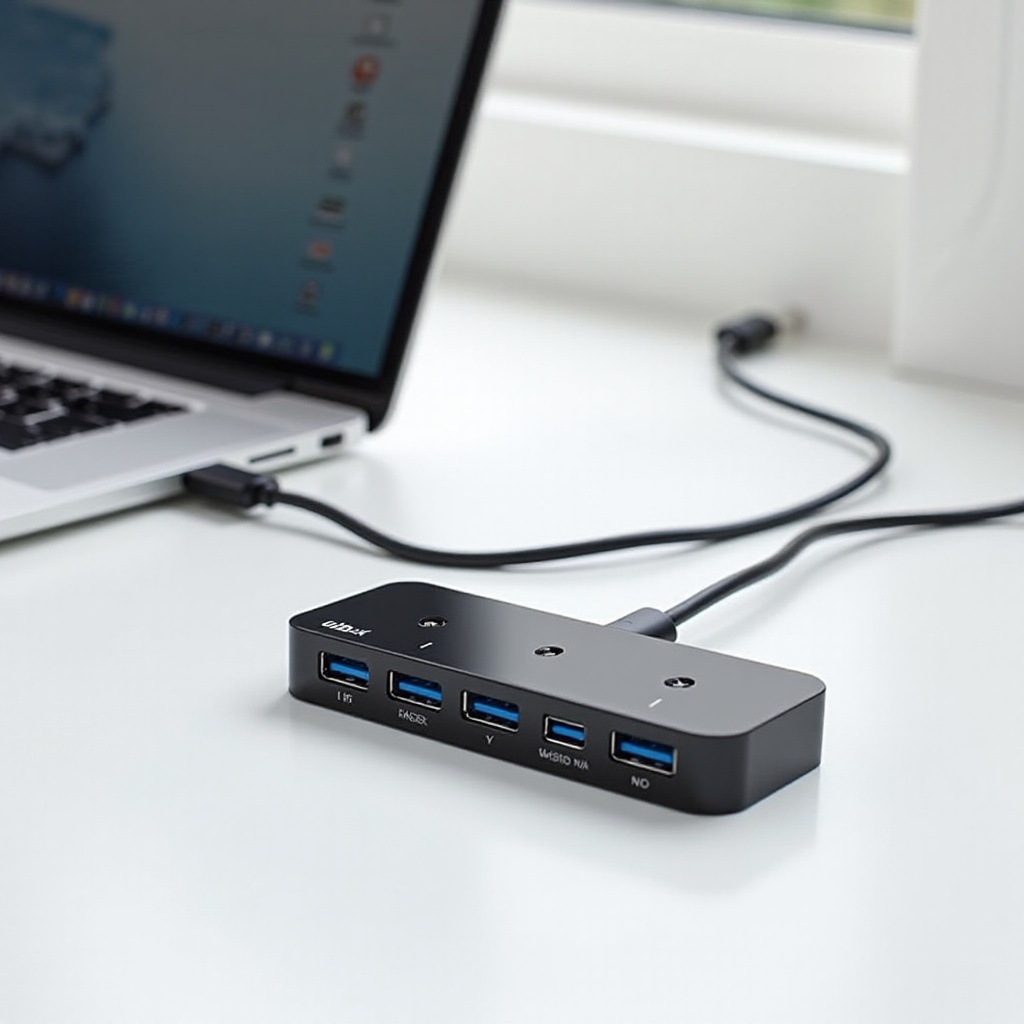
Here’s our selection of the top USB hubs of 2024, each chosen for exceptional functionality and reliability:
1. Anker PowerExpand 8-in-1 USB-C PD 10Gbps Data Hub: This robust device offers several USB ports, HDMI output, and fast charging options, making it a powerful choice.
2. Satechi Aluminum Multi-Port Adapter V2: Known for its solid construction and versatility, this hub boasts Ethernet, USB-A, USB-C, and microSD slots.
3. Kingston Nucleum USB C Hub: Compact yet feature-rich, it’s an ideal choice for professionals on the go, providing both USB-C and USB-A ports.
4. Baseus 8-in-1 USB C Hub Docking Station: Offers extensive connectivity options, including HDMI, USB ports, SD card slots, and Ethernet, perfect for diverse tasks.
5. Ugreen USB C Hub 6-in-1 Adapter: This hub is perfect for daily use, offering essential ports without sacrificing portability.
These options offer a variety of port configurations and designs, ensuring you find the perfect fit for your laptop.
Tips for Effective Use of USB Hubs
To get the most out of your USB hub, consider the following tips. First, ensure safe usage practices by verifying the hub and laptop share compatible power requirements, thus avoiding malfunctions.
Power distribution management is vital. Since not all devices demand the same power levels, prioritize connections of the most essential peripherals to maintain peak performance.
Lastly, optimize your connectivity setup by familiarizing yourself with the hub’s port layout. Efficient cable management will enhance your workspace and improve workflow.
Conclusion
The right USB hub enhances your laptop experience, extending its functionality beyond what you might have envisioned. By focusing on your unique needs and the hub’s compatibility with your laptop, you can transform a limited device into a sophisticated workstation. The products highlighted offer top-notch quality for 2024, each catering to multiple needs and preferences. Making an informed choice will ensure that your USB hub becomes an indispensable part of your tech setup.
Frequently Asked Questions
What should I look for in a USB hub for my laptop?
Focus on the number and types of ports, power delivery, compatibility with your laptop, and build quality.
Can I charge my laptop with a USB hub?
Yes, many USB hubs support power delivery that allows charging while in use. Ensure the hub is compatible and provides adequate power.
Are all USB hubs compatible with every laptop?
Not all hubs are universally compatible. Check the hub’s compatibility with your laptop’s ports, like USB-C or USB-A, before purchasing.