Introduction
Choosing the right digital device is pivotal for students as they embark on their educational journey. With both Chromebooks and traditional laptops offering distinct advantages, making an informed choice requires a thoughtful exploration of each. In this comprehensive guide, we delve into the various facets of these devices, helping students select the best fit for their needs in 2024.
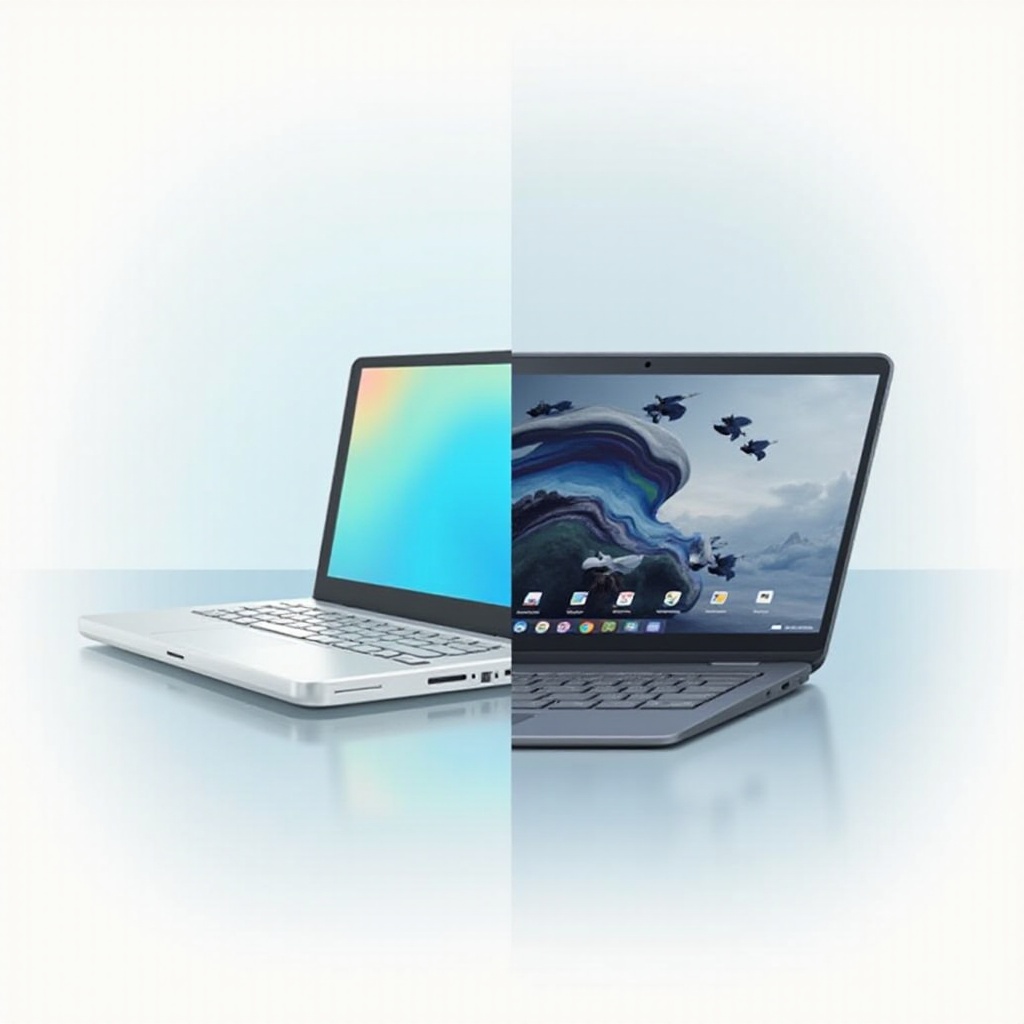
Understanding Chromebooks and Laptops
When it comes to selecting a digital device, knowing the basics is a good starting point. Both Chromebooks and traditional laptops serve specific purposes tailored to user preferences and needs.
What is a Chromebook?
A Chromebook stands out as a streamlined laptop running on Google’s Chrome OS. Engineered for efficiency, Chromebooks emphasize cloud storage and web applications. Geared towards users prioritizing speed and security for online tasks, Chromebooks are invaluable for educational settings relying heavily on Google’s suite of tools.
What is a Traditional Laptop?
In contrast, traditional laptops operate on systems like Windows or MacOS, showcasing a wider range of software capabilities. They are built for versatility, offering significant processing power and storage, essential for running sophisticated software for academic and personal tasks. Deciphering these core differences paves the way for understanding how they operate in diverse academic environments.
Performance and Usability
The next critical piece in this puzzle is understanding how each device performs under academic pressures, affecting usability and workflow for students.
Speed and Efficiency
Chromebooks are famed for their rapid boot times and seamless performance, ideal for students focused on web-based applications like Google Docs. However, traditional laptops, equipped with diverse processing capabilities, excel in running resource-intensive programs necessary for areas like graphic design, programming, and multimedia editing.
Software Compatibility
Compatibility with educational software marks a pivotal difference. While Chromebooks thrive with internet-based or web-friendly applications, traditional laptops encompass the ability to run a broader spectrum of offline programs essential for more technical disciplines demanding customized software installations.
As performance indicators give us a peek into device capabilities, evaluating physical aspects such as design and portability becomes the next logical step.

Portability and Design
Design and portability often play a crucial role in a student’s daily academic routine, affecting how easily one can transition between environments such as classrooms and libraries.
Size and Weight Considerations
Designed with mobility in mind, Chromebooks are lightweight and easy to transport, making them practical for students continuously moving. Their slim profiles contrast with traditional laptops, which, though generally larger, offer impressive technological features within their builds.
Battery Life Comparison
A key component of portability is battery life. Chromebooks usually offer extended battery life, vital for full-day academic schedules. Although traditional laptops can vary, many are built to endure lengthy periods away from power sources, depending on usage and configuration.
From physical attributes, we transition into considerations of cost—an element crucial in student decision-making.
Cost Considerations
Budgetary constraints often serve as a significant factor for students and parents when selecting appropriate educational devices. Let’s explore how each, Chromebook and laptop, stacks up in terms of cost.
Upfront Costs
At first glance, Chromebooks generally appear more budget-friendly, inviting buyers seeking affordable entry into the digital learning world. They meet essential educational needs without breaking the bank.
Long-term Value and Investments
While Chromebooks present an attractive initial price point, traditional laptops—through their adaptability and capability for extended use—offer substantial long-term flexibility. They allow students to invest in technology capable of evolving with their academic pursuits.
With costs examined, investigating the compatibility of each device with educational tools becomes imperative.
Academic Tools and Software
Analyzing how these devices support various academic tools can seriously impact choice, influencing a student’s educational involvement and productivity.
Essential Applications for Students
For students engaging heavily with web-based curriculum applications, Chromebooks offer smooth operation and seamless integration with platforms like Google Classroom. They are ideal for day-to-day assignments that require internet collaboration tools.
Compatibility with Educational Platforms
On the other hand, traditional laptops showcase versatility necessary for students requiring robust software support for disciplines demanding high software compatibility, such as engineering, media studies, and design.
Finally, effective security and straightforward maintenance are paramount, ensuring these devices remain both safe and intact for continuous use.
Security and Maintenance
Assessing security and maintenance needs highlights significant differences in user experience and device efficacy.
Security Features of Chromebooks
Thanks to Chrome OS, Chromebooks are inherently secure, equipped with sandboxes and regular updates to safeguard against threats. Their simplicity ensures you’re always working in a safe environment.
Maintenance Requirements for Laptops
Traditional laptops, albeit requiring more attention to software updates and virus protections, offer users expanded control over security features, crucial for those valuing personalization.

Conclusion
As we usher into 2024, students are faced with advantageous options between Chromebooks and traditional laptops. Each device caters to specific needs—whether it is Chromebooks offering affordability and efficiency, or traditional laptops lending powerful all-around functions that extend beyond typical academic requirements. Understanding personal educational objectives and technological aspirations ensures the right choice is made for your academic journey.
Frequently Asked Questions
Are Chromebooks suitable for college students?
Yes, Chromebooks are ideal for college students focused on web-based tasks and Google applications, but majors that need specific software might require traditional laptops.
Can traditional laptops run education-specific software better?
Absolutely, especially for software that requires higher computing power and offline capabilities, like graphic design and engineering tools.
How do Chromebooks fare in terms of online security?
Chromebooks have robust security measures with automatic updates and virus protection, making them highly secure for online use.