Finding the right HDMI splitter for your PS5 can completely revamp your gaming setup, enabling you to share your console’s output across multiple displays without a hitch. A carefully chosen splitter ensures you enjoy the full capabilities of your PS5 while maintaining outstanding performance. In this guide, we’ll explore why HDMI splitters are vital, key features to consider, and the top models in 2024.
Why HDMI Splitters Are Essential for PS5 Gamers
Dedicated gamers understand the importance of optimizing every aspect of their setup, and HDMI splitters play a crucial role in this regard. For PS5 users, these devices have become indispensable due to their ability to distribute a single output to multiple screens without sacrificing quality. Imagine streaming your gaming sessions on one screen while family members enjoy a movie marathon on another. An HDMI splitter allows for such flexibility, ensuring you never miss a beat.
More so, HDMI splitters preserve the high-definition resolutions and refresh rates that the PS5 boasts, maintaining impeccable video and audio integrity. This means that whether you’re engaging in a solo campaign or switching between displays during a multiplayer match, your experience remains seamless. These attributes underscore their rising popularity and necessity among PS5 gaming enthusiasts.
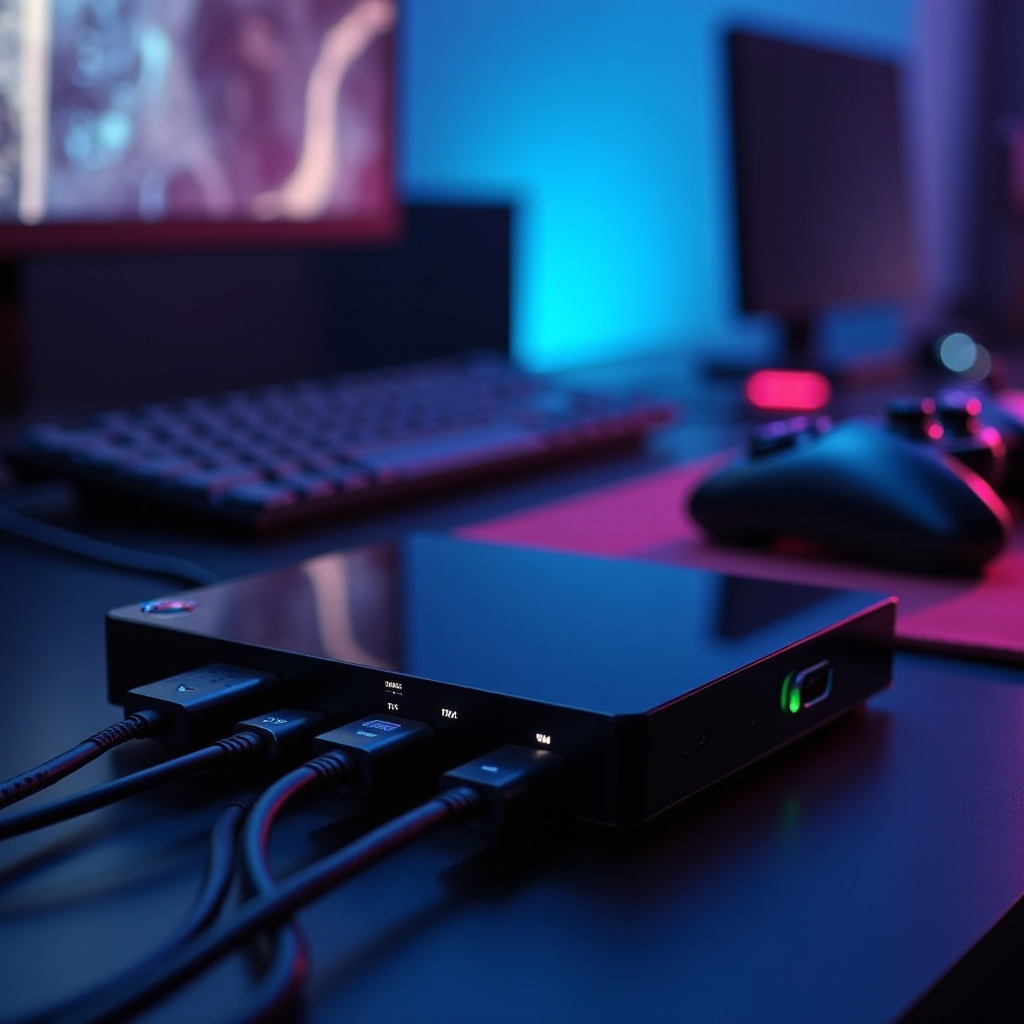
Key Features to Consider When Choosing an HDMI Splitter for PS5
Selecting an HDMI splitter with the right features is key to unleashing your PS5’s full potential:
-
Resolution Support and Refresh Rates: Opt for splitters that support HDMI 2.1 to ensure compatibility with 4K and 8K resolutions and refresh rates up to 120Hz. This ensures the splitter can handle the PS5’s full visual prowess without quality loss.
-
Number of Outputs and Compatibility: Determine how many screens or devices you aim to connect. Some models offer up to four outputs, ideal for more extensive setups. Be sure to verify compatibility with both your PS5 and your display devices to avoid connection issues.
-
Audio Format and Signal Stability: To benefit from immersive audio, choose a splitter that supports advanced audio formats such as Dolby Atmos. Signal stability is vital to prevent disruptions or flickering that could detract from key gaming moments.
Prioritizing these features will help ensure you choose a splitter that not only meets but enhances your gaming experience with the PS5.
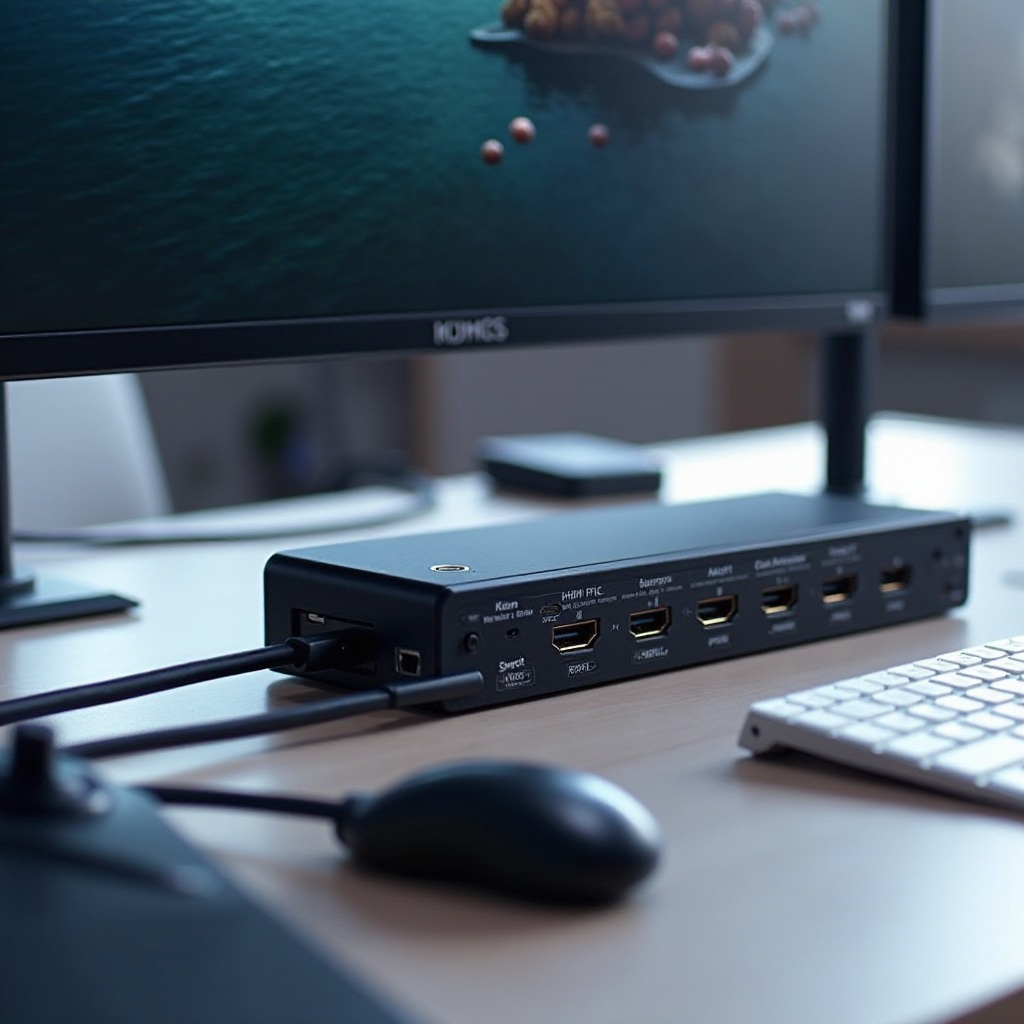
Top 5 HDMI Splitters for PS5 in 2024
After examining numerous models, we’ve identified the top HDMI splitters that complement your PS5 perfectly:
- Product 1: Features, Pros and Cons
- This splitter supports 8K at 60Hz and 4K at 120Hz, ensuring it stays relevant with future advancements.
-
Pros include stellar build quality and wide device compatibility, with the main downside being a slightly higher price.
-
Product 2: Features, Pros and Cons
- Compact and efficient, it provides dual outputs and 4K support.
-
Users appreciate its simplicity and strong performance, although it lacks some advanced audio features.
-
Product 3: Features, Pros and Cons
- Known for its plug-and-play setup, ideal for those less tech-inclined.
-
Budget-friendly, though it handles only two outputs and has potential for signal drops at higher resolutions.
-
Product 4: Features, Pros and Cons
- Versatile and universally compatible, with adaptive scaling for different screen resolutions.
-
The main drawback is occasional issues with certain TV brands.
-
Product 5: Features, Pros and Cons
- Features HDMI 2.1 support and excellent signal integrity.
- Supports up to four devices, though setup can be challenging for novices.
Selecting among these depends on your specific needs and budget, whether you prioritize price, performance, or ease of use.
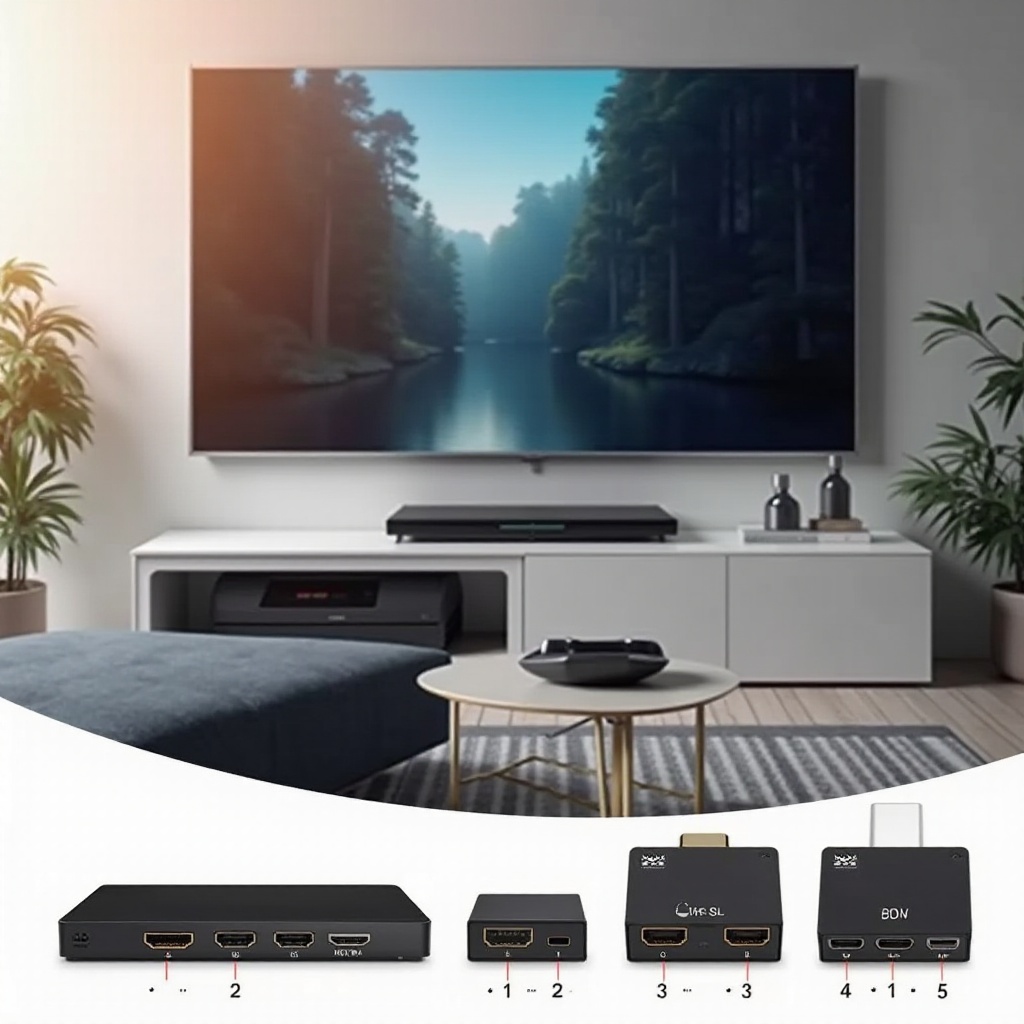
How to Set Up Your HDMI Splitter with a PS5
After acquiring the perfect HDMI splitter, setting it up is relatively simple:
- Connect the HDMI output from your PS5 to the splitter’s input.
- Use additional HDMI cables to link the splitter’s outputs to your display devices, such as monitors and TVs.
- Power on the splitter, if it needed an external power source.
- Ensure all devices are powered on, then adjust your display settings as needed to match the output resolution.
This setup assures smooth operation across all your gaming and display devices.
Troubleshooting Common HDMI Splitter Issues
While most HDMI splitters are plug-and-play, issues may arise, such as signal loss or device incompatibility. Common solutions include:
- Double-checking connections to ensure cables are firmly attached.
- Restarting devices to refresh the output signal.
- Adjusting resolution settings to match all connected displays, as discrepancies can cause interruptions.
These steps typically resolve most issues, bringing your gaming and viewing experience back to normal.
Conclusion
Integrating the right HDMI splitter into your gaming setup can notably enhance your PS5 experience. Whether you’re looking to multitask or seek high-quality visuals, the right splitter will meet and exceed your expectations. Evaluate your priorities—resolution, outputs, or audio capabilities—as you choose from our top recommendations.
Frequently Asked Questions
Can I use any HDMI splitter with PS5?
Not all HDMI splitters are compatible, especially older models that don’t support higher resolutions like 4K@120Hz. Always check for HDMI 2.1 support.
Does using an HDMI splitter affect gaming performance?
A quality HDMI splitter should not impact performance, provided it supports the correct specifications. Issues typically stem from lower-quality splitters or improper setup.
How do I know if an HDMI splitter is compatible with my TV?
Compatibility relies on the supported resolutions and refresh rates of both the splitter and the TV. Verify that the specifications align with those of your TV and other connected devices.