Introduction
Clear calls start with the right headset. If your team, clients, or classmates cannot hear you, meetings stall and tasks slip. Headphones for VoIP solve this by pairing a clean microphone with reliable connections and all-day comfort. You want voices to sound natural, your mic to reject background noise, and controls that simply work.
This guide explains what matters and how to choose. We break down wired versus wireless, mic types, noise handling, and platform compatibility. You will also see budget picks and setup tips that make any headset shine. Each section links to the next so you can move fast from research to purchase to confident daily use. By the end, you will know key features, likely trade-offs, and how to test gear before the big call with confidence.

What Makes Great Headphones for VoIP
Great VoIP headsets do three jobs at once: capture your voice cleanly, keep distractions out of your ears, and stay comfortable for hours. Start with microphone quality. Look for clear speech pickup and strong noise suppression so typing, HVAC, or cafe chatter fades behind your voice. Boom mics still lead for isolation, while good beamforming mics can work in quiet rooms. Detachable booms add flexibility for travel and storage.
Comfort matters next. Light weight, soft pads, and moderate clamp help you focus. If you wear glasses, prefer oval pads and swiveling yokes that reduce pressure on frames. Replaceable pads and headbands reduce long-term costs and keep hygiene in check. Sound tuning helps too. Slightly boosted mids lift speech, while neutral bass prevents rumble from masking voices. Sidetone lets you hear yourself and avoid shouting.
Reliability completes the picture. Wired USB-C or a proven wireless dongle minimizes glitches and keeps latency low. Multipoint helps if you switch between laptop and phone during the day. Simple controls, a positive mute switch, and clear tones prevent meeting mistakes. Balance these factors by your workspace: quiet home, busy office, or shared co-working area. With the foundations set, you can choose between wired and wireless to match your day-to-day routine. The next section compares both options clearly.
Wired vs. Wireless Headphones for VoIP
Wired headsets offer simple, stable audio. USB-C or USB-A models draw power from your device, avoid battery anxiety, and resist interference. Latency stays low, and controls often integrate with softphone apps. If your desk never moves, wired saves money and reduces support tickets. A wired connection also avoids pairing surprises when you join a critical call.
Wireless brings freedom. A Bluetooth headset with a USB dongle improves range, pairing speed, and call stability. Look for LE Audio or robust classic Bluetooth with reliable multipoint. Battery life above 30 hours covers a full week of calls for most people, and fast charging adds insurance when meetings stack up. If your workday includes pacing, whiteboards, or standing desks, wireless improves comfort and focus.
Choose based on movement and crowding. Wired wins for fixed desks and dense Wi-Fi areas. Wireless wins for hybrid work, walking during calls, and switching between laptop and phone. Some pros keep both: a wired backup in the bag and a wireless daily driver. Next, we dig into microphones and how they shape call clarity for everyone on the line.
Microphone Quality, ENC, and Call Clarity
Your audience hears your microphone, not your speakers, so prioritize mic design first. A good boom mic places the capsule near your mouth and rejects side noise. Dual or triple mics with beamforming can work well on-ear and in-ear headsets, especially in quiet rooms. If you join calls from a cafe or open office, a boom with a windscreen remains the safest choice.
Environmental noise cancellation, often labeled ENC, targets keyboard clacks, AC hum, or street noise. Implementations vary across chipsets and apps. Some run on the headset, others rely on app-level noise removal. Test both if your platform offers built-in suppression. Also check sidetone. Hearing your own voice reduces fatigue and helps you pace your speech naturally.
Watch for clipping and plosives. A foam windscreen on a boom helps, even indoors. Keep the tip just off the corner of your mouth, not centered. Record short samples in your meeting app and play them back. If voices sound thin, raise the mic level or add a midrange EQ boost around the presence band. If background fans leak through, try moving slightly or lowering input gain so suppression can work cleanly. The next section covers connections that keep that clean signal intact across your devices and apps.
Connectivity and Compatibility for VoIP Platforms
Connection quality decides how your good mic performs in the real world. For laptops, USB-C headsets offer plug-and-play audio and consistent mute control. USB-A models with adapters still work well. Dedicated wireless dongles improve stability over bare Bluetooth because they manage bandwidth and prioritize calls. Some dongles also enable call controls and busy lights.
If you prefer Bluetooth without a dongle, verify codec and multipoint behavior on your devices. LC3 under LE Audio promises efficient, stable links and low power draw. Classic AAC or SBC can suffice for calls, but a dongle often beats them for range and reliability. On phones, a wired USB-C headset or a well-tuned Bluetooth model will both serve. Tablets and Chromebooks usually handle USB audio well, but confirm before long trips.
Compatibility goes beyond connection types. Check platform integrations for Teams, Zoom, Meet, and Webex. Features like mute sync, busy light, and ringtone pass-through save time and reduce errors. Some headsets let you answer or end calls from the earcup, which feels faster than scrambling for the mouse. Pair once, then run a test call on each app you use. We now turn to comfort next, because a stable link means little if you cannot wear the headset all day.
Comfort and Ergonomics for All-Day Use
Comfort keeps you productive. Heavy, tight headsets cause headaches and sore ears that ruin call quality as you fidget. Aim for low weight, soft memory-foam pads, and a balanced headband. Rotating cups and adjustable yokes help the fit land evenly across your head. Suspension bands and wider pads spread pressure and reduce hotspots.
Glasses wearers should favor oval pads and lower clamp. Fabric or hybrid pads breathe better in warm rooms, while protein leather blocks noise better in open offices. If you sweat, washable covers or replaceable pads are worth it. For on-ear models, test pressure on the helix and tragus to avoid hot spots. For in-ear models, try multiple tip sizes and consider foam tips for stability.
Comfort also includes how the mic and controls feel. A confident mute click and a flexible boom reduce stress, especially when you speak often. If you need to drink water during calls, make sure the boom swings out of the way without losing your place. With fit dialed in, the next section covers controls and software that turn good hardware into an easy daily routine.
Controls and Software Features That Matter
Controls that you can use by feel prevent awkward moments. You want a physical mute with a clear click, a power switch that will not be bumped, and volume buttons that step predictably. A flip-to-mute boom adds certainty. A visible or virtual busy light warns coworkers when you are on a call, which reduces interruptions.
Software rounds out the experience. Vendor apps let you set sidetone, mic gain, EQ, button mapping, and sleep timers. Save a meetings preset with enhanced mids and louder sidetone for long calls. Some platforms display mute and battery from headsets, which prevents mid-call surprises. Admin tools can lock settings for fleet devices.
Consider support and updates early. Devices that update firmware through the app tend to last longer and remain compatible. Release notes often fix pairing bugs, battery reporting, or mute sync with specific platforms. With features in place, you can match options to your budget without overspending. That is where a tiered buyer guide helps most.
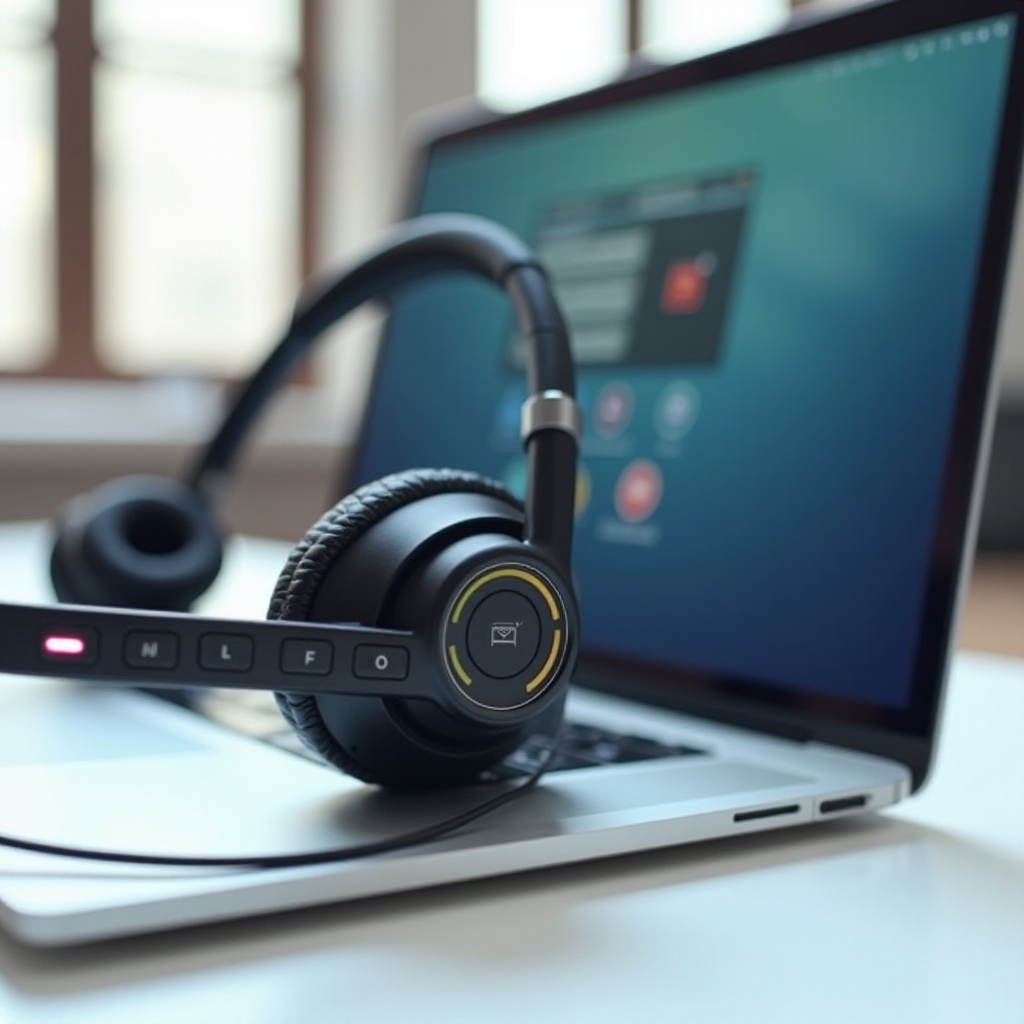
Buyer’s Guide by Budget: Under $50, $100, and $200+
Spending wisely means focusing on the most audible gains at each tier. The goal is simple: buy the clearest mic you can afford, then add comfort and reliability.
– Under $50:
– Pick wired USB-C or USB-A for stability and low latency.
– Prioritize a boom mic, even a simple one, over fancy speakers.
– Seek lightweight frames and basic sidetone if available.
– Avoid cramped inline controls that you cannot mute by feel.
– Under $100:
– Choose better boom arms with foam windscreens and clearer mids.
– Consider entry-level wireless with a dongle if you move around.
– Look for replaceable pads and a reliable mute switch.
– Test multipoint if you plan to jump between laptop and phone.
– $200 and up:
– Expect stronger ENC, beamforming arrays, and superior comfort.
– Get multipoint plus a robust dongle for crowded offices.
– Aim for platform integrations, busy light, and software EQ.
– Seek certified models if your company manages devices at scale.
Whatever you spend, test before your first big meeting. Join a dummy call, record a clip, and check typing noise, AC hum, and street sounds. If results disappoint, exchange quickly. Your money should buy clear speech, low fatigue, and predictable controls. Return policies and trials lower risk for remote workers. Before you buy, confirm certifications and security features, which we cover next.
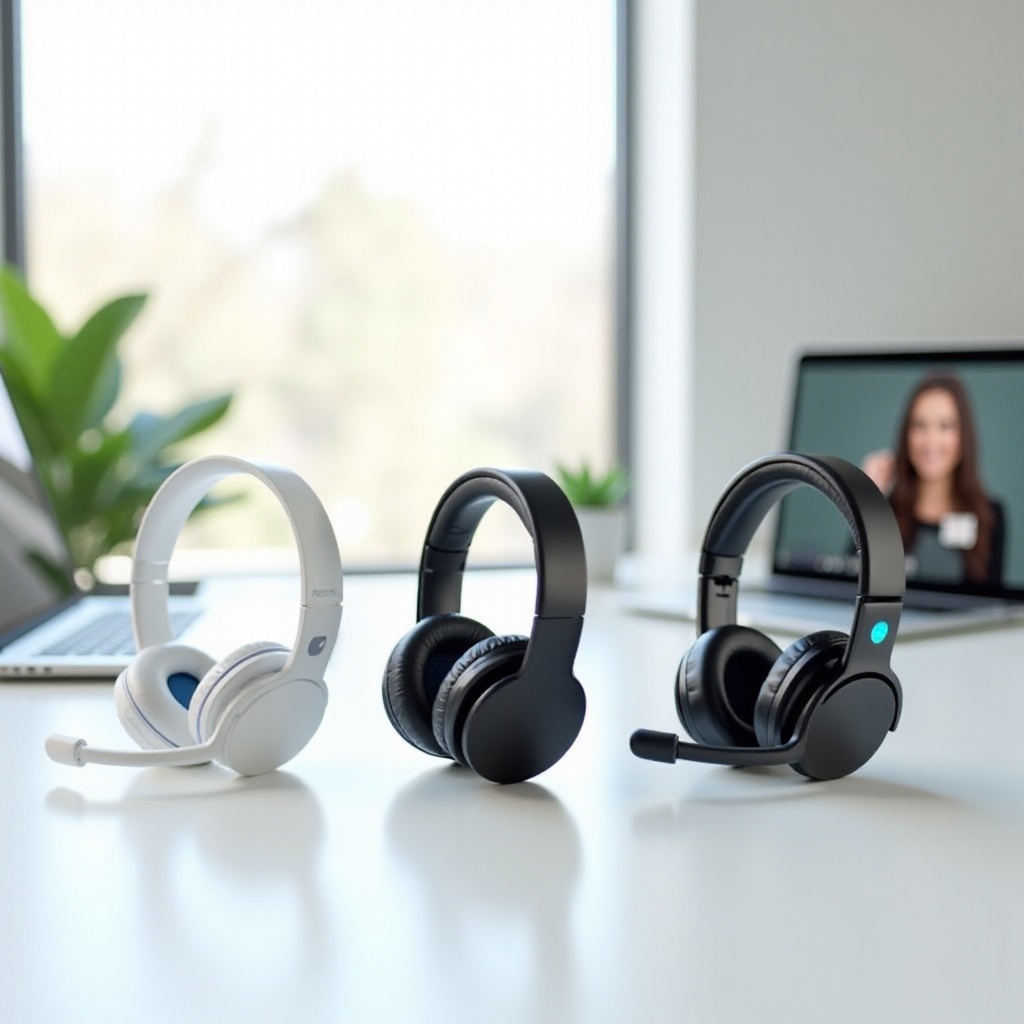
Certifications, Platforms, and Security Considerations
Unified communications certifications reduce friction in daily work. When a headset earns a Teams or Zoom badge, mute sync, hook switch control, and ringtone behavior tend to just work. Admins can deploy settings at scale and monitor firmware compliance. Certified models also get better support from vendors and platforms.
Security matters more with wireless. Prefer dongles that support encrypted links and device-level pairing. Disable open pairing on shared floors. For Bluetooth, clear old pairings you no longer use, and keep firmware current to patch vulnerabilities. If you travel, avoid pairing over public kiosks or unknown hosts.
Platform policies also shape your choice. Some companies require UC-approved devices for support or call recording. Ask IT before buying to avoid returns. If you contract for clients with strict compliance rules, keep a certified backup in your bag. With policies clear, you are ready to set up and test your new headset safely.
Setup, Testing, and Troubleshooting Tips
Even great hardware needs careful setup. Start by updating firmware in the vendor app or desktop client. Pair or plug in once, then name the device clearly so you pick it fast in menus. In your OS, select the headset for both input and output, and disable unused mics. On Windows, check the default communications device. On macOS, lock input level after you tune it.
Run a controlled test:
1) Join a meeting alone.
2) Record a one-minute clip.
3) Type, click a mouse, and speak softly and loudly.
4) Play back and adjust mic level and EQ.
If you hear pops, move the boom off the mouths centerline. If volume fluctuates, disable auto gain control in the app. If voices pump when you pause, lower noise suppression or raise input gain slightly. For dropouts, switch USB ports, try the dongle extender, or move away from USB hubs. Reset pairings when needed. Keep a short USB-C cable in your bag as a backup.
Clean your headset weekly. Wipe pads with a soft cloth, and replace them when they flatten. Store the dongle in the case so you do not lose it. Keep spare tips for in-ear sets. With setup solid and care routine in place, you can rely on your headset every workday. Test on every app you use so there are no surprises.
Conclusion
Clear, reliable calls come from smart choices, not chance. Focus on microphone design, comfort, and stable connections. Decide whether wired simplicity or wireless freedom fits your day. Add sidetone, a firm mute, and software that keeps settings consistent. Test in your actual apps and rooms, and tweak levels before important meetings.
Treat your headset like any essential tool. Replace pads when worn. Keep firmware current. Carry a cable for emergencies. When you match features to your environment and budget, headphones for VoIP stop being a question and become an advantage you feel on every call. Your callers will thank you.
Frequently Asked Questions
Do I need a headset with a boom mic for VoIP, or will integrated mics suffice?
A boom mic still wins for most people because it sits close to your mouth and blocks side noise. Integrated beamforming mics can sound fine in quiet rooms, but struggle in crowded spaces. If calls decide your pay, choose a boom. For casual chats, integrated mics can be enough.
Are USB-C wired headsets better than Bluetooth for VoIP calls?
USB-C wired headsets deliver lower latency and fewer connection mysteries. They draw power from your device, so you never scramble for a charge. Bluetooth adds freedom to move and multipoint convenience. If you present or record, go wired. If you pace and switch devices, go wireless with a reliable dongle.
What features improve call quality in noisy home or office environments?
Combine a close mic with smart suppression. Use a boom with foam windscreen, plus ENC that targets keyboard clacks and HVAC. Turn on sidetone to control your volume. Add ANC if room noise distracts you, and position yourself away from fans, windows, and reflective surfaces.