Introduction
Outdoor smart plugs give you wireless control of lights, pumps, and patio gear without rewiring your home. You get timers, sunrise and sunset schedules, and voice control from your phone or smart speaker. The right plug can make holiday displays easier, keep pathways lit at dusk, and cut standby power when gear sits idle. The wrong one can trip GFCI outlets, drop offline in rain, or fail in extreme heat or cold.
This guide explains how to choose a reliable outdoor smart plug, which features matter, and how to install it safely. You will also see practical automations that save time and energy. If you care about Matter, HomeKit, Alexa, or Google compatibility, you will find what to look for. Safety and durability take center stage because outdoor power demands more than indoor gadgets.
Let us start with quick recommendations that match common needs, then move into the buying details.
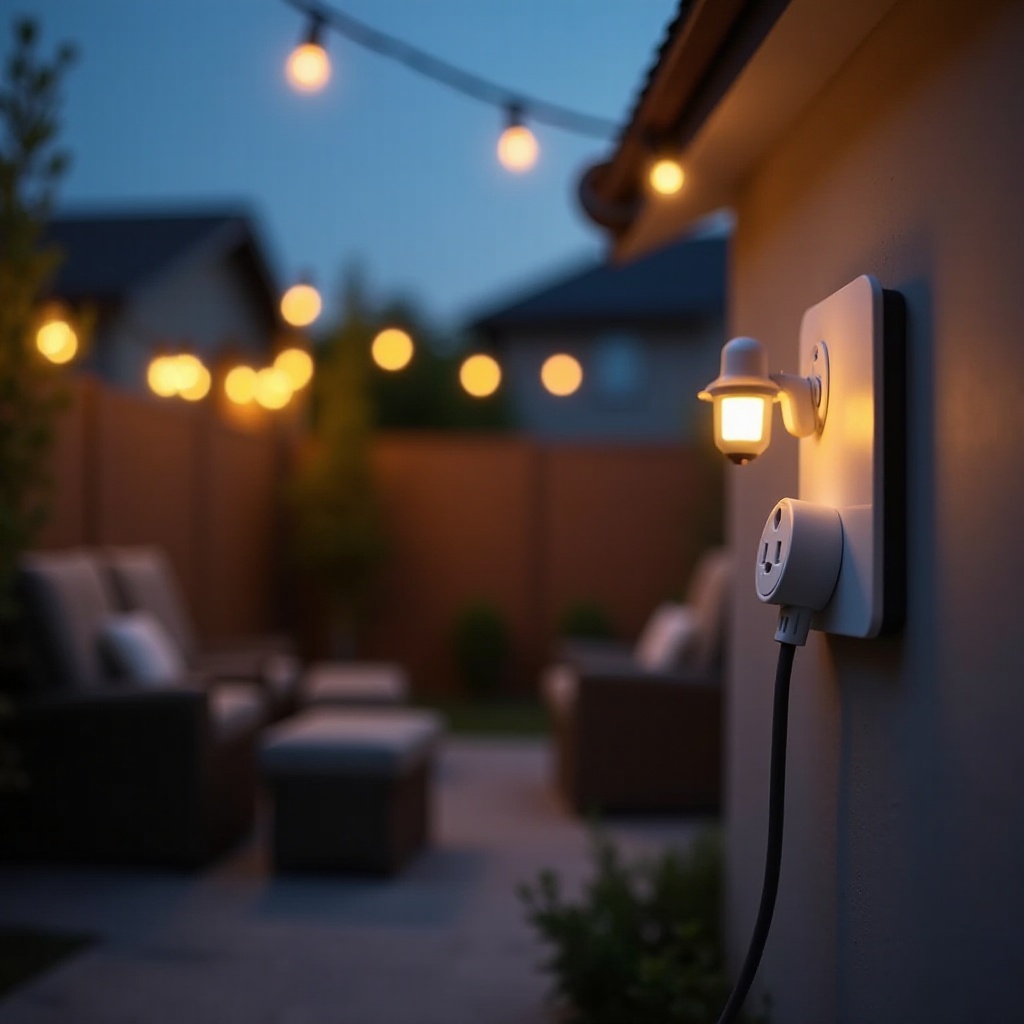
Quick Recommendations: Best Outdoor Smart Plugs at a Glance
-Best Overall Outdoor Smart Plug
Pick a dual-outlet plug with an IP65 or higher rating, independent socket control, 15A support, and Wi‑Fi plus Matter. It should offer sunrise and sunset timers, long range, and a clear app.
-Best Budget Outdoor Smart Plug
Choose a single-outlet IP65 plug rated for 15A with basic app schedules and voice control. Ensure UL or ETL listing and a short, thick power lead for strain relief. Look for a compact body that fits under an in‑use cover.
-Best Dual-Outlet with Independent Control
Look for per-socket control, each rated at 15A combined or 10A each, with individual power monitors if available. Separate outlet covers improve protection in rain. A grouped scene lets you turn both outlets on or off together.
-Best for Matter and HomeKit
Select a plug that supports Matter over Wi‑Fi or Thread and pairs with Apple Home, Alexa, and Google. Local control improves speed and reliability across platforms and reduces cloud reliance.
-Best Heavy-Duty for Pumps and Heaters
Choose a 15A or 20A plug with high inductive load tolerance, a wide temperature range, and surge protection. Confirm motor compatibility and avoid exceeding amperage. For heaters, verify a continuous-duty rating.
These quick picks set a baseline for different budgets and ecosystems. Next, let us break down the specific features that define a high‑quality outdoor smart plug.
Buying Guide: What to Look For in an Outdoor Smart Plug
-Weatherproofing and Durability (IP65/IP66, NEMA, in-use covers)
Outdoors means rain, snow, and sun. An IP65 or IP66 rating protects against water jets and dust. Look for thick rubber gaskets, sealed buttons, and a short, heavy-duty pigtail. If the plug will stay connected, use an in‑use (while‑in‑use) cover on your GFCI outlet. A NEMA 3R or better enclosure helps in exposed areas. UV‑resistant plastics last longer in direct sun and resist cracking.
-Power Ratings and Safety (amps, UL/ETL, GFCI, resistive vs inductive loads)
Check the amperage and wattage. Many outdoor plugs support 15A resistive loads. Motors and pumps create higher startup currents. The plug should state inductive ratings and temperature ranges. Look for UL or ETL certification. Plug into a GFCI‑protected outlet to reduce shock risk. Never exceed the maximum wattage. If you plan to run heaters, confirm the plug’s continuous load rating and ensure the cord gauge matches the draw.
-Connectivity and Compatibility (Wi‑Fi, Thread, Matter, Alexa/Google/Apple)
Wi‑Fi works for most yards if your router covers the area. Thread offers mesh coverage and can improve reliability with a compatible border router. Matter lets you control the same plug from Apple Home, Alexa, and Google without vendor lock‑in. If you need Apple Home control, verify Matter or native HomeKit support. Check 2.4 GHz Wi‑Fi requirements before setup and keep channels clear of interference from overlapping networks.
-App Features and Automation (schedules, sunrise/sunset, energy monitoring)
Useful features include schedules, countdowns, and sunrise and sunset options that adjust with seasons. Group controls help you sync multiple plugs. Energy monitoring lets you track usage for pumps or heaters. Look for secure remote access, optional cloud, and true local control. Push notifications for overloads and offline status can help you catch issues fast. A clear interface for per-outlet control reduces mistakes during setup.
-Range and Reliability Outdoors (antennas, mesh, interference)
Outdoor walls and metal siding block Wi‑Fi. Look for plugs with larger internal antennas, or place a mesh node closer to the yard. Thread plugs can form a self‑healing mesh with other Thread devices. Avoid mounting behind metal boxes or within ground‑level pits. If you see frequent dropouts, try a different outlet or a Wi‑Fi extender rated for outdoor use. Keep firmware up to date to improve reconnection behavior after power loss.
With the core features in mind, you can match a plug to a task. The next section maps the best choices to common outdoor use cases so you can shop with confidence.
Top Picks by Use Case
-Holiday Lights and Yard Displays
Holiday setups need timers, per‑outlet control, and reliability in cold and wet weather. Choose a dual-outlet IP65 plug with sunrise and sunset scheduling and per‑socket programming. Group multiple plugs by zone (eaves, bushes, inflatables) for fast control. If your yard is large, add a mesh node to keep Wi‑Fi stable. Use energy monitoring to verify you stay under limits when you expand the display.
-Garden and Pathway Lighting
Landscape lights work best with dusk‑to‑dawn schedules. Find a plug with accurate sunrise and sunset automation and weather‑aware routines. If your transformer is far from the router, consider Thread or long‑range Wi‑Fi. Energy monitoring is less critical here; reliability and schedule accuracy matter more. If you use low‑voltage transformers, confirm the plug can handle the transformer’s inrush current.
-Pool, Fountain, and Pond Pumps
Pumps create inductive loads. Choose a plug that lists motor compatibility and supports the start current. Prioritize UL or ETL listing, surge protection, and a wide temperature range. Use GFCI outlets near water and ensure drip loops in cables. Timers can cut energy use by cycling the pump during off‑peak hours. If noise or vibration is a concern, test different schedule windows to balance water clarity and power savings.
-Patios, Pergolas, and Space Heaters
Heaters draw high wattage. Confirm the plug’s continuous current rating and maximum wattage. Use only with devices within the plug’s limits. If you want voice control for ambience lighting and separate heater control, pick a dual‑outlet unit with independent sockets. Keep cords off wet surfaces. Consider wind and rain exposure under pergolas and move connections under cover when possible.
-Sheds, Tools, and Temporary Power
Sheds and work areas benefit from presence‑based automations and countdown timers. A sturdy, single‑outlet IP65 plug with reliable reconnection works well. If the shed sits at the edge of your Wi‑Fi range, add a mesh node or try a Thread‑capable plug. Use weather‑rated cords and secure mounting to reduce strain. Add a simple routine that turns off power tools after a set idle time to prevent overnight draw.
You now have a sense of which plug fits each job. Before you install, review setup and safety steps to protect people and gear and to maintain warranty coverage.
Setup and Safety Essentials
-Use GFCI and Weatherproof In-Use Covers
Always plug outdoor smart plugs into GFCI‑protected receptacles. Use an in‑use cover so the outlet stays protected while a plug is inserted. Check local codes if you plan permanent installations. Replace cracked covers and worn gaskets. Test the GFCI monthly to ensure it trips and resets correctly.
-Placement, Drip Loops, and Cord Management
Mount plugs off the ground, away from standing water. Create a drip loop by letting the cord hang lower than the outlet so water runs off the cable before it reaches the plug. Keep connections under eaves if possible. Secure cords to reduce strain and prevent trips. Label zones and cords so you know which plug controls each light set or device.
-Choosing Outdoor-Rated Extension Cords and Gauge
Use outdoor‑rated cords marked ‘W’ or ‘W‑A’. Match gauge to load and length:
– 16 AWG: up to 13A short runs, light loads.
– 14 AWG: up to 15A medium runs, general use.
– 12 AWG: up to 20A longer runs, heavy loads.
Avoid daisy‑chaining cords and power strips outdoors. Check plugs and cords for heat during the first few uses. Coil excess cord loosely to avoid heat buildup and never bury connections.
With safe placement and power management set, it helps to know how reviewers evaluate these products. Next, see how to test and compare outdoor smart plugs so you can separate strong contenders from risky bets.
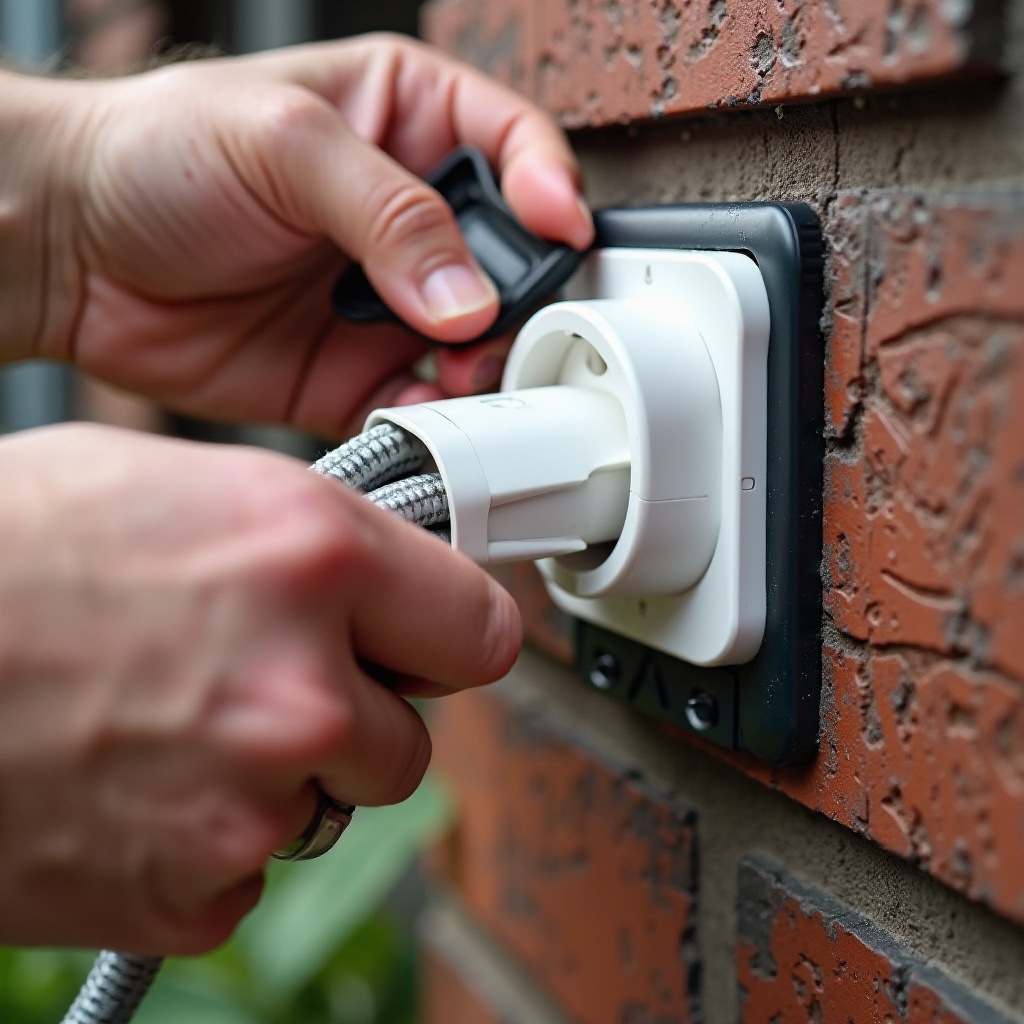
How We Test and Compare Outdoor Smart Plugs
-Weather and Water Exposure
We spray plugs with water jets, leave them under light rain, and expose them to temperature swings within their rated range. We watch for water ingress, condensation, or button failure. We check whether LEDs remain readable in daylight and if housings resist UV yellowing. We also examine seals after repeated plug‑unplug cycles.
-Load and Current Testing
We run resistive loads like string lights and heaters within rated limits. We also test inductive loads such as small pumps and fans. We monitor for heat buildup, nuisance trips, and overload protection behavior. We confirm that energy monitoring (if present) reports consistent data. Finally, we check whether the device remains responsive during long duty cycles.
-Range, Reconnection, and App Usability
We place plugs at the edge of Wi‑Fi coverage and power cycle routers to test reconnection. We verify Matter onboarding to Apple, Alexa, and Google when supported. We rate apps for schedule creation, sunrise and sunset accuracy, and clarity of alerts. Local control and privacy policies also factor into scores. We track how long firmware updates take and whether they disrupt schedules.
Knowing how products perform under stress informs your choice. With the right plug in place, you can build automations that add safety and convenience without complex wiring.
Smart Outdoor Automations You will Actually Use
-Dusk-to-Dawn and Seasonal Schedules
Set lights to turn on at sunset and off at a set hour. Use built‑in sunrise and sunset to adjust for changing daylight. Add seasonal shifts for holidays or events. For transformers, set shorter evening windows to cut energy use. Layer a weekend scene that runs later when you host guests.
-Presence and Motion-Activated Pathways
If your camera or motion sensors integrate with your platform, create an automation that turns on pathway lights when motion is detected after dark. Keep the lights on for a short period, then turn them off to save power. Combine with a ‘curfew’ scene to disable motion after bedtime. Tie in a door sensor to trigger patio lights when you step outside.
-Vacation Mode and Quiet Hours
Use randomization while away to mimic activity. Turn certain zones on and off at staggered times. Add quiet hours so inflatables or bright lights shut off earlier on weekdays. If storms roll in, a routine can skip a night to protect your display. For pumps or fountains, schedule shorter mid‑day runs to keep water fresh without wasting power.
Even the best automations break if connectivity or power issues crop up. The next section covers quick fixes that restore stability and protect your equipment.
Troubleshooting and Pro Tips
-Fixing Wi‑Fi Drops and No Response
Move the plug to a less shielded outlet, elevate it, or add a mesh node closer to the yard. Ensure the plug uses 2.4 GHz Wi‑Fi and that the SSID is visible. For Thread devices, check that a border router is online. Avoid metal boxes that block signals. If connection issues persist, change your router channel to reduce interference.
-Preventing Overloads and GFCI Trips
Add up total watts and keep loads below the plug’s rating. Motors can spike on startup; leave headroom. Use a dedicated GFCI circuit for wet zones. If trips persist, check cords for damage and reduce load. Inspect for moisture inside covers and consider a better in‑use cover with tighter seals.
-Firmware Updates and Matter Pairing
Update firmware in the manufacturer app before pairing with your platform. For Matter, scan the QR code and ensure your phone and hub share the same network. If a device shows No Response, re‑power it and re‑add it to your preferred platform. After updates, confirm schedules still run and re‑enable any disabled permissions.
If you wonder whether a plug is even the right tool, compare it with switch‑based options that may suit permanent lighting better.
Outdoor Smart Plugs vs Smart Switches: Which to Choose?
-When Plugs Make More Sense
Use an outdoor smart plug for temporary or seasonal gear: string lights, inflatables, patio lamps, or small pumps. Plugs require no wiring, suit rentals, and move with you. They also let you isolate and control individual devices without altering wall switches. You can add more zones later by plugging in additional units.
-When a Switch or Outdoor Receptacle Wins
Pick a weather‑resistant smart switch or outdoor smart receptacle for permanent landscape lighting, hardwired transformers, or gazebo circuits. Switches look clean, keep cords minimal, and can handle dedicated circuits. They cost more to install but improve reliability and capacity for long‑term projects. For remodels, consider smart outdoor receptacles that preserve a tidy look and free your plugs for portable gear.
Once you have chosen the right path, wrap up with a plan that balances cost, safety, and convenience.
Conclusion
Outdoor smart plugs bring simple, powerful control to lights, pumps, and patio gear. Focus on safety first: GFCI outlets, in‑use covers, proper cords, and realistic loads. Then match features to your needs: IP65 or better, the right amperage, and solid app support with sunrise and sunset schedules. If you want cross‑platform control, look for Matter and Thread. With the right plug and a few thoughtful automations, your yard will run on time, save energy, and look great. Start with one zone, learn what works for your space, and build as your needs grow.
Frequently Asked Questions
Can outdoor smart plugs handle pumps or heaters safely?
Yes, if the plug supports the load. Check the amperage and wattage. Pumps draw extra current at startup; heaters often run near maximum for long periods. Choose a UL or ETL listed plug with clear inductive ratings if you plan to run a pump. Keep loads under the stated limit, use a GFCI outlet, and monitor for heat during the first few uses. If in doubt, use a higher‑rated solution or a dedicated circuit.
Do I need a hub, and will Matter make setup easier?
Many outdoor smart plugs use Wi‑Fi and do not need a hub. If the plug supports Matter, you can add it to Apple Home, Alexa, or Google quickly. Thread‑based plugs need a Thread border router, which many newer smart speakers and hubs include. Matter improves local control and reduces app juggling, but you still need the maker’s app for firmware updates and some advanced features.
Will outdoor smart plugs work in freezing or very hot weather?
Most quality plugs list safe operating ranges. Many handle freezing temperatures and high summer heat within spec. Check the datasheet for exact limits. Keep plugs out of direct spray and off the ground. Use in‑use covers to protect connections from ice and rain. If your climate sees extreme conditions beyond the rating, move the connection under shelter or pick a device with a wider range.