Introduction
A security camera with floodlight gives you bright, motion‑activated light and clear video from one device. You deter intruders, light your way, and capture evidence when it matters. The best units tie into your phone and smart home so you see and act fast. This guide explains what to buy, why certain specs matter, and how to install and tune your setup. You will learn how different brands handle detection, storage, and privacy. We also break down costs so you know the true price before you commit. By the end, you will have a short list that matches your home, budget, and ecosystem.
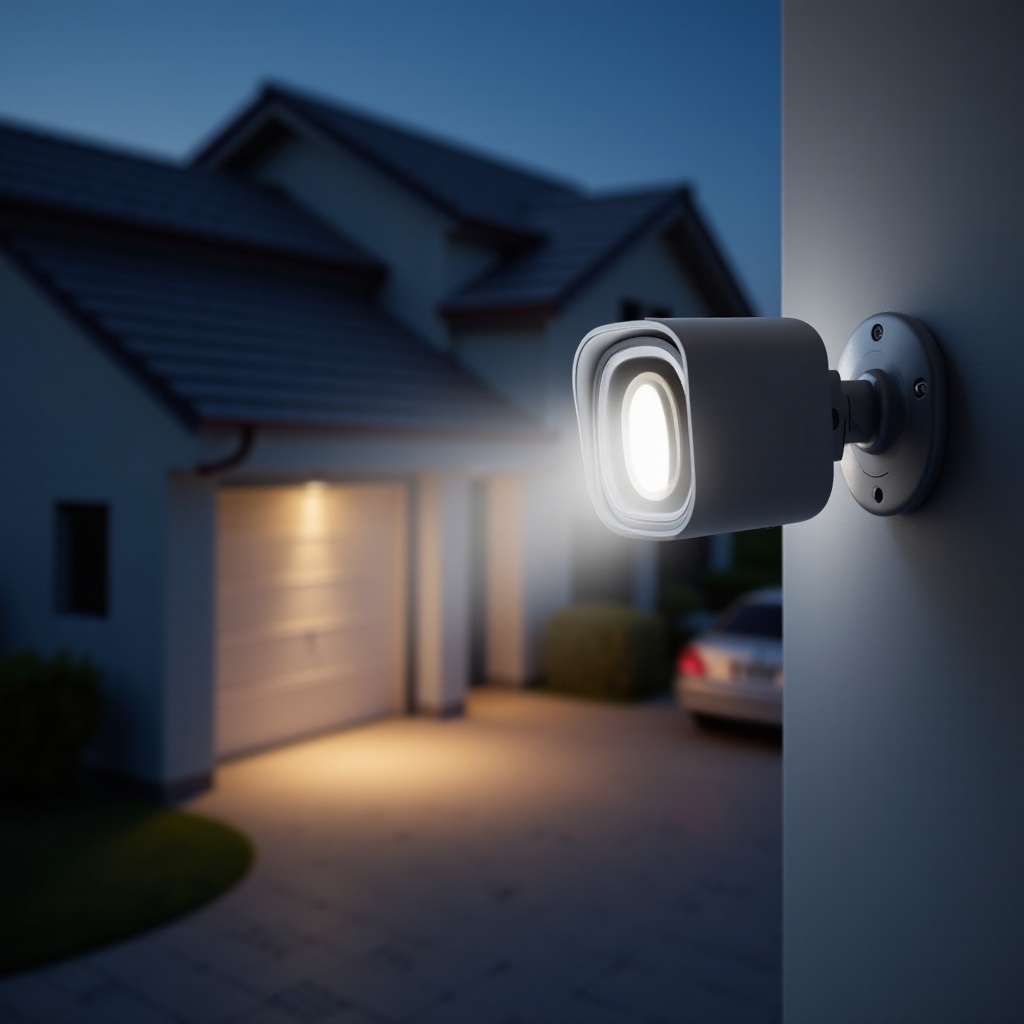
Quick Picks: Best Security Camera with Floodlight for Every Budget
Choosing can feel overwhelming, so here are fast picks to narrow the field:
– Best Overall: Ring Floodlight Cam Wired Pro — strong radar‑aided detection, reliable app, polished ecosystem with Alexa.
– Best Image Quality: Arlo Pro 3 Floodlight Camera — crisp 2K video, bright LEDs, solid color night vision.
– Best No‑Subscription Local Storage: eufy Floodlight Cam E340 — on‑device AI, local recording, dual‑camera versatility.
– Best Budget Pick: Wyze Cam Floodlight Pro — generous features for the price, microSD support, bright and adjustable lighting.
– Best for Wide Driveways and Yards: Reolink Duo Floodlight Wi‑Fi or PoE — ultra‑wide view, NVR options, flexible power.
These quick picks give you a starting point. Next, we break down the features that separate a great fit from a near miss, so you can choose with confidence.
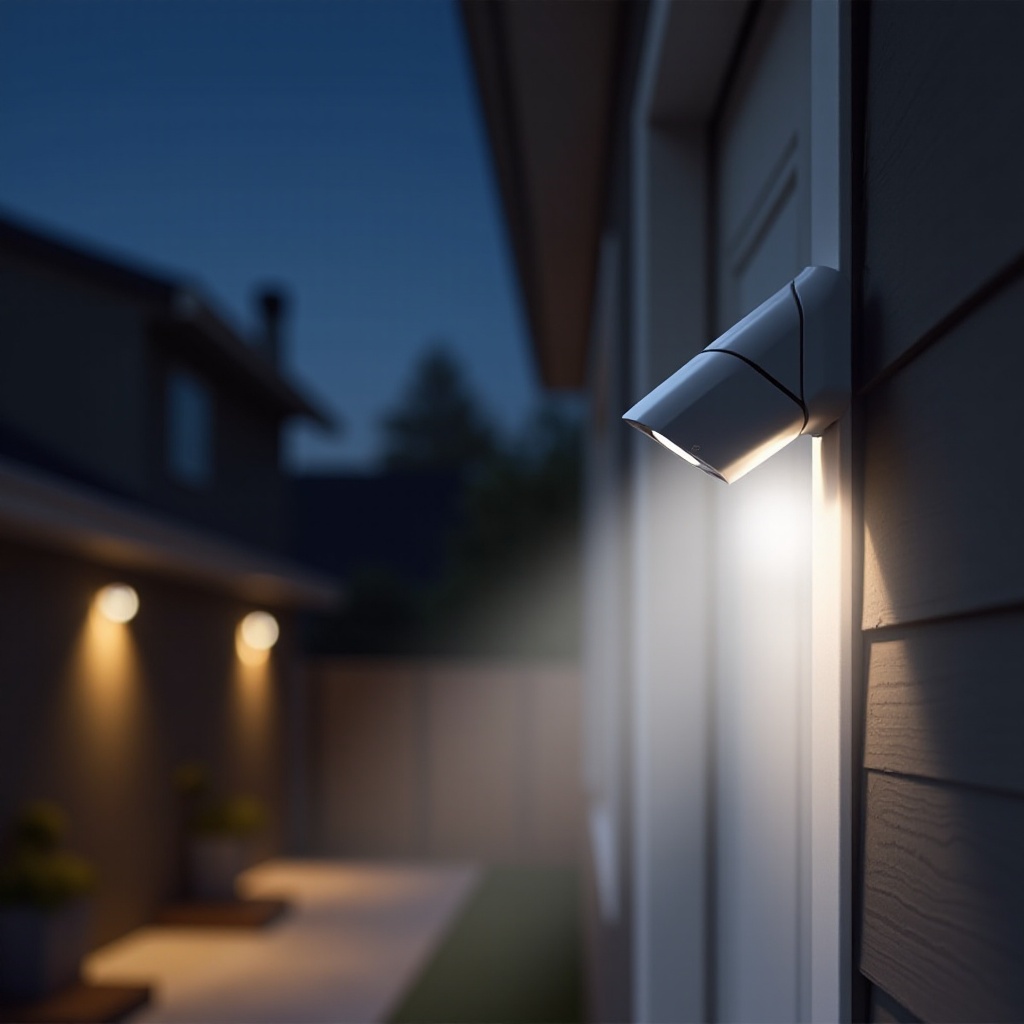
How to Choose a Security Camera with Floodlight
The right choice depends on your space, network, and tolerance for ongoing fees. Focus on these essentials:
– Brightness and beam pattern: Aim for 2,000 to 3,000 lumens or more for large driveways. Adjustable light heads help shape coverage and cut glare. Cooler color temperatures maximize visibility, while warmer tones can look more welcoming.
– Video quality and night vision: 2K resolution or higher improves detail such as faces and plate characters at close range. HDR reduces blown highlights and dark shadows under bright LEDs. Color night vision works best with sufficient light; infrared is useful when you keep lights off.
– Motion detection and alerts: Look for AI that distinguishes people, vehicles, and animals. Custom zones and sensitivity controls cut false alerts from branches, bugs, and passing cars. Faster notifications translate to faster decisions.
– Power and connectivity: Hardwired floodlight cams offer stable, continuous power. PoE options add reliability and simplify centralized recording. For Wi‑Fi models, a strong 2.4 GHz signal gives range, and 5 GHz can reduce congestion when supported.
– Storage and subscriptions: Cloud plans add longer history and smarter alerts. Local storage via microSD, NVR, NAS, or HomeKit Secure Video reduces ongoing fees and improves privacy. Hybrid setups combine both for resilience.
– Smart home integration: Confirm support for Alexa, Google Home, or HomeKit. Automations like routines, announcements, and geofencing add convenience and reduce noise.
– Weather resistance and durability: Check IP rating and operating temperature. Sturdy housings, sealed joints, and UV‑resistant plastics handle sun, rain, and snow.
With the criteria clear, you can match a camera to your coverage goals and daily habits. The next section maps these needs to actual products.
Top Picks and Who They’re For
- Ring Floodlight Cam Wired Pro: Ideal for homes already using Ring or Alexa. Radar‑aided motion and a capable app deliver timely, accurate alerts. The dual LEDs are bright, and a built‑in siren boosts deterrence. A Ring Protect plan unlocks full video history and rich notifications.
- Arlo Pro 3 Floodlight Camera: Great for buyers who want sharp video, a bright integrated light, and flexible power. Color night vision looks impressive when the floodlight activates. Arlo’s app is polished, and smart detection improves with a plan. It integrates well with Alexa and Google Home.
- eufy Floodlight Cam E340: A strong choice for local storage and lower long‑term costs. On‑device AI reduces dependency on the cloud. Dual cameras expand coverage and detail. It suits privacy‑minded owners who still want smart notifications without monthly fees.
- Wyze Cam Floodlight Pro: Best for tight budgets. You get bright, adjustable LEDs, a capable camera, and microSD recording. The Wyze app continues to evolve and adds features often. Reliability has improved, but expect some tinkering.
- Google Nest Cam with Floodlight: Perfect for Google Home families. Video looks clean, and the floodlight ties into routines with minimal friction. A Nest Aware plan unlocks longer history and refined detection for a smooth experience.
- Reolink Duo Floodlight Wi‑Fi or PoE: Built for wide coverage and local recording. The ultra‑wide view covers large driveways and yards. PoE models pair well with NVRs and NAS storage for robust, subscription‑free setups.
- Eve Outdoor Cam for HomeKit Secure Video: Designed for Apple‑centric homes that value privacy and end‑to‑end encryption. It records to iCloud within HomeKit Secure Video and integrates with Apple automations.
These profiles show how each model fits a specific use case. If more than one looks right, the next comparison highlights the key differences that matter day to day.
Head‑to‑Head Comparison: Key Differences That Matter
Lighting performance dictates what the camera can see. Ring and Arlo deliver strong brightness with even spread; Wyze and Reolink provide competitive lumens for less. Adjustable heads reduce lens flare and let you focus light on walkways and driveways. Video and audio quality influence what you can identify and how well you communicate. Arlo and eufy stand out for sharp 2K detail and balanced HDR; Ring and Nest offer consistent exposure and natural color. Check for clear microphones, loud speakers, and a siren that truly deters. Detection accuracy shapes trust. With subscriptions, advanced AI does a better job of filtering cars and animals from people. Local‑AI options like eufy reduce cloud dependence while staying useful. Storage choices define costs over time. Eufy and Reolink excel at local recording, while Ring, Arlo, and Nest shine with polished cloud apps and easy remote access. App experience is the glue; fast scrubbing, reliable timelines, and stable notifications mean you use the system more. Price still matters, but weigh it against subscription fees and power options to understand total value.
Installation Guide: From Old Fixture to Smart Floodlight Camera
A careful install pays off with better reliability and cleaner video. If you feel unsure, hire a licensed electrician. Work safely and follow local code.
1) Safety first: Cut power at the breaker. Confirm with a non‑contact tester. Use a weatherproof junction box and gasket for outdoor locations.
2) Remove old fixture: Unscrew the existing light, disconnect wires, and clean the surface. Verify a solid mounting point and a proper ground.
3) Prep tools and parts: Gather a screwdriver set, wire stripper, electrical tape, waterproof wire connectors, ladder, drill, mounting hardware, and outdoor‑rated silicone.
4) Mount and wire: Attach the bracket, then connect line, neutral, and ground as the manual shows. Keep connections tight and protected. Seal gaps to keep water out.
5) Aim lights and camera: Adjust light heads to avoid shining into the lens or neighbor windows. Angle the camera to cover entry points, paths, and driveways.
6) App setup and updates: Connect to Wi‑Fi or PoE, update firmware, and set a strong password. Name your camera and verify the live view and recordings.
A tidy install reduces false alerts and keeps your gear running through storms and seasons. Now you can fine‑tune detection and automations.
Optimization and Automation for Fewer False Alerts
Smart settings turn good hardware into a great system. Start with motion zones that exclude streets and tree lines. Adjust sensitivity to catch people near doors without flagging distant cars. Then apply schedule tools to tame notifications:
– Set quiet hours for non‑urgent alerts overnight.
– Use geofencing to pause alerts when you are home and resume when you leave.
– Enable person‑only or vehicle‑only alerts if your camera supports them.
Reduce visual noise by trimming branches, moving the fixture to minimize glare, and lowering brightness if insects swarm. If your camera supports IR‑only night mode, try it when you want stealth monitoring without visible light. Tie the floodlight camera into smart home routines for action that matters:
– Turn on pathway lights when the camera detects motion after sunset.
– Announce visitors on smart speakers when the door area triggers.
– Trigger a siren or interior light scene when a person is detected while you are away.
These tweaks keep alerts relevant and make your system feel helpful, not noisy. Next, plan storage so footage is there when you need it most.
Storage and Subscriptions: What You Will Actually Pay
Budget for both the hardware and your preferred storage model. Cloud plans from major brands add longer history, smarter alerts, and easy remote access. Fees scale with the number of cameras and retention days. Local storage avoids recurring costs and can improve privacy:
– microSD cards record clips directly on camera. Use high‑endurance cards and replace them periodically.
– NVR and NAS setups capture multiple streams in one place. They suit larger properties and users who want control.
– HomeKit Secure Video stores encrypted footage in iCloud within Apple’s ecosystem.
Hybrid strategies give the best of both worlds. Record locally for fast access and rely on the cloud for off‑site backup. Plan capacity and bandwidth:
– Estimate daily motion events and bitrate to size storage.
– Decide how many days of history you need before auto‑delete.
– Confirm your upload bandwidth can handle 24‑7 recording if you enable it.
With costs and capacity sorted, the next step is integration, which turns video into real‑world actions.
Smart Home Integration: Getting the Most from Your Floodlight Camera
A security camera with floodlight becomes more valuable when it works with other devices. With Alexa or Google Home you can:
– View live video on smart displays.
– Trigger spoken announcements for person detection.
– Run routines that turn on interior lights when outdoor motion occurs.
Apple users can choose cameras that support HomeKit or HomeKit Secure Video for encrypted recording and consistent notifications. Advanced users can dive into IFTTT or Home Assistant to build custom logic and scenes:
– Flash landscape lights if the floodlight triggers after sunset.
– Post a snapshot to a team chat when the siren activates.
– Arm or disarm motion detection when your alarm panel changes mode.
Integrations reduce manual steps and help you respond faster. Once automations work smoothly, focus on privacy and security to protect your network and footage.
Privacy and Security Best Practices
Protect your system with strong accounts and secure networks. Use unique, long passwords and enable two‑factor authentication. Keep firmware current to patch exploits. Limit what the camera sees and records:
– Configure privacy zones to exclude neighbor areas and public sidewalks.
– Use schedules or a physical shutter, if available, for planned downtime.
– Disable audio recording if local law or preference requires it.
Review your vendor’s data policies and retention rules. Prefer local or end‑to‑end encrypted options if that matches your comfort level. Secure your network by placing cameras on a guest SSID or VLAN, using strong Wi‑Fi encryption, and monitoring login alerts. These steps keep your system resilient and respectful of privacy while still delivering useful evidence.
Price and Total Cost of Ownership
Sticker price is only part of the equation. Add installation time, storage gear, and subscriptions to see the real number over two to three years. Consider electricity as well. LED floodlights use little power, but frequent activations add up. Ask yourself:
– Do I need a cloud plan for AI detection and multi‑camera history?
– Can I rely on local storage to cut recurring fees?
– Will PoE or Wi‑Fi cost more to run and maintain in my setup?
Look for bundle deals and annual plan discounts. Maintain value by cleaning lenses, checking mounts, and updating firmware. If you plan to upgrade later, pick ecosystems with good resale demand and backward‑compatible accessories. When you tally these costs, you are less likely to overbuy and more likely to get a system that fits.
Troubleshooting and Maintenance
Even a solid setup needs occasional care. If Wi‑Fi drops or clips buffer:
– Move your router or add a mesh node closer to the camera.
– Use 2.4 GHz for range and 5 GHz for less interference, if supported.
– Check channel congestion and update firmware.
If you miss motion or alerts arrive late:
– Tighten zones, raise sensitivity, and shorten cool‑down time.
– Aim the camera slightly lower to capture faces and entry paths.
– Confirm phone notification settings and battery optimizations are not blocking alerts.
Fix image and lighting issues:
– Clean the lens and brush away webs or dust.
– Re‑aim lights to avoid shining into the lens and causing flare.
– Use HDR or exposure settings to counter headlight glare at night.
Seasonal checks keep things reliable. Tighten hardware, test seals, and make sure drains are clear. Small adjustments maintain performance year‑round.
Alternatives by Use Case
Different homes need different solutions. Consider these paths:
– Best no‑subscription local choice: eufy Floodlight Cam E340 combines on‑device AI with local storage and bright LEDs. It is ideal for owners who want control without monthly fees.
– Best PoE and NVR friendly floodlights: Reolink Duo Floodlight models pair with PoE switches and NVRs for reliable, centralized recording. They fit larger properties and users who prefer wired networks.
– Best for Apple ecosystems: Eve Outdoor Cam integrates with HomeKit Secure Video for encrypted, private recording and seamless automations in the Home app.
– Best for renters or minimal drilling: Arlo’s floodlight camera supports flexible mounting and battery operation. Use existing junction boxes when possible and non‑destructive mounts where required.
Define your top need — no fees, wired reliability, Apple‑first privacy, or simple install — and choose the model that delivers that benefit with the fewest compromises.
Conclusion
A security camera with floodlight offers bright deterrence and clear footage in one device. You have seen which specs shape performance, how detection and storage change costs, and which brands fit different ecosystems. Match brightness and video quality to your space. Pick detection and storage that align with your budget and privacy goals. Install with care, tune zones, and build automations that help rather than distract. With a thoughtful plan, your floodlight camera will reduce false alerts, improve awareness, and deliver evidence when it counts.
Frequently Asked Questions
Are floodlight security cameras better than using separate lights and cameras?
A combined unit simplifies wiring and keeps lighting and recording in sync. Motion turns on bright LEDs and captures clear footage at once. Separate devices can work well, but they often require more setup and coordination.
Do I need a subscription to use a security camera with floodlight features?
No. Many models support microSD, NVR, NAS, or HomeKit Secure Video. Subscriptions add longer history, advanced AI, and easy remote access. Choose based on your budget and privacy needs.
Can I install a floodlight camera if I do not have existing wiring?
Yes. You can add a junction box or select a battery‑capable model. For new wiring, hire an electrician if you are unsure about safety or code. PoE options also offer a clean path when Ethernet is available.