Introduction
The right laptop can significantly boost a web developer’s efficiency and creativity. With continuous advancements in technology and growing web application demands, having a machine that keeps pace is vital. This guide explores essential features and highlights our top picks for 2024, helping you choose a laptop tailored to your development needs.
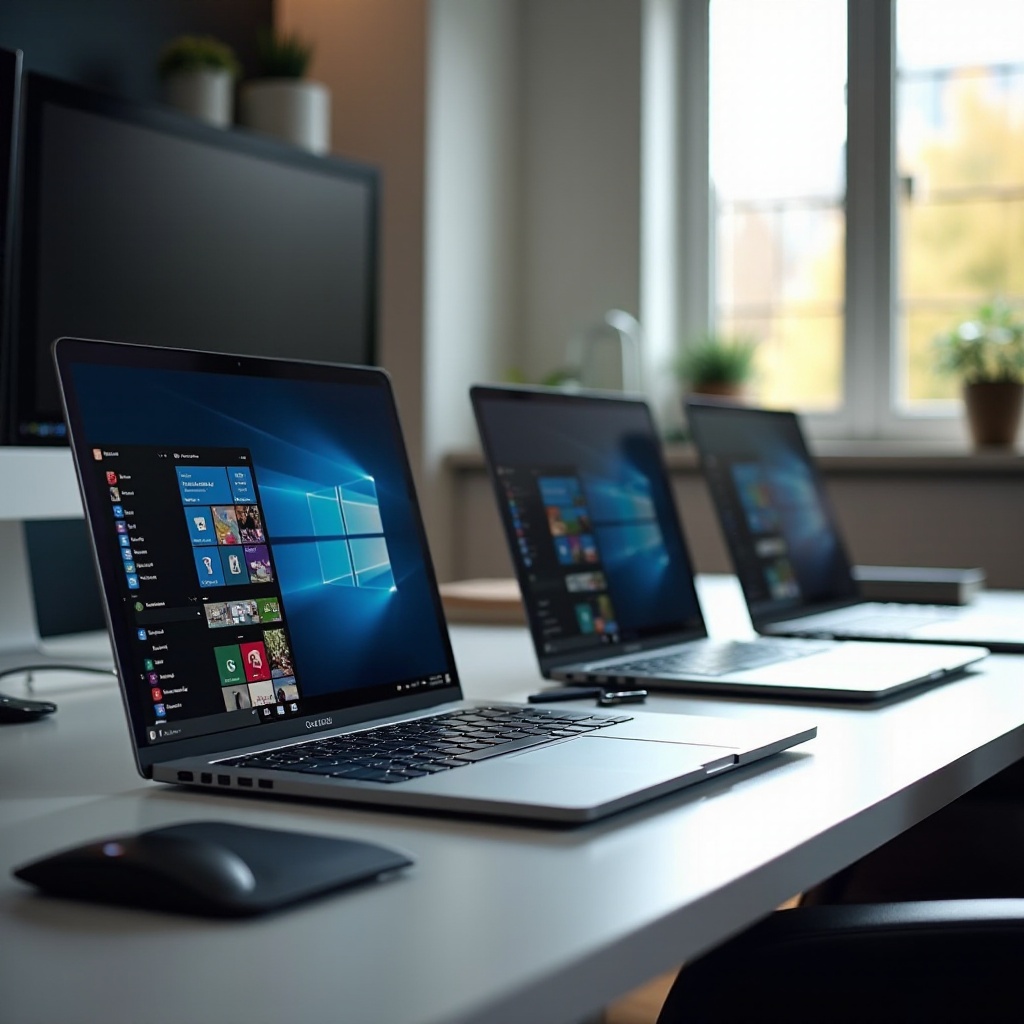
Key Features to Consider in a Web Dev Laptop
When selecting a laptop for web development, you should focus on several crucial features to ensure it meets your performance expectations.
-
Processor and RAM: A powerful CPU and enough RAM are crucial for smooth operation. Look for at least an Intel i7 or AMD Ryzen 7, with 16GB of RAM or more to efficiently manage complex tasks.
-
SSD Storage: SSDs should be preferred over HDDs for faster boot and application loading times. A minimum of 512GB SSD is advised.
-
Graphics and Display: While integrated graphics might be enough for basic tasks, dedicated GPUs enhance performance for design-heavy work. Ensure your display is crisp, preferably with Full HD resolution.
-
Battery Life: For developers on the go, long battery life is non-negotiable. Choose a laptop with at least 8 hours of battery support.
With a clear understanding of these features, you can better consider the outstanding models available this year that match your criteria.
Top Picks for 2024
Matching features with individual tasks and preferences is crucial. Here are our top laptop picks for 2024:
Apple MacBook Pro (M3)
Combining power and efficiency, Apple’s MacBook Pro with the M3 chip offers unmatched performance. The macOS environment is optimized for web development, enhancing software integration. Its Retina display provides excellent clarity, making it ideal for designing. M3’s processing power ensures smooth multitasking and reliability in performance.
Dell XPS 15 (2024 Edition)
The Dell XPS 15 blends power with elegance through its latest Intel processors and NVIDIA GTX graphics, making it perfect for demanding development tasks. Its InfinityEdge display delivers stunning visuals, enhancing coding and design endeavors. The XPS’s robust features and excellent keyboard create a fantastic user experience.
Lenovo ThinkPad X1 Carbon Gen 12
Preferred by many for portability without sacrificing performance, the Lenovo ThinkPad X1 Carbon Gen 12 is a powerhouse for productivity on the move. Its durability and superior keyboard support demanding workflows, while its powerful internals and extensive battery life are ideal for developers frequently on the go.
ASUS ROG Zephyrus G14 (2024 Model)
ASUS’s ROG Zephyrus G14 uniquely balances gaming and development capabilities. With Ryzen processors and top-tier GPUs, it excels in complex coding tasks. Its compact and travel-friendly design, complemented by a backlit keyboard, makes it suitable for late-night work.
Now, let’s explore more budget-friendly yet efficient laptops for those who aim to save money without compromising on quality.

Budget-Friendly Alternatives
Not all developers need premium machines. Here are some budget-friendly contenders that deliver excellent performance:
Acer Aspire 7
The Acer Aspire 7 provides substantial power affordably. With a robust processor and sufficient RAM, it’s perfect for junior developers or those concentrating on less resource-intensive projects.
HP Pavilion x360 (2024)
HP’s Pavilion x360 brings versatility with its convertible design, ideal for developers needing a flexible device. Even at a lower price, it doesn’t skimp on performance or build quality.
While these budget-friendly options offer incredible value, also consider additional features to enhance your overall experience.
Additional Features to Enhance Developer Experience
Enrich your selection by paying attention to:
- Port Selection and Connectivity: Ensure you have enough USB ports, HDMI, and Thunderbolt connections for peripherals.
- OS Preferences: Choice between Windows, macOS, or Linux relies on your comfort and software environment preferences.
These factors combined with performance specs are important in choosing your laptop.

Conclusion
A suitable laptop makes web development more streamlined and enjoyable. From premium models delivering peak performance to cost-effective options exceeding expectations, 2024’s selection has something for every developer. Assess your feature priorities, consider budget limitations, and pick the laptop aligning best with your professional aspirations.
Frequently Asked Questions
What is the best screen size for a web development laptop?
Most developers find 13 to 15-inch screens optimal, balancing portability and readability.
Should I prioritize CPU or GPU for web development?
Focus on a strong CPU first, especially for code compilation; consider a GPU for design or multi-display setups.
How much RAM is recommended for web development in 2024?
At least 16GB of RAM is recommended to handle multitasking and resource-intensive applications efficiently.