Introduction
The Mac Mini, celebrated for its compact design and robust capabilities, often finds its value underestimated as newer technology emerges. If an old Mac Mini is gathering dust in your closet, it’s time to rediscover its potential. Instead of discarding this versatile machine, consider giving it a new purpose. Through creativity and some practical adjustments, you can transform your dormant device into a powerful tool for various functions. Let’s delve into how you can breathe new life into your old Mac Mini with several ingenious ideas.
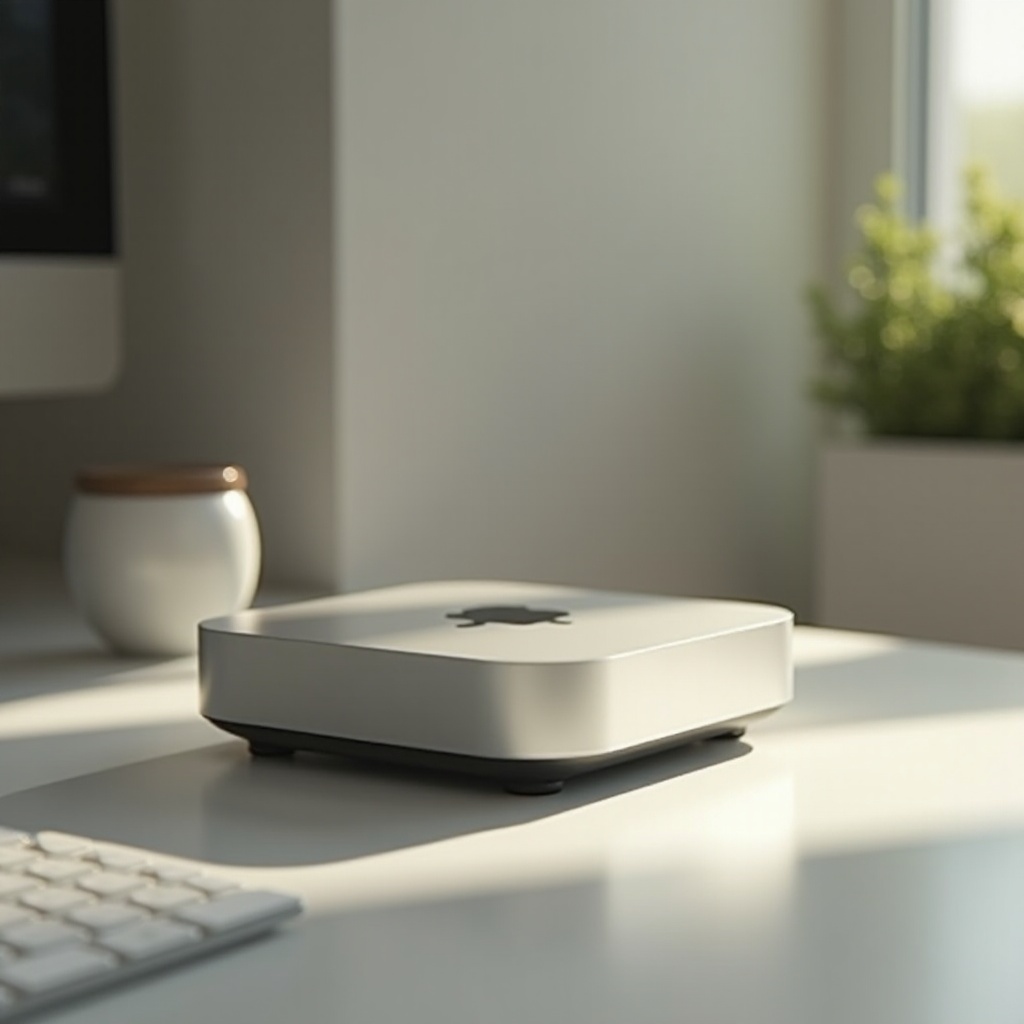
Turn Your Old Mac Mini into a Media Center
Transforming your Mac Mini into a media center can immensely enhance your home entertainment experience. With a few easy steps, you can use it to stream your favorite movies, play music, and view photos on the big screen.
-
Install a Media Server Software: Start by installing Plex Media Server or a similar application on your Mac Mini. These platforms allow you to organize and stream your entire media library effortlessly.
-
Connect to Your TV: Utilize an HDMI cable to link the Mac Mini to your television. This setup ensures a seamless connection between your media library and viewing experience.
-
Configure Settings: Adjust the audio and video settings as needed. Ensuring optimal settings will provide the best media experience possible.
Once configured, this media hub promises an endless array of entertainment options, transforming simple evenings at home into captivating cinema nights.

Utilize It as a Personal Cloud Server
With your media needs covered, you can repurpose your Mac Mini by turning it into a personal cloud server. In an era where data privacy and accessibility are crucial, having personal control over your cloud can be remarkably beneficial.
-
Install Cloud Software: Choose cloud software like ownCloud or Nextcloud, which are user-friendly and secure, providing essential cloud functionalities such as file sharing and data synchronization.
-
Set Up Data Backup: Configure your Mac Mini to automatically back up critical data from your personal devices, ensuring all files remain secure and accessible anywhere.
By establishing your Mac Mini as a home-based cloud server, you maintain control over your data while potentially freeing up significant storage space on your other devices.
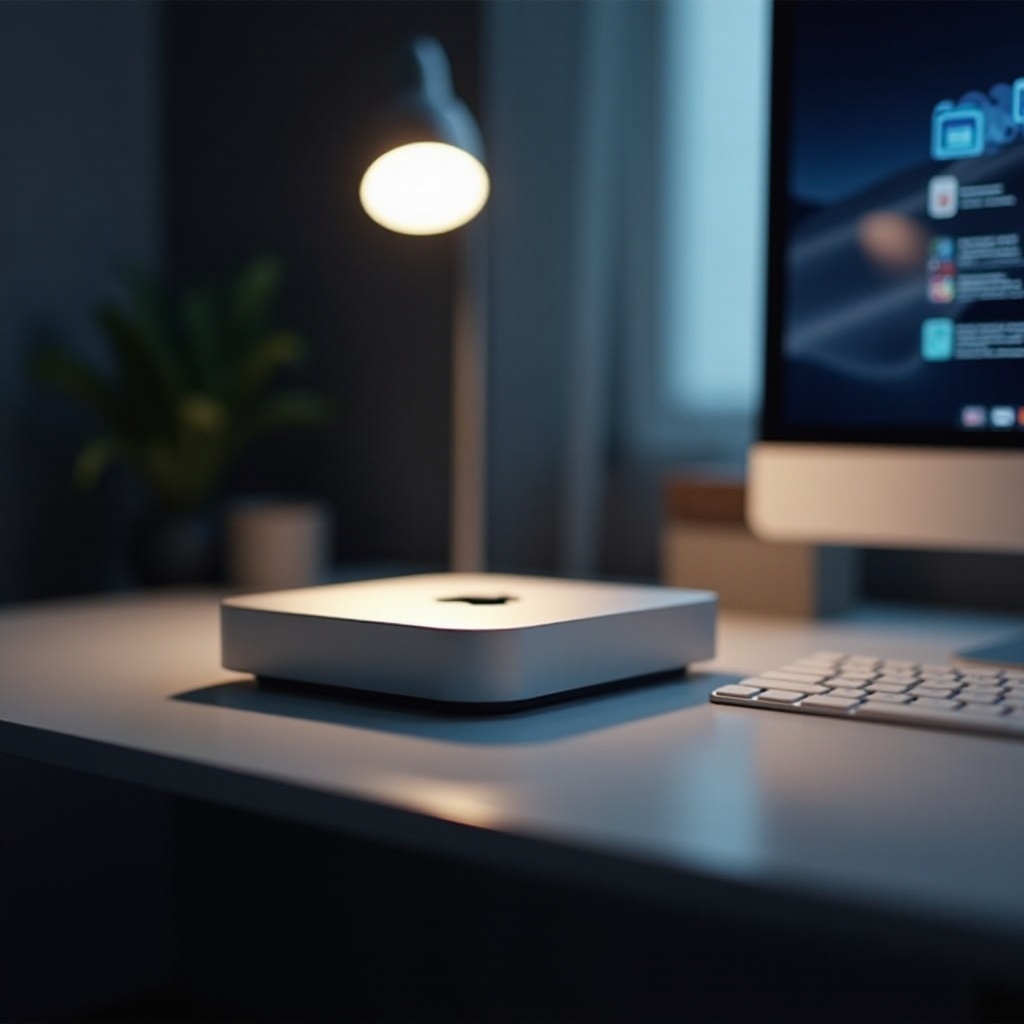
Create a Dedicated Home Office Machine
After securing your entertainment and data needs, the Mac Mini can serve as a dedicated home office workstation. Particularly in today’s flexible work environments, having a reliable workstation is invaluable.
-
Install Necessary Software: Equip your Mac Mini with essential productivity tools, such as Microsoft Office or Google Workspace, to facilitate efficient work processes.
-
Optimize for Performance: Modify the system settings to improve speed and multitasking capabilities, allowing for a smooth and uninterrupted work environment.
Your old Mac Mini can now become an indispensable asset in your home office, dedicated to managing your professional tasks seamlessly.
Upgrade and Enhance Performance
Now that your Mac Mini is handling a range of tasks, consider giving its hardware a boost to keep up with the demands. Enhanced performance is crucial to ensure longevity and smooth operations.
-
Upgrade RAM and Storage: Adding more RAM can significantly elevate your Mac Mini’s performance. Transitioning to a Solid-State Drive (SSD) from an HDD can dramatically reduce boot and load times, making the device feel brand new.
-
Clean and Maintain: Regular cleaning and scheduling maintenance prevent dust buildup and ensure your machine operates efficiently.
Through these upgrades, your Mac Mini’s longevity is extended, effectively transforming it into a future-ready device that adapts effortlessly to evolving tech needs.
Experiment with Different Operating Systems
With an upgraded system, you might feel inclined to explore new operating systems. This process can open doors to various opportunities, particularly for tech enthusiasts and developers.
-
Install Linux Distros: Consider trying Linux distributions like Ubuntu or Mint. Dual-booting with macOS presents a fresh interface tailored to diverse activities such as coding or software testing.
-
Explore Development Tools: Access unique tools available through different operating systems, aiding in software development and testing tasks specific to your needs.
By experiencing these different operating systems, you broaden the scope of your Mac Mini’s functions and embrace the dynamic world of open-source technologies.
Build a Smart Home Hub
After your technological adventures, consider turning your Mac Mini into a smart home hub. Integration into modern automation can revolutionize how you interact with your living space.
-
Integrate with Apple HomeKit: Allow the Mac Mini to command compatible smart devices by serving as the central hub.
-
Automate with IFTTT: Create automations using IFTTT (If This Then That) routines tailored to run seamlessly through your Mac Mini.
With a smart home hub, your environment evolves into a sophisticated, interconnected space, responsive to modern expectations of convenience and intelligence.
Conclusion
The journey of repurposing your old Mac Mini underlines its endless potential and impressive capacity beyond its original intent. Whether enhancing home entertainment, managing sensitive data, office productivity, or synchronizing a smart home environment, your Mac Mini evolves into a multi-purpose asset. These sustainable, innovative uses ensure a gratifying balance between advanced technology and ecological consciousness, emphasizing the continuous capability of your trusted device.
Frequently Asked Questions
How can I repurpose my old Mac Mini?
Repurposing options include setting it up as a media center, personal cloud server, home office machine, or a smart home hub.
Is it worth upgrading older Mac Mini models?
Yes, upgrading RAM and storage significantly boosts performance and extends the device’s usability.
Can I install Linux on my Mac Mini?
Yes, Linux distributions such as Ubuntu and Mint can be installed, providing a fresh OS environment for various tasks.